Interior Design
AI interior design from a photo
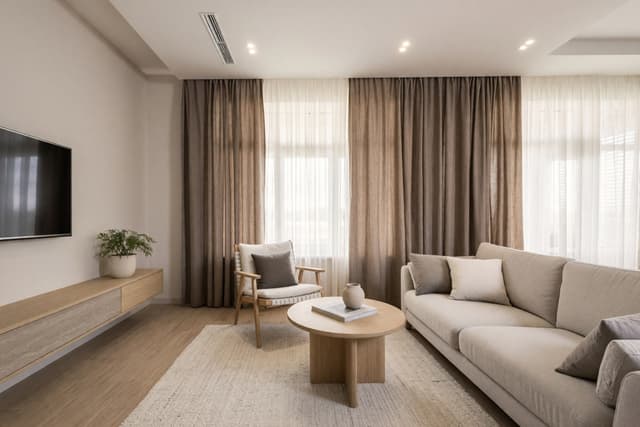
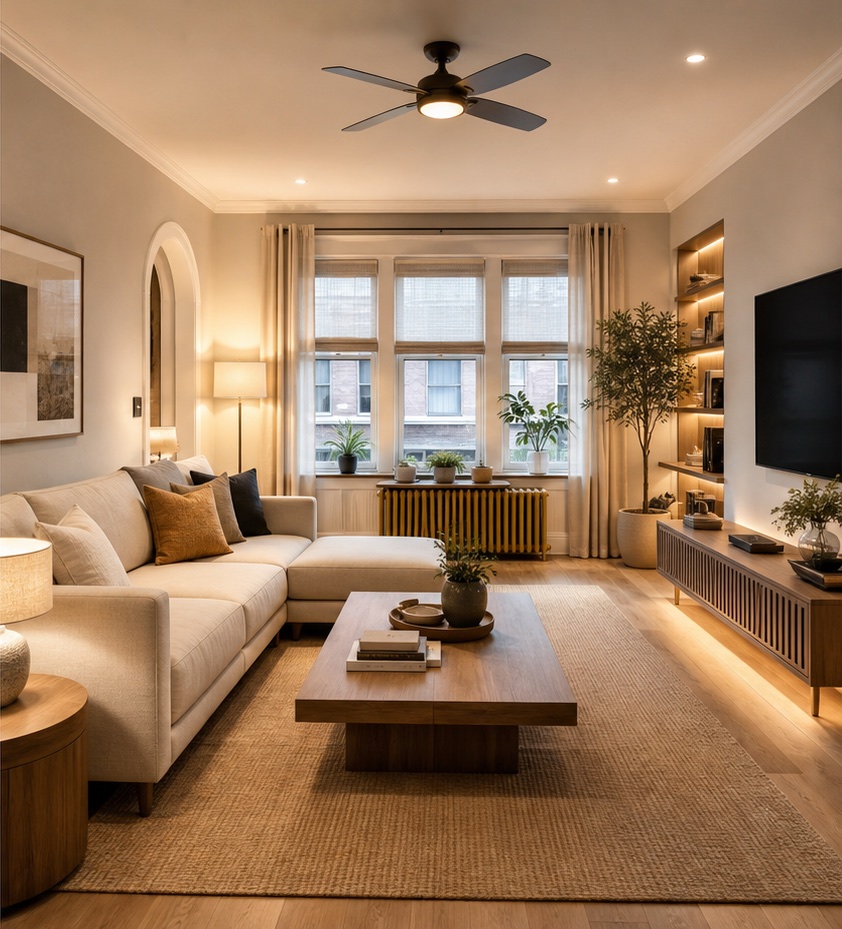
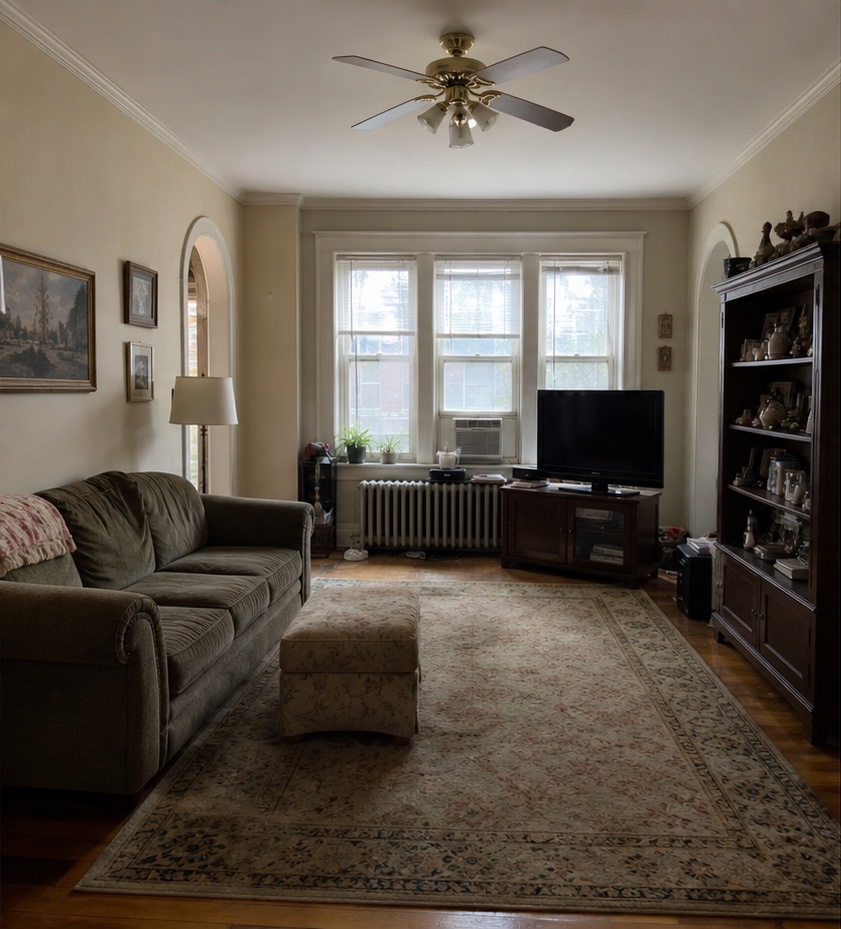
Upload a photo of a room, choose a style, and HomeCompose shows the same room redesigned. The walls, windows and camera angle stay in place, so you can compare before and after directly. You decide how far it goes, from a few new accents to a full makeover.
Free to try, no credit card needed.
How it works in 3 steps
Upload a room photo
One sharp, well-lit photo that shows the whole room.
Choose the look
Pick the room type, a style, a color palette and how much should change.
Compare
See the redesign next to your photo, then try another style or mode.
What to upload
A photo of a room
Who it's for
Homeowners
See your own living room, kitchen or bedroom in a new style before you buy furniture or paint. Compare a few styles side by side and keep the one that feels right.
Real-estate agents
Show buyers what a dated room could become. A refreshed version of the same room helps them look past old furniture and tired finishes.
Hotels and businesses
Preview a new look for guest rooms, lobbies, restaurants, cafés and offices from a photo of the current space, before you brief a designer or contractor.
Designers and architects
Show clients quick style options on a photo of their own space, then develop the chosen direction in your usual tools.
What changes and what stays
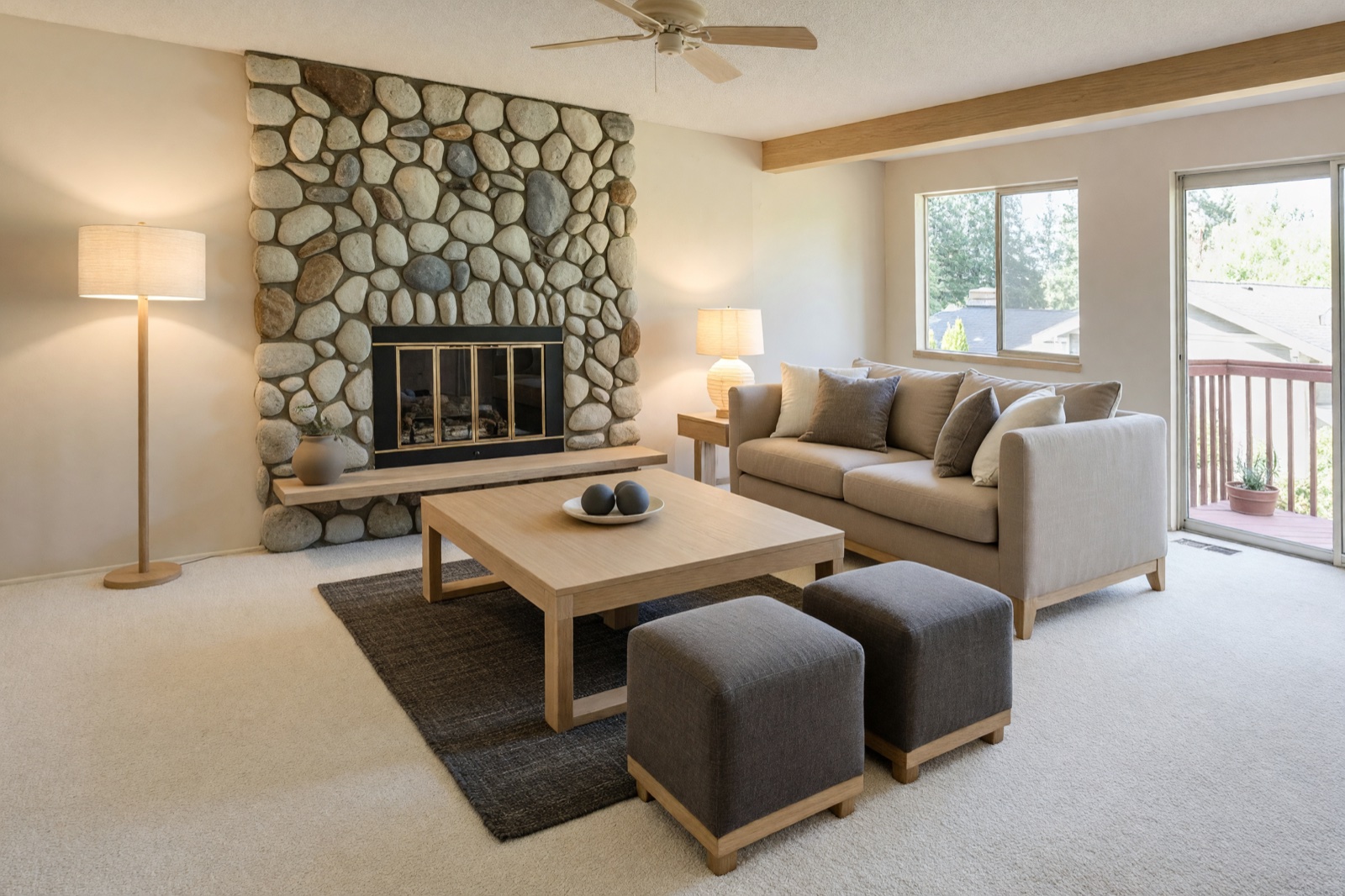
Interior Design edits your own photo instead of inventing a new room. The walls, columns, windows and doors stay where they are, and the floor plan stays the same. What changes is the design layer: furniture, rugs, textiles, lighting, colors and finishes. Because the camera angle stays the same, the result lines up with your original.
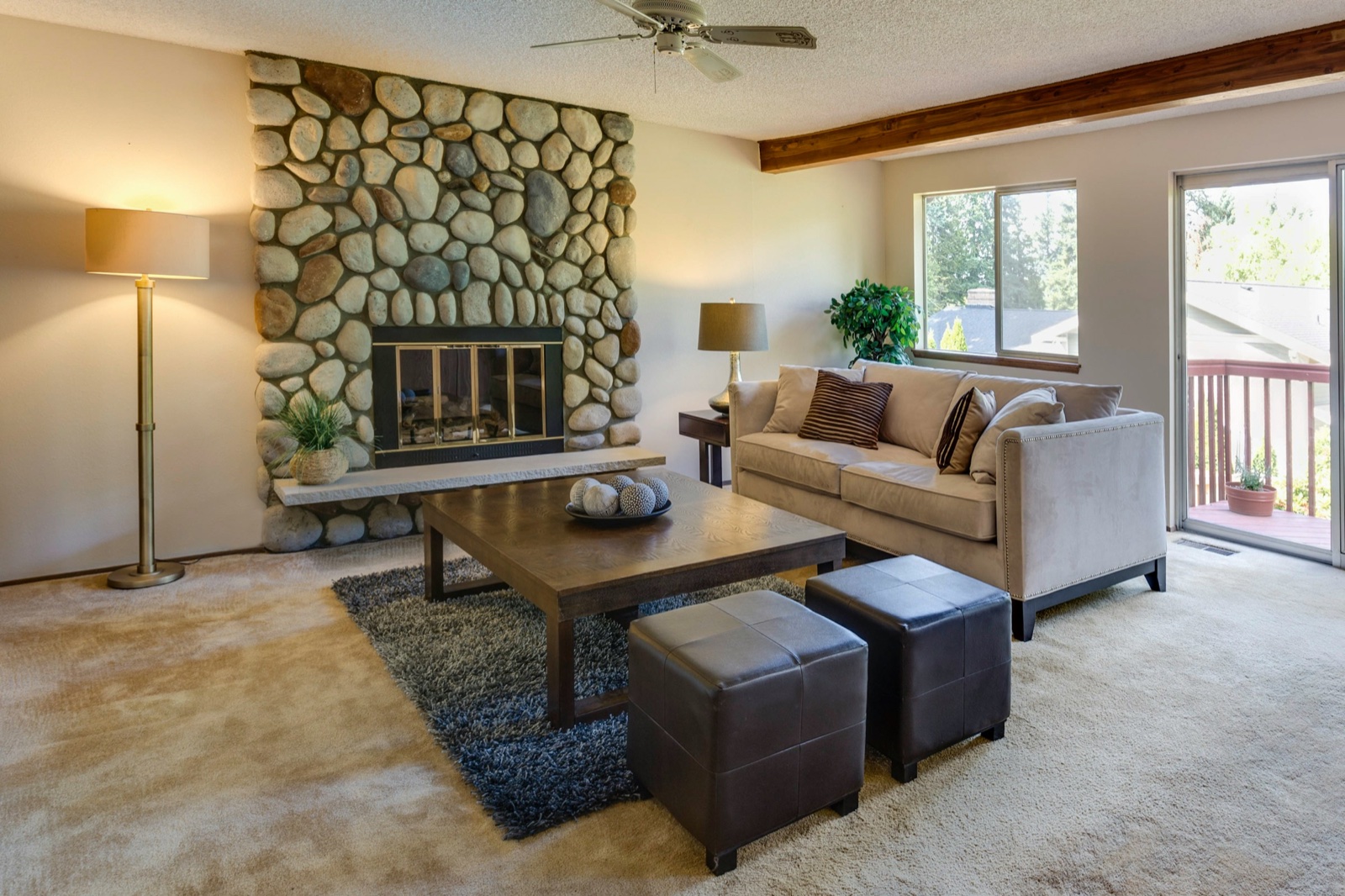
Four modes: choose how much changes
- Light Touch keeps your room as it is, furniture and colors included, and adds a few small accents in your style, such as plants, cushions, a throw and art.
- Structural Preservation keeps the walls, windows and floor plan and refreshes the furniture, textiles, lighting and surface finishes. It is the default.
- Bold Interior goes further and replaces the flooring, the wall finishes and built-in shelving and cabinets, for a new look inside the same architecture.
- Full Makeover goes furthest. It also redesigns the ceiling, the doors and the wall colors, while every wall, column, window and doorway stays where it is.
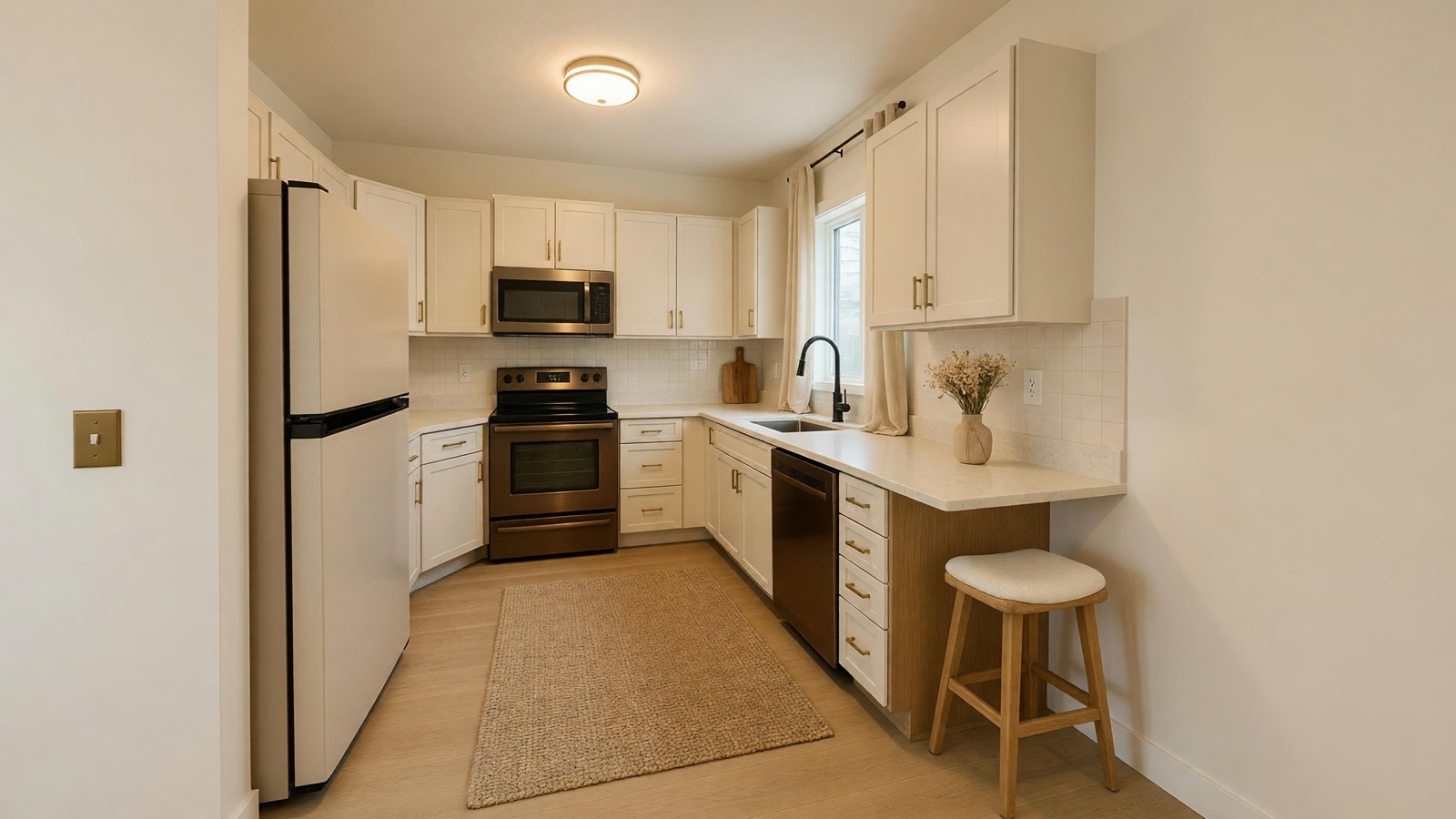
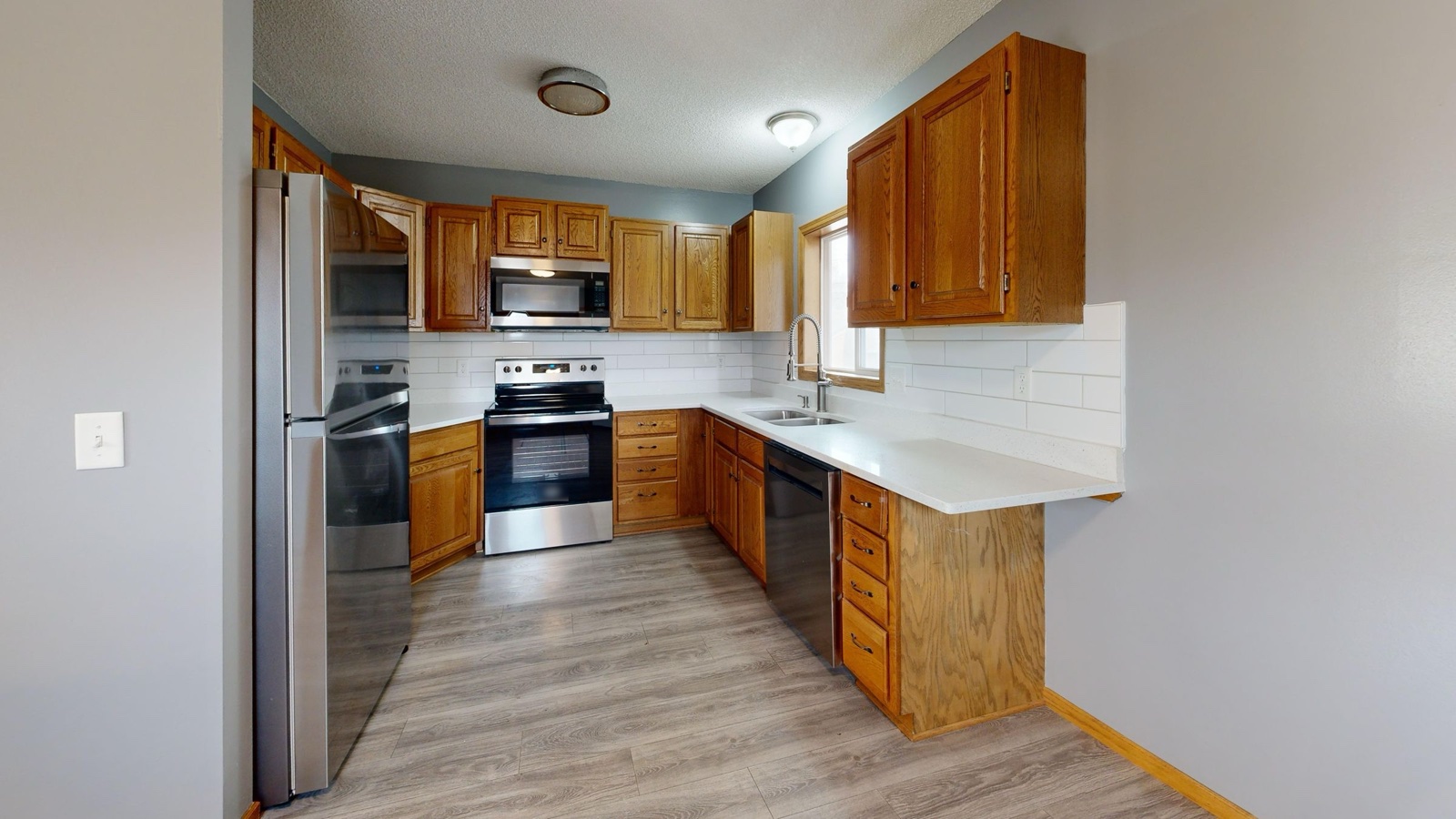
Bold Interior is the mode to try new cabinets, flooring and wall finishes together, for example in a kitchen, while the window position and the shape of the room stay the same.
Interior design styles, palettes and room types
Pick from more than a hundred styles, from Japandi, Scandinavian and modern farmhouse to coastal, industrial, mid-century modern and quiet luxury. If none fits, choose Custom and describe the look in your own words, for example "warm oak, cream linen, soft morning light". Then choose a color palette, let Surprise Me pick one, or set your own colors.
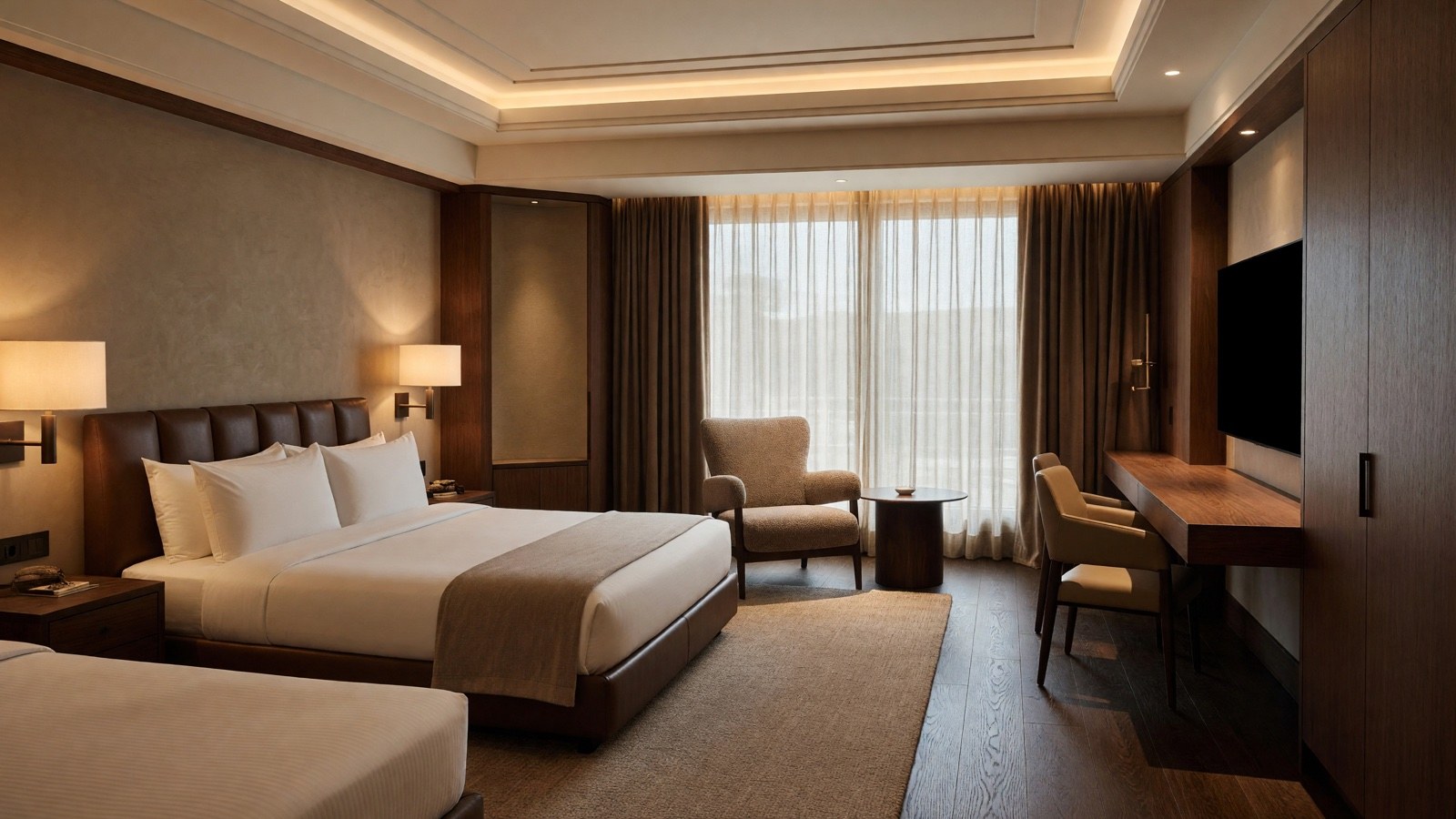
The room list covers kitchens, living rooms, bedrooms, bathrooms, home offices and kids' rooms, and also hotel rooms and lobbies, restaurants, coffee shops, offices and meeting rooms.
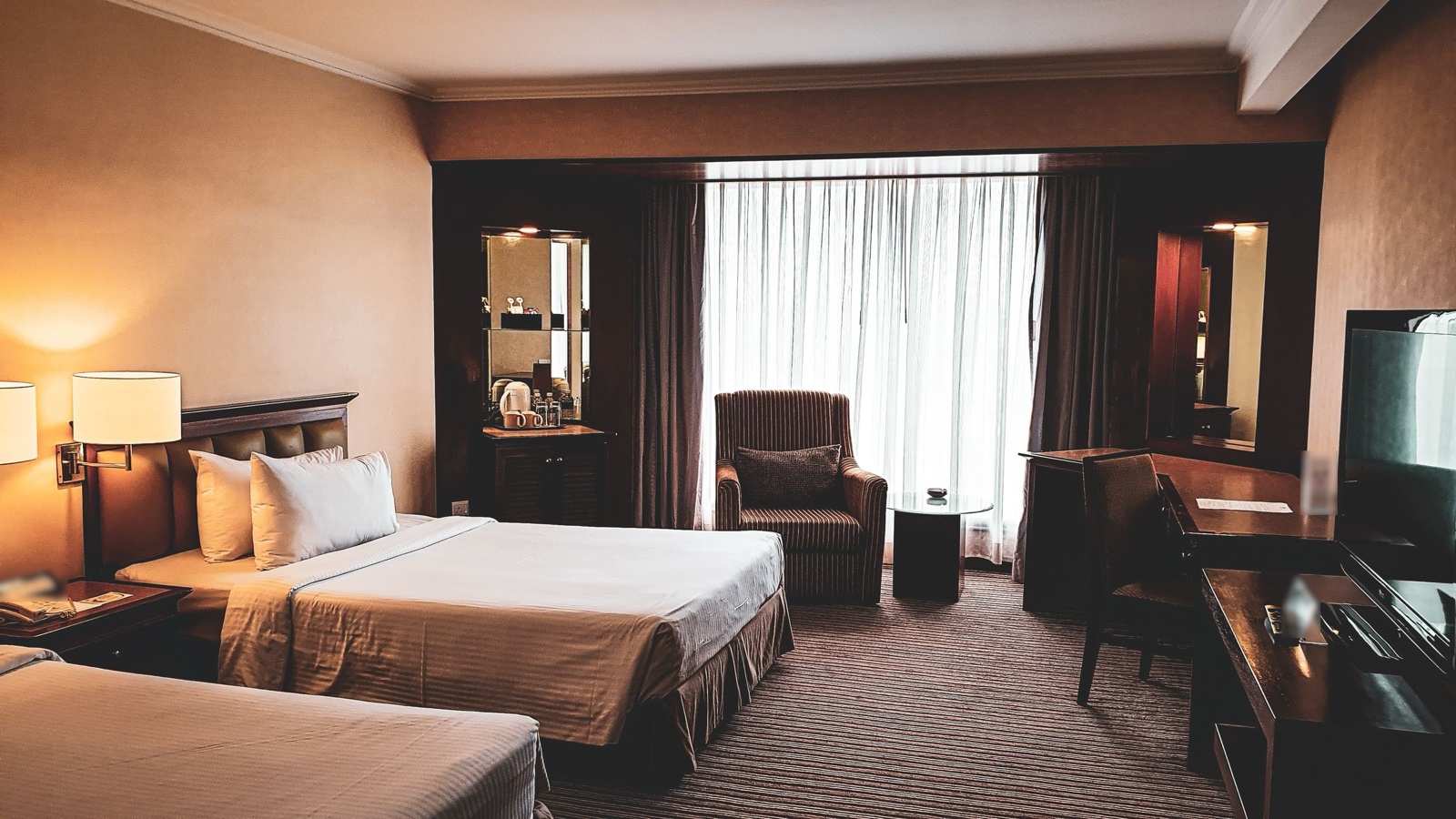
Tips for a good result
- Use one sharp, well-lit photo that shows the whole room from a straight-on angle. JPG, PNG, WebP and HEIC files up to 10 MB work.
- Start with Structural Preservation, then try a bolder mode if you want more change.
- To change only the floor, use Floor Restyle. For an empty room, Virtual Staging adds the furniture.
For a longer walk-through, read how to redesign a room from a photo, or see a full example in Japandi living room ideas.
Frequently asked questions
Does it keep my walls and windows?
Yes. In every mode the walls, columns and windows stay where they are, and the floor plan and camera angle stay the same. AI can still change small details, such as the size of a window frame, so compare the two images closely.
Can I redesign a hotel room, office or restaurant?
Yes. Choose the space from the room list. Hotel rooms, hotel lobbies and hotel bathrooms, restaurants, coffee shops, offices, meeting rooms and clothing stores are all included.
Can I use the design as a renovation plan?
No. It is a design idea and a visual presentation, not a construction drawing. Check measurements and details with a professional before you build or order anything.
Can I use the designs in client presentations or listings?
Designs made on a paid plan have no watermark and can be used commercially, for example in property listings or client presentations. Designs made on the free plan carry a watermark and are for personal, non-commercial use.