Floor Restyle
Floor visualizer: try new flooring on a photo
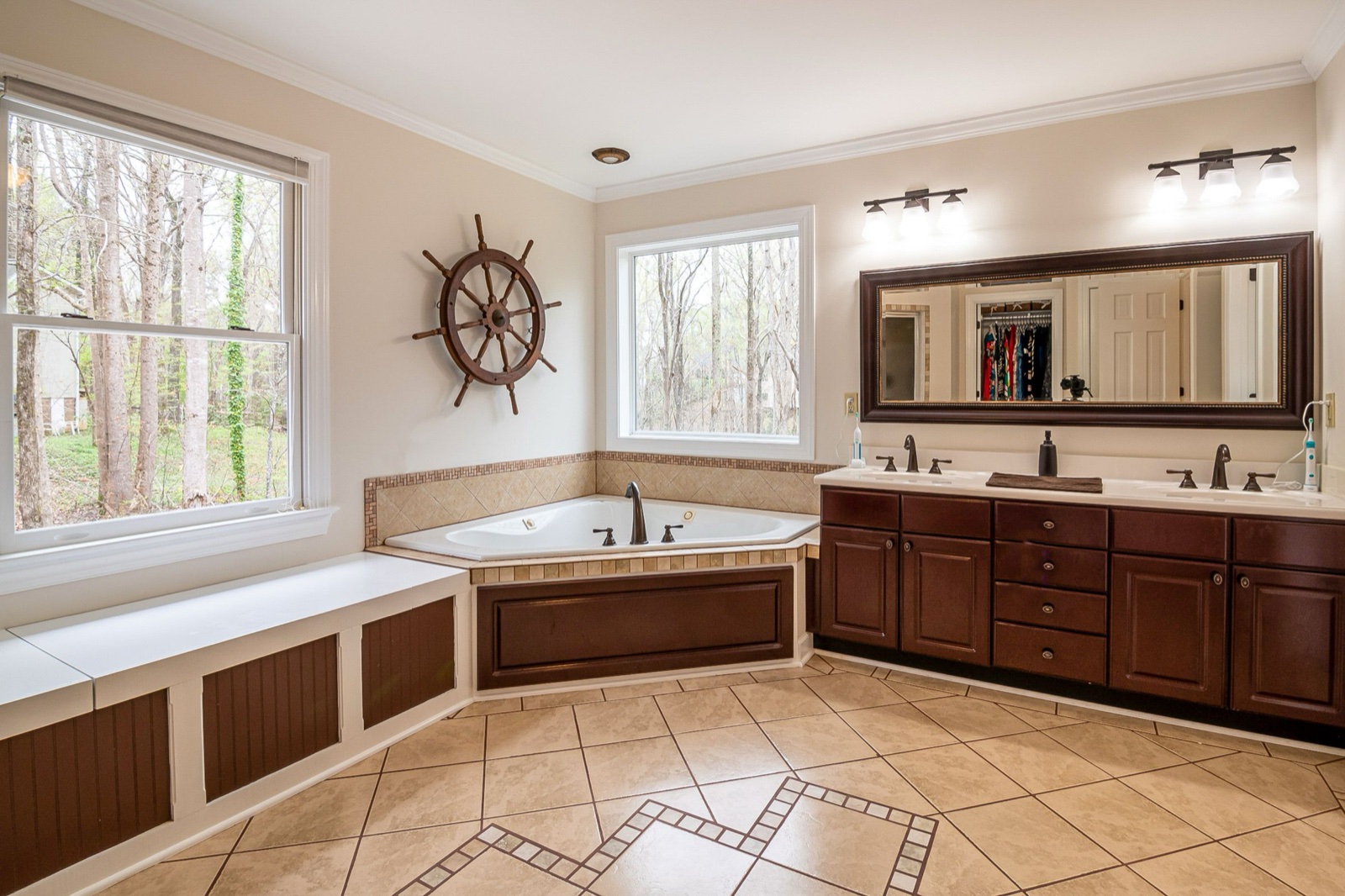
Upload a photo where the floor is visible, choose a material, and HomeCompose lays the new floor into your photo. The furniture, walls and camera angle stay as they are, so only the floor changes. It works for living rooms and bedrooms, bathrooms and kitchens, and balconies and terraces.
Free to try, no credit card needed.
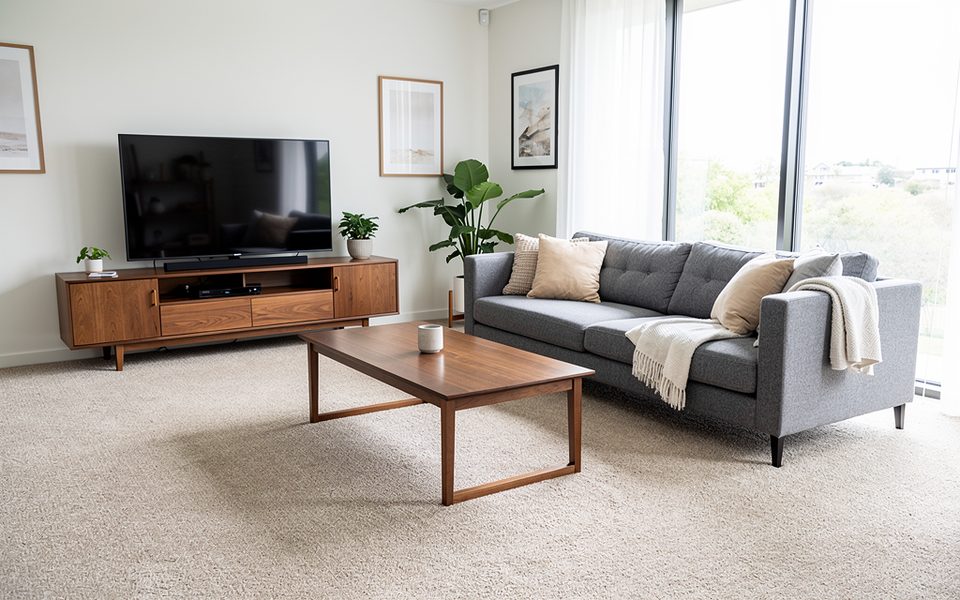
How it works in 3 steps
Upload a photo
A room, bathroom, kitchen or terrace where the floor is visible.
Choose the floor
Pick dry or wet area, then a material. Add a finish note if you like.
Compare
See the new floor next to your photo, then try another material.
What to upload
A photo where the floor is visible
Who it's for
Homeowners
Compare oak, tile or carpet on a photo of your own room before you visit a flooring store or order samples.
Real-estate agents
Show buyers how a room with old carpet or worn tiles could look with a new floor, next to the real photo.
Hotels and businesses
Try new flooring for hotel rooms, hallways, restaurants, shops or terraces before you ask for quotes.
Designers and architects
Show clients two or three floor options on their own space while you choose materials together.
See new flooring in your own room
Floor Restyle changes only the visible floor. The new material follows the room's edges, thresholds and steps, with realistic joints or grout, texture and reflections. Your furniture, decor, walls, doors and lighting stay as they are.
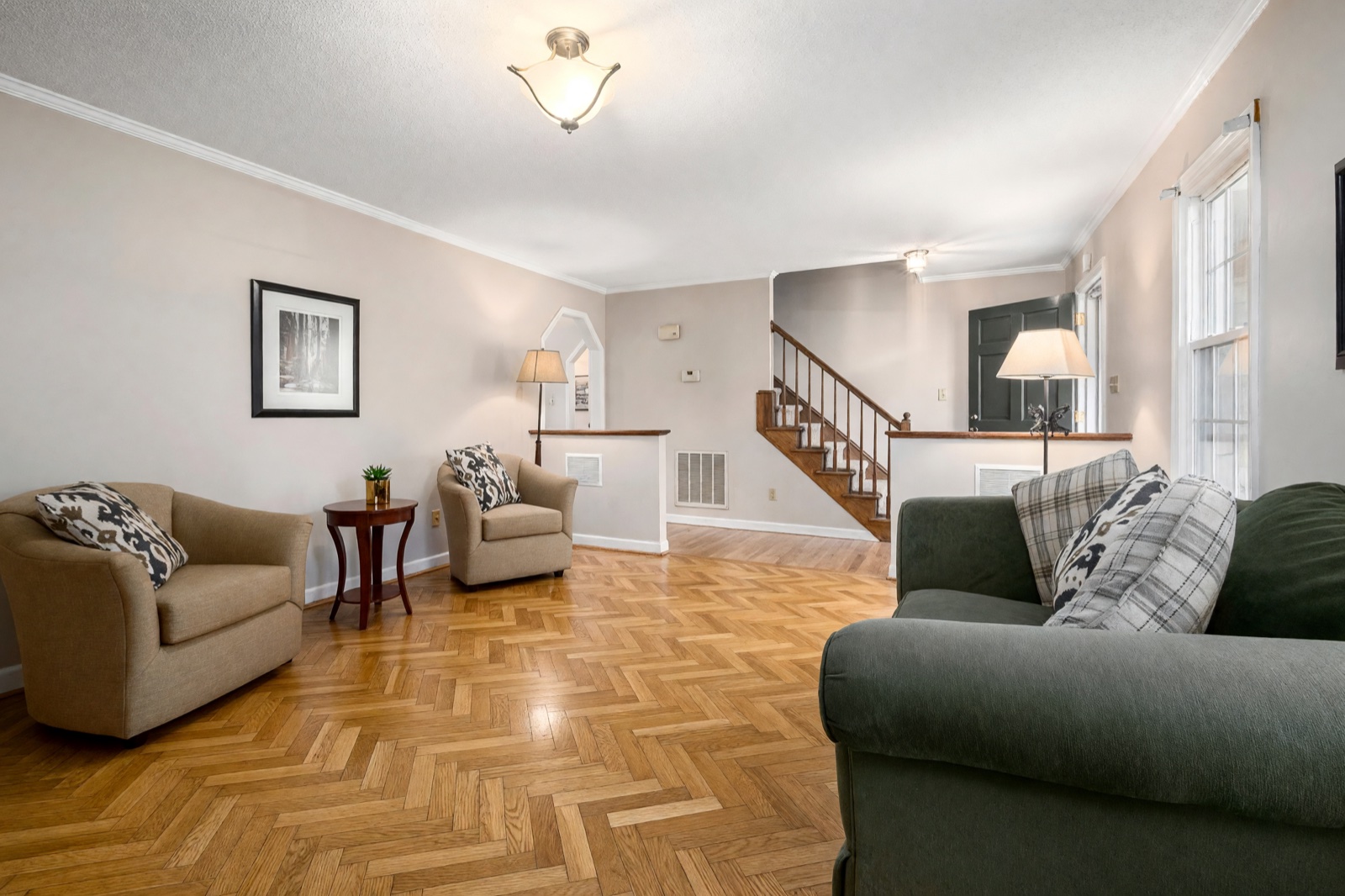
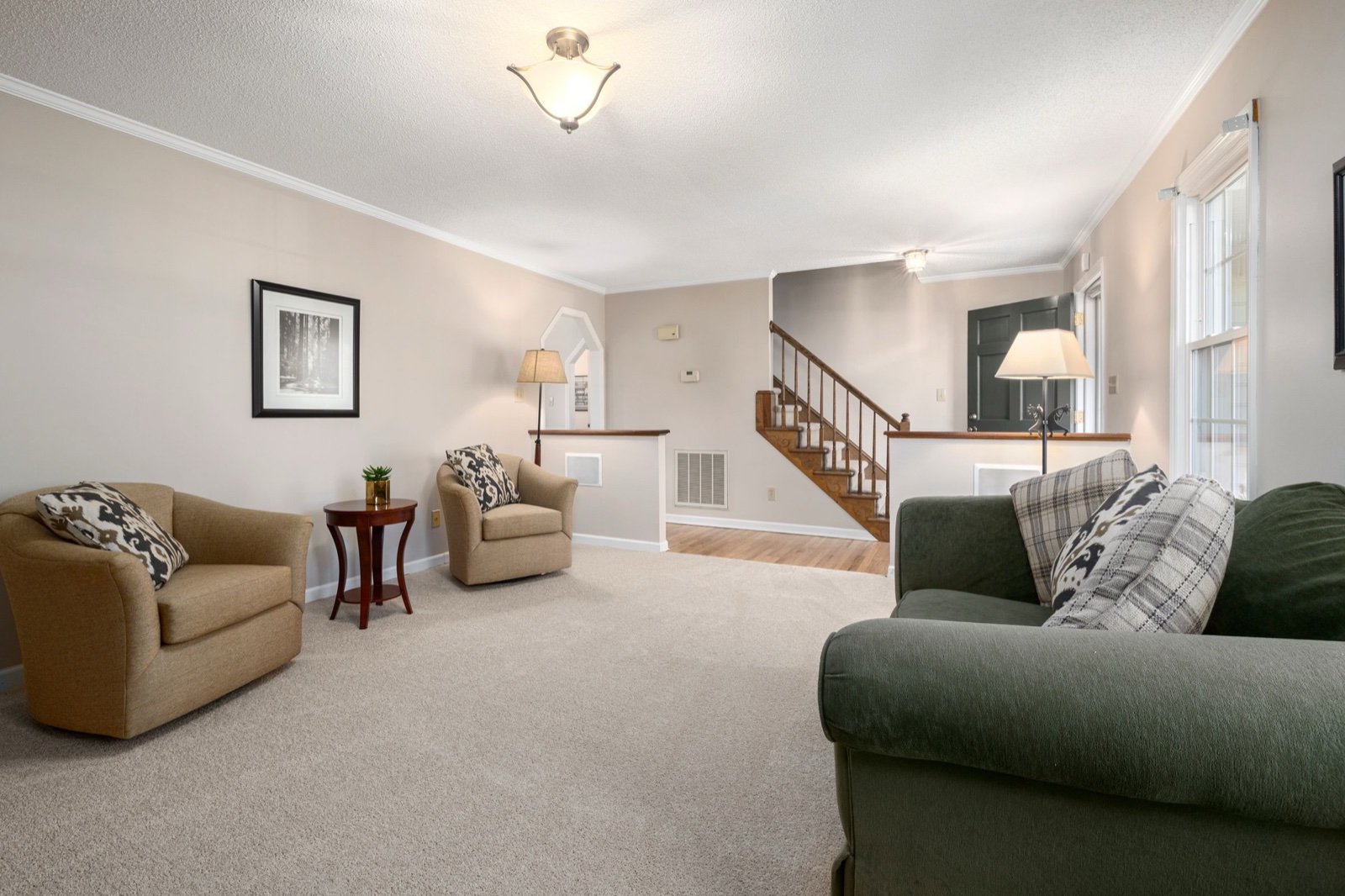
Flooring for dry areas and wet areas
First choose where the floor is. Each area type has its own list of 50 materials.
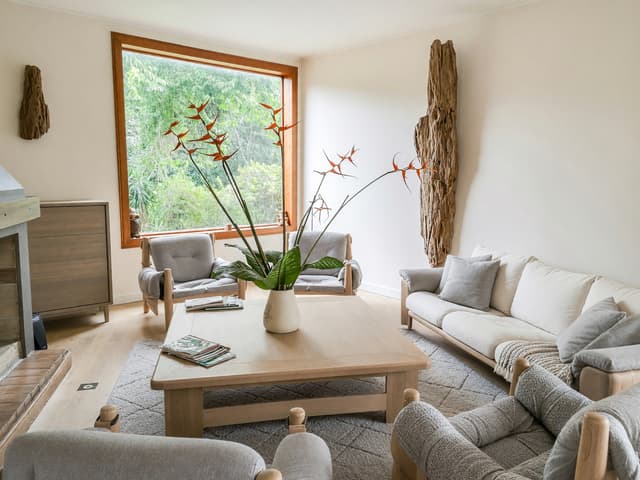
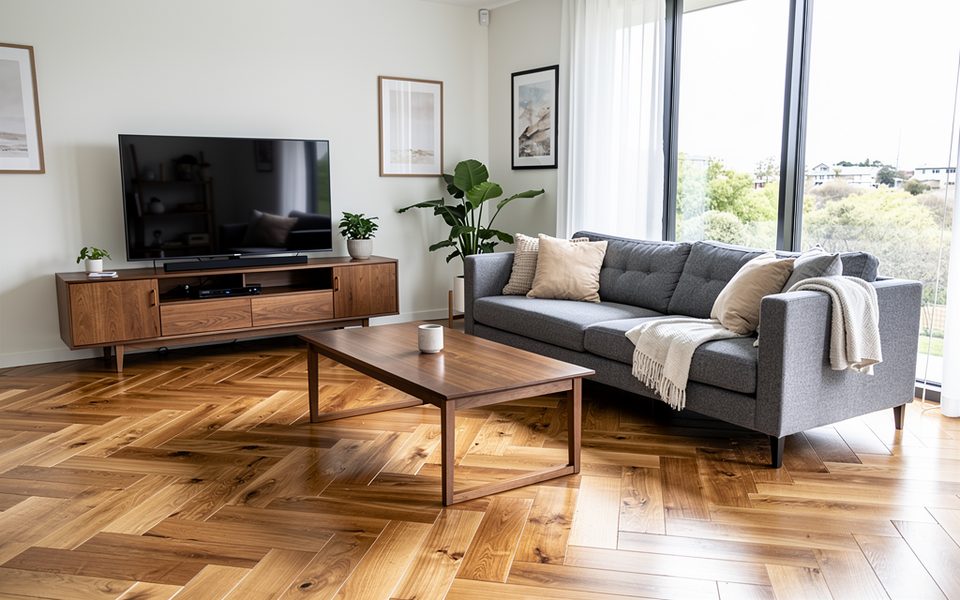
- Dry area: living spaces, bedrooms and hallways. Choose from oak, walnut and ash planks, herringbone and chevron parquet, bamboo, cork, carpet, sisal, polished concrete, terracotta and more.
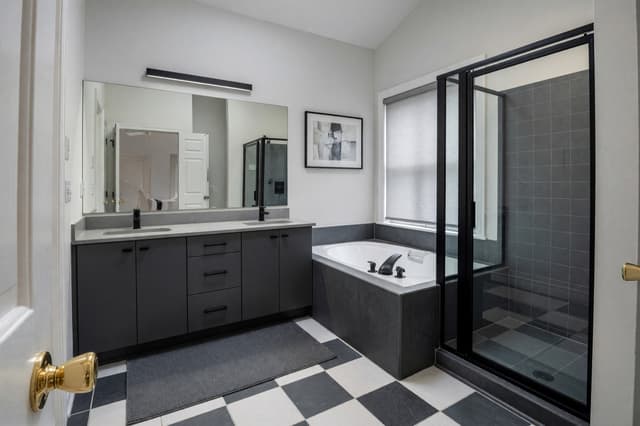
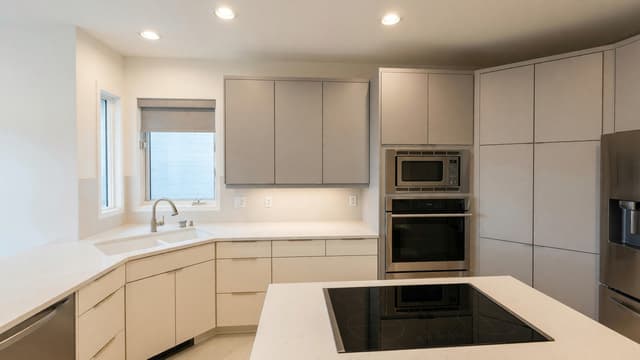
- Wet area: bathrooms, kitchens, balconies, terraces and similar spaces. Choose from marble, travertine, porcelain and ceramic tiles, zellige, terrazzo, mosaics and more.
The dry list also covers business spaces, with patterned hotel carpet, office carpet tiles, rubber gym flooring and epoxy. You can add a short note about the finish too, for example "matte finish, subtle joints".
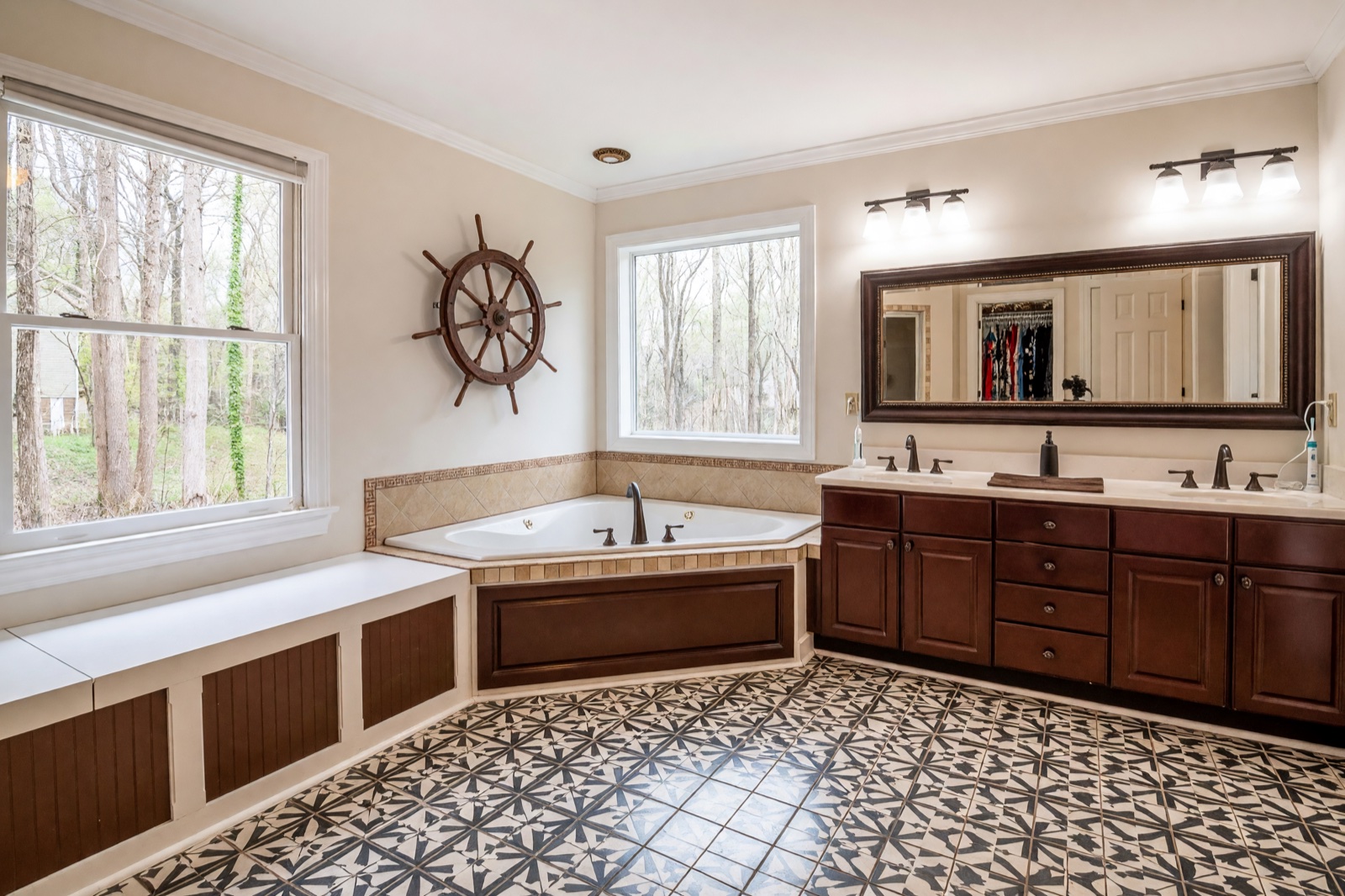
Flooring ideas for terraces and patios
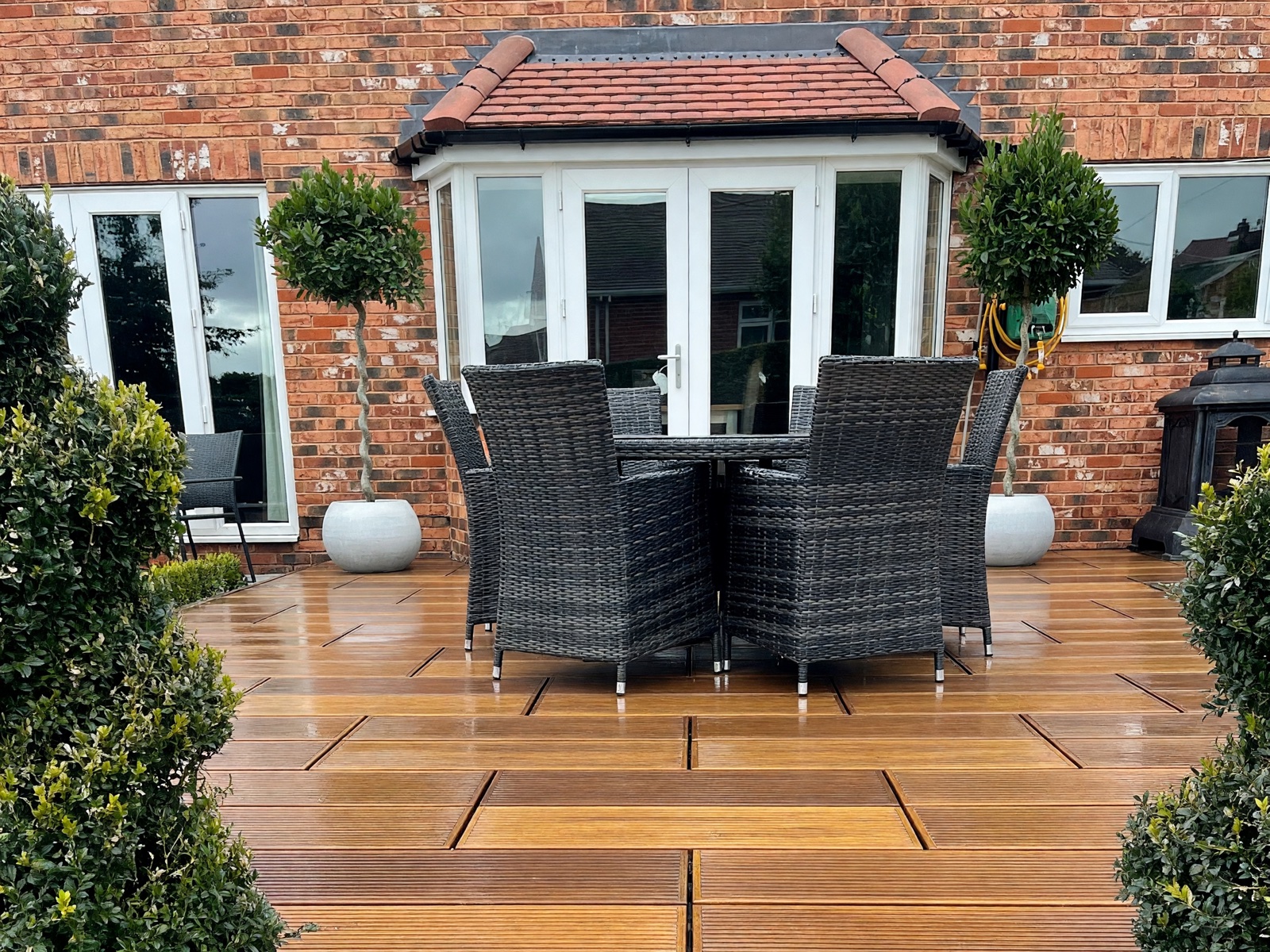
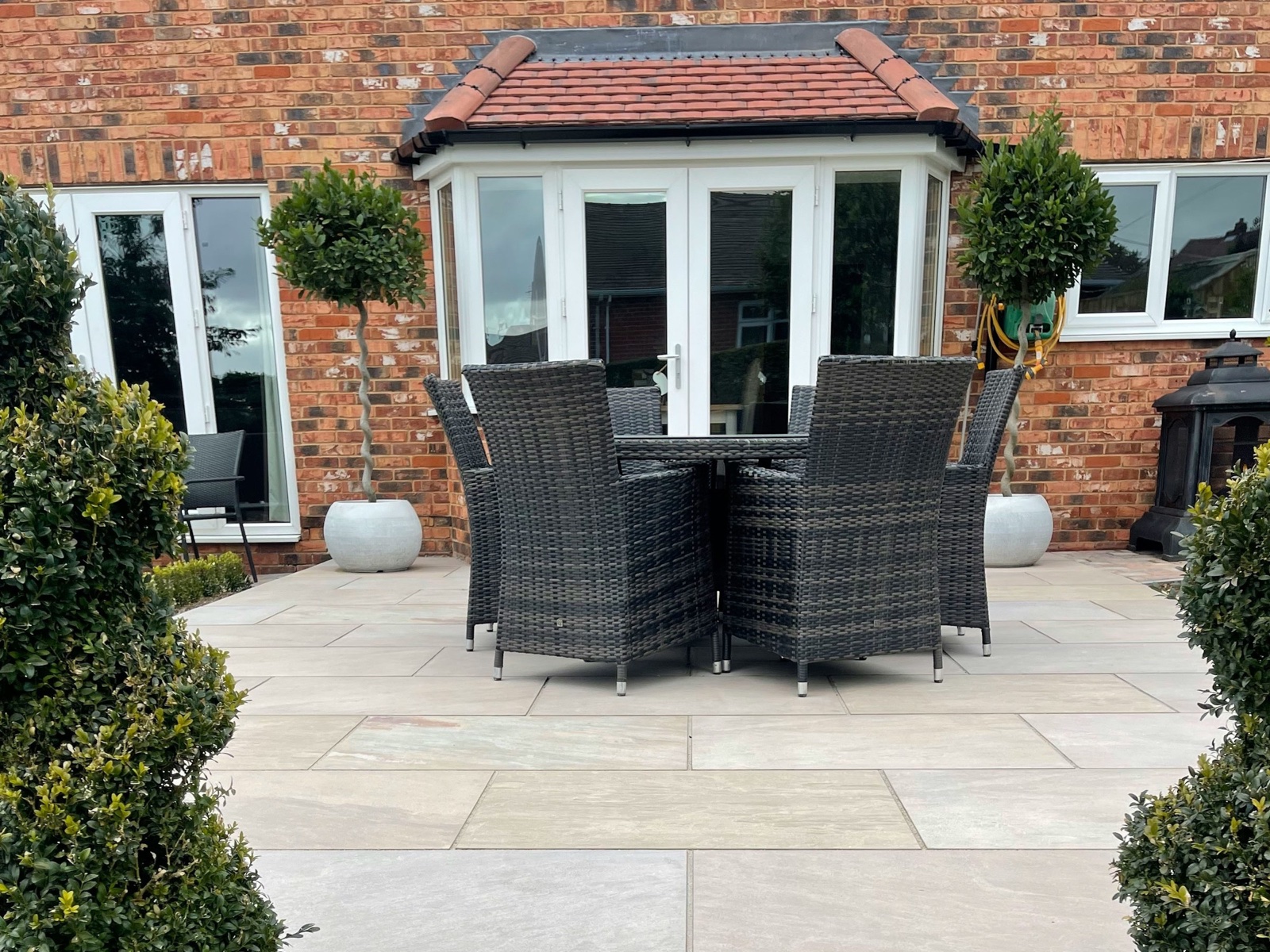
The wet area list also has outdoor materials: porcelain pavers, sandstone, bluestone, flagstone, cobblestone, teak and composite decking, and artificial grass. Use them to compare a new floor for a terrace, a patio or a balcony.
Tips for a good result
- Show as much of the floor as you can, with few things covering it.
- Use a sharp photo in even light. Dark corners hide the floor.
- Colors and patterns on screen are close, not exact. Check a real sample in your room before you order.
- To restyle the whole room, use Interior Design.
For flooring in context, see bathroom makeover ideas and modern kitchen ideas.
Frequently asked questions
Does it move or change my furniture?
No. Floor Restyle keeps the layout, furniture, decor, walls, doors and lighting as they are and changes only the floor. AI can still alter small details, so check the edges around furniture.
Can I try tiles in a bathroom or kitchen?
Yes. Choose Wet area to see materials made for bathrooms, kitchens, balconies and terraces, such as porcelain, ceramic, zellige, marble and mosaics.
Can I compare several materials?
Yes. Try one material, then another on the same photo. Your designs stay in your gallery, so you can come back and compare them.
Will my real floor look exactly like this?
Close, but not exactly. Real products vary in color, size and finish, so use the result to choose a direction and check a sample before you buy.
Can I use the result in a listing or client presentation?
Designs made on a paid plan have no watermark and can be used commercially, for example in property listings or client presentations. Designs made on the free plan carry a watermark and are for personal, non-commercial use.