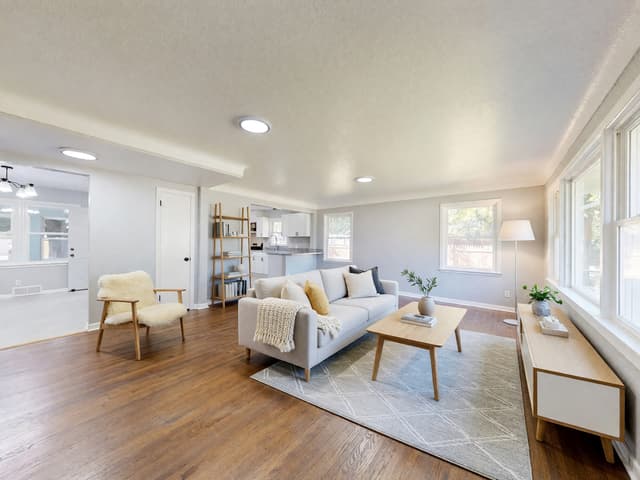
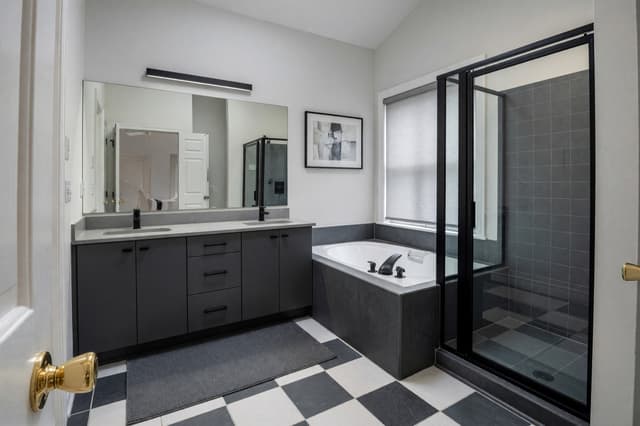
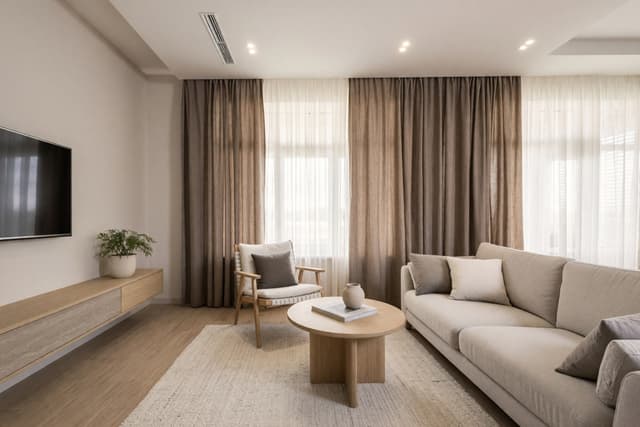
How to redesign a room from a photo with AI
To redesign a room from a photo with AI, take one sharp, well-lit photo of the whole room, upload it, choose the room type, a style and how much should change, then compare the result with your original. HomeCompose keeps the walls, windows and camera angle and redesigns what is inside, so you can try several looks on your own room before you spend money. This guide walks through each step and what to check before you act on a result.
How to take a room photo that works
The photo is the plan the AI works from, so a few minutes here save a lot of guessing later.
- Use daylight. Open the curtains and turn on the room's lights. Avoid shooting straight into a bright window, which leaves the rest of the room dark.
- Stand in a corner or the doorway. Hold the phone level at chest height so walls and door frames stay upright.
- Show the whole room, with as much floor, wall and ceiling as you can. The standard lens is usually safer than ultra-wide, which bends the edges.
- Tidy up first. Anything in the photo can become part of the design. If you can't clear it, Cleanup removes clutter from the photo.
- One view per photo. For a long or L-shaped room, photograph each end and redesign them separately.
- Use a common file type. JPG, PNG, WebP and HEIC files up to 10 MB work.
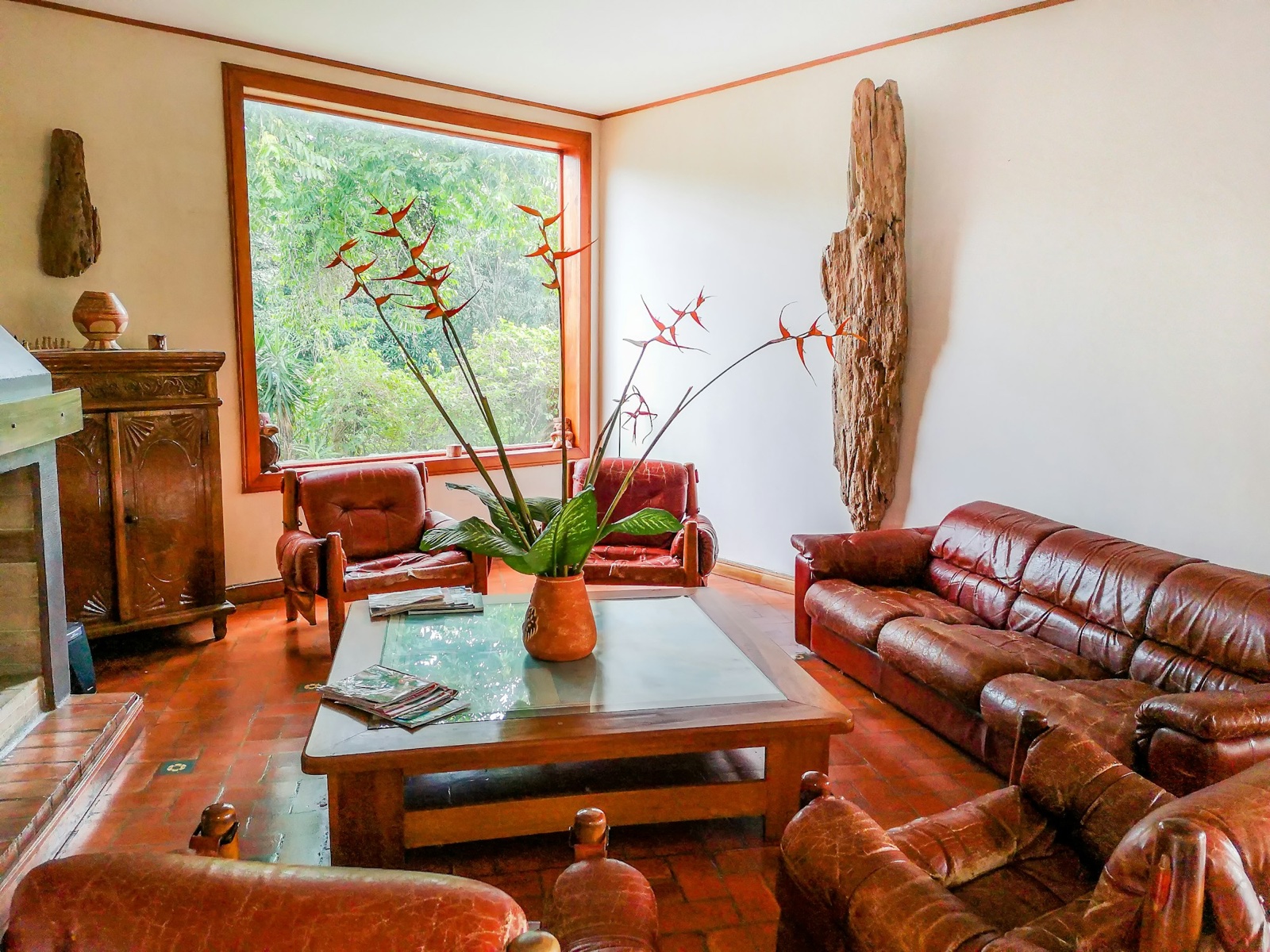
Choose the room type and style
In Interior Design, start with the room type. It tells the AI how the space is used, so a bedroom gets a bed and a home office gets a desk. The list covers homes, from kitchens to kids' rooms, and also hotel rooms, restaurants, cafés, offices and shops.
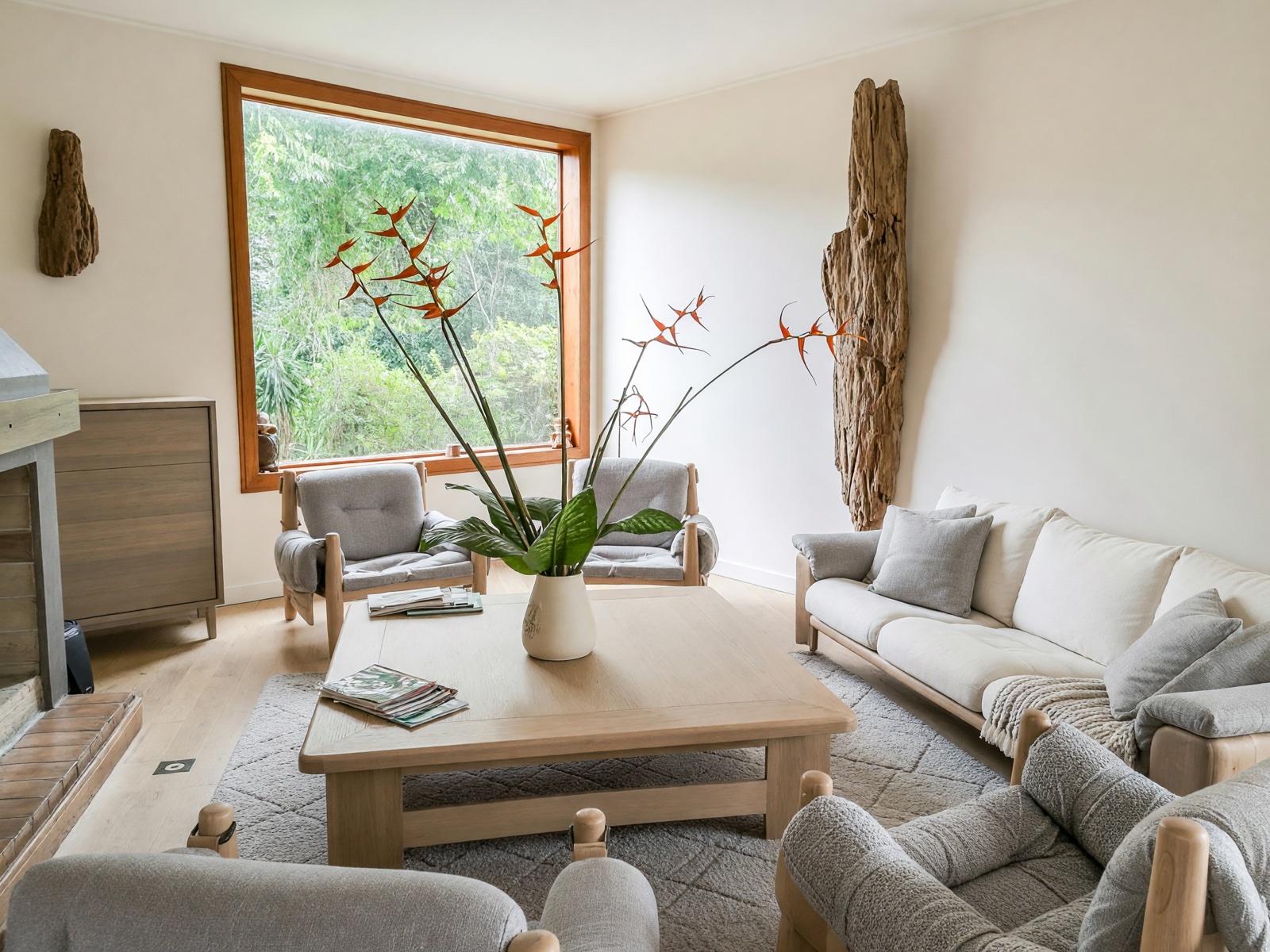
Then pick a style. There are more than a hundred, from Japandi and Scandinavian to mid-century modern and modern farmhouse. If you are not sure, start with two or three looks you already like in other homes. Custom lets you describe a look in your own words, for example "warm oak, cream linen, soft morning light". Finally, choose a color palette, let Surprise Me pick one or set your own colors.
If you have a photo of a room you love, Reference Style applies its look to your own photo (Essential and Pro plans).
Choose how much should change
The mode decides how far the redesign goes. In every mode, the walls, windows and doorways stay where they are.
- Light Touch keeps your room exactly as it is and adds a few small accents in your style, such as plants, cushions, a throw and art.
- Structural Preservation, the default, keeps the walls, windows and floor plan and refreshes the furniture, textiles, lighting and surface finishes, which can include the floor.
- Bold Interior goes further and replaces the flooring, the wall finishes and built-in shelving and cabinets.
- Full Makeover redesigns everything else too, including the ceiling, the doors and the wall colors.
Start with Structural Preservation. If the result stays too close to what you have, move up a mode; if it changes more than you wanted, move down.
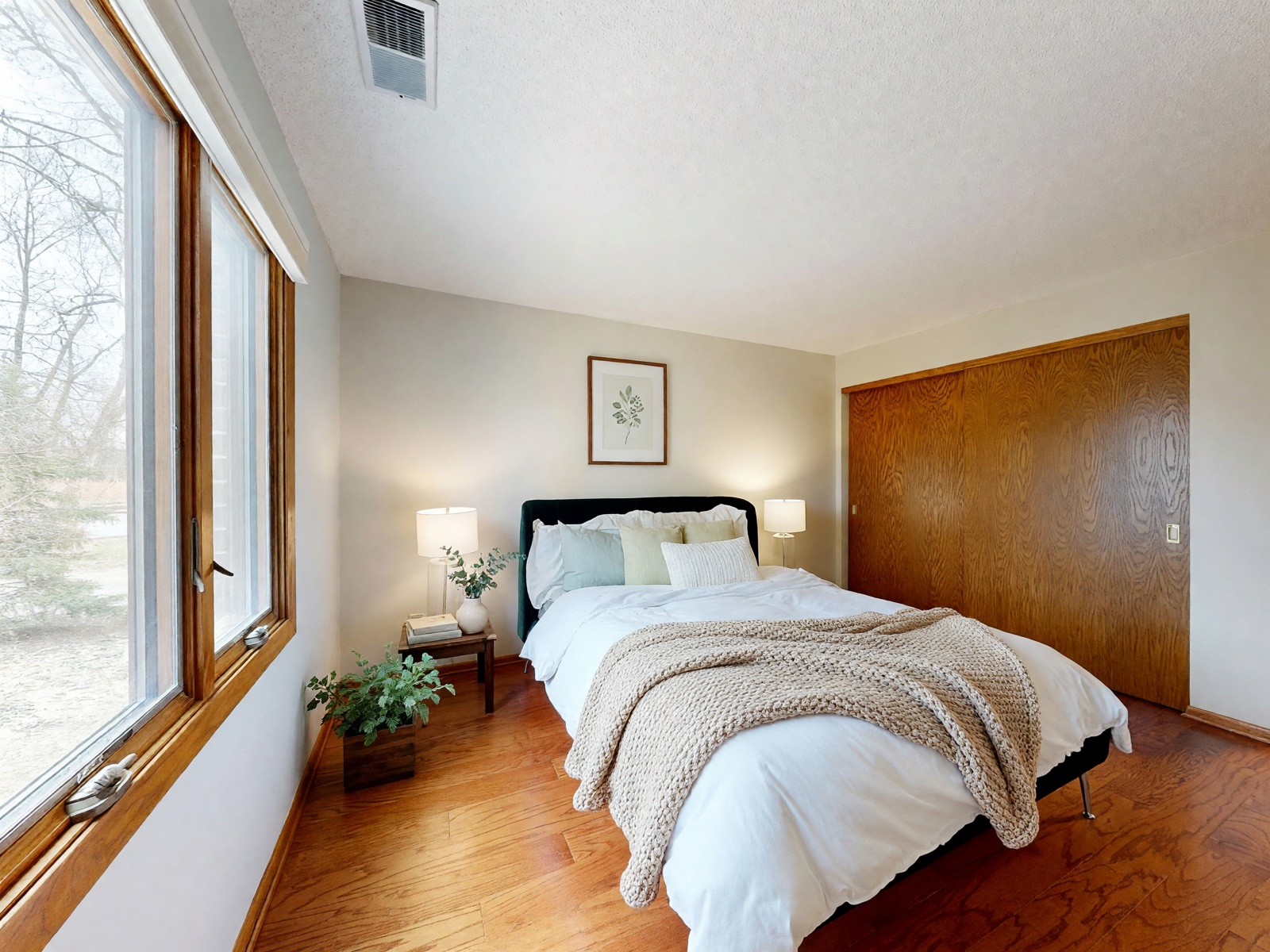
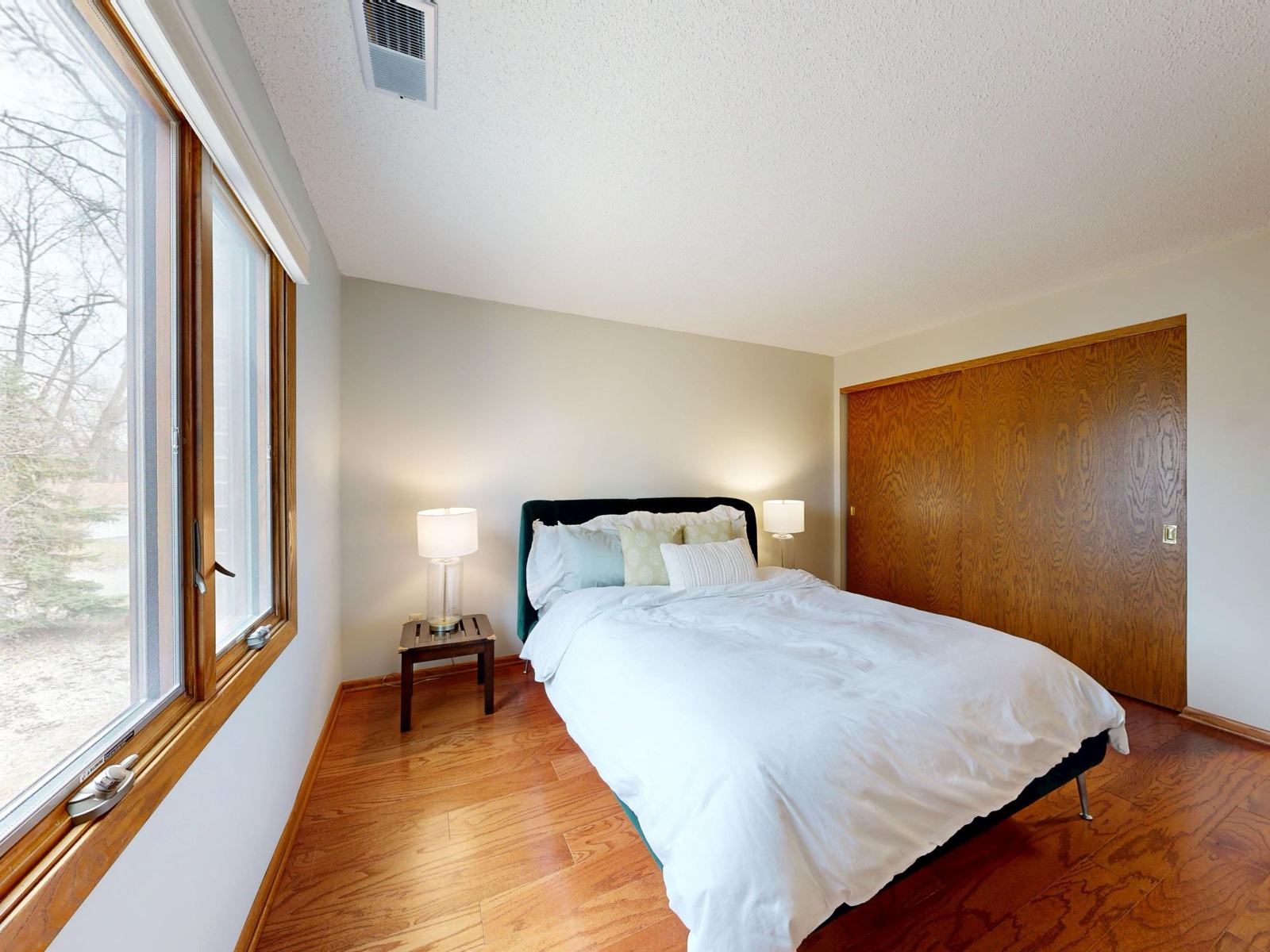
Light Touch is useful when you like your room and only want to see what a few new accents would add.
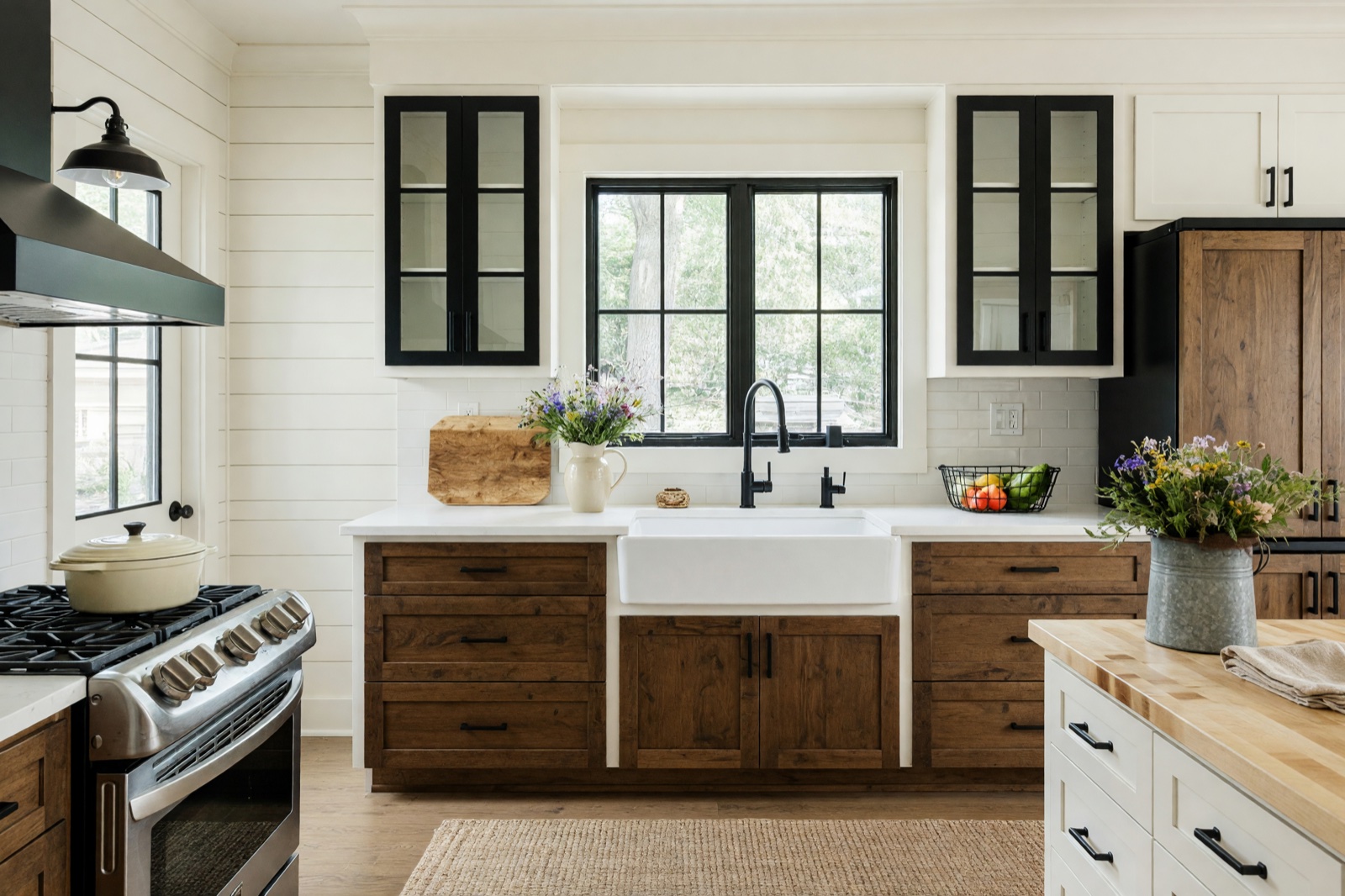
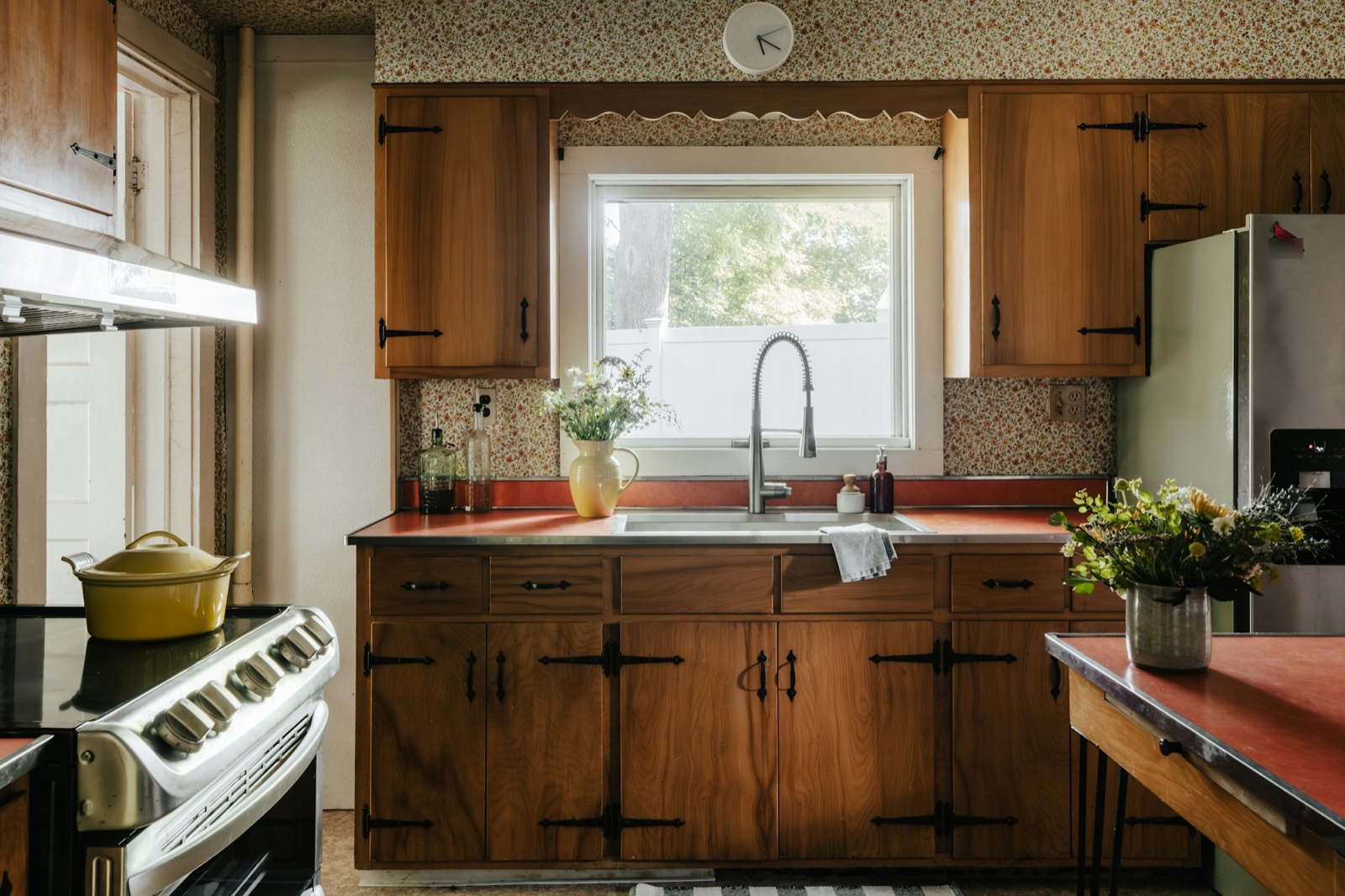
Bold Interior suits kitchens and bathrooms, where new cabinets, tiles and flooring make a big difference while the room's shape stays the same.
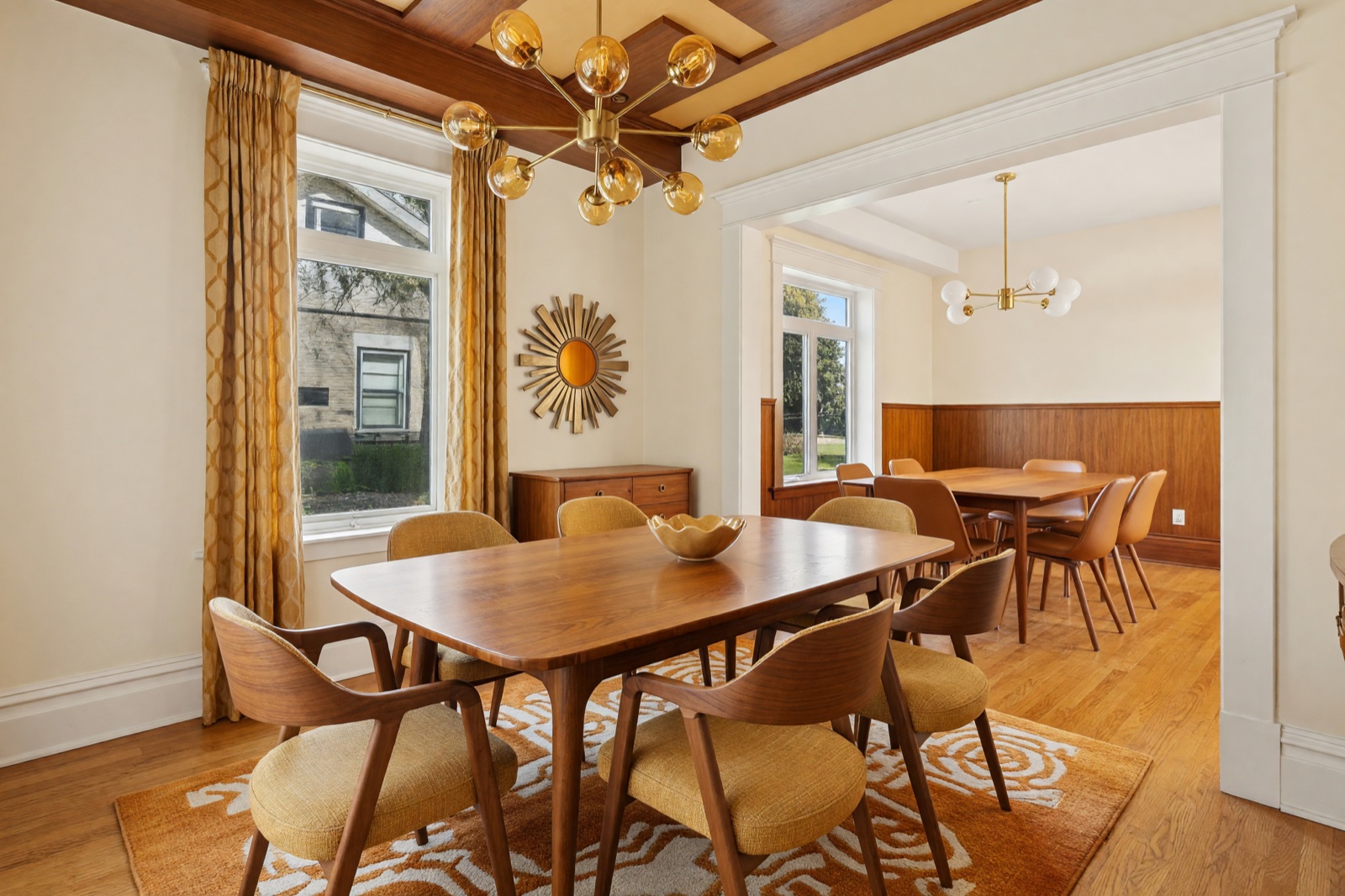
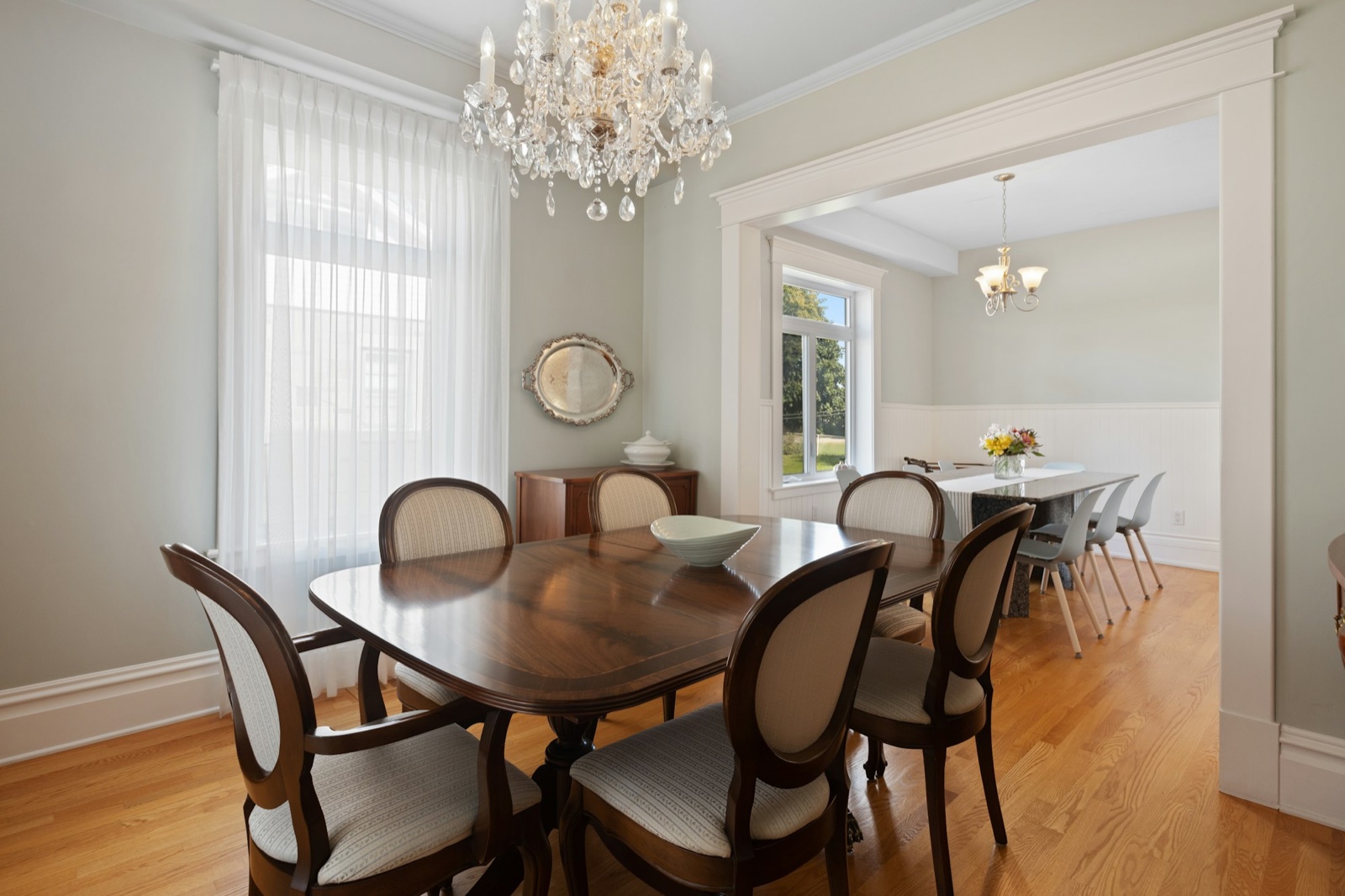
Full Makeover is for a room you would change from floor to ceiling.
What to check in an AI room design
An AI design is a picture of an idea, not a survey of your room. Before you act on it, put it next to your original photo and check these points.
- Structure. Windows, doors, beams, radiators and outlets should be where they really are. AI can resize a window frame, narrow a doorway or add a detail that isn't there.
- Scale. The image does not measure your room. Furniture in it may be larger or smaller than what would really fit, so measure before you buy.
- Light. Results can look brighter and more evenly lit than the real room. Your windows, the time of day and your bulbs change the feel.
- Color and materials. Screens and AI both shift colors. Use the image to choose a direction, then look at real samples in your room.
- Buildability. Check that what you see could be built: cabinets need wall space, shelves need support and new lights need wiring.
- Invented details. Book spines, artwork and small objects are decoration. Don't read meaning into them.
Refine the design
- Change one thing at a time: the style, the palette or the mode. Then you can see what each choice does.
- Run the same settings again with Regenerate to get a different version of the same idea.
- Save the ones you like to your favorites, and keep each room's photos and designs together in a project.
- Fix one surface with a focused tool: Floor Restyle for the floor, Paint for wall colors or Color & Texture for a single object or surface (Essential and Pro plans).
Share the design with family or a contractor
- Download the image, or use Share in your gallery to send it by WhatsApp or Pinterest or to copy a link.
- Send the before and after together and say which mode you used, so people know what was meant to change.
- Give a contractor the facts a picture can't: the room's measurements, the products you like and a short written list, for example "replace the floor with light oak-look vinyl, keep the window and radiator".
- Ask for a quote on the written list, not on the picture. Structural, plumbing and electrical changes need a qualified professional and may need a permit.
Used this way, an AI design helps everyone agree on a direction before anyone measures, orders or builds. For an empty room, Virtual Staging adds the furniture (Pro plan); if the photos are for a sale, read our practical guide to virtual staging for real estate listings. For a worked example in one room, see bathroom makeover ideas. The HomeCompose guides page has more how-tos.
Frequently asked questions
Can AI redesign my room from one photo?
Yes. Upload one photo, choose the room type, a style and a mode, and HomeCompose shows the same room redesigned. For a large room, a photo of each end usually works better than one very wide shot.
Will the AI change my walls or windows?
It is built to keep the walls, columns, windows and doorways where they are in every mode. AI can still change small details, such as the size of a window frame, so compare the two images closely.
Which mode should I start with?
Structural Preservation, the default. It keeps your floor plan and refreshes the furniture and finishes. Move to Bold Interior or Full Makeover for more change, or Light Touch for less.
Can I use the design as a renovation plan?
No. It is a design idea and a visual presentation, not a construction drawing. Check measurements and details with a professional before you build or order anything.
Is it free to try?
Yes. Free to try, no credit card needed.