Cleanup
Declutter a room photo with AI
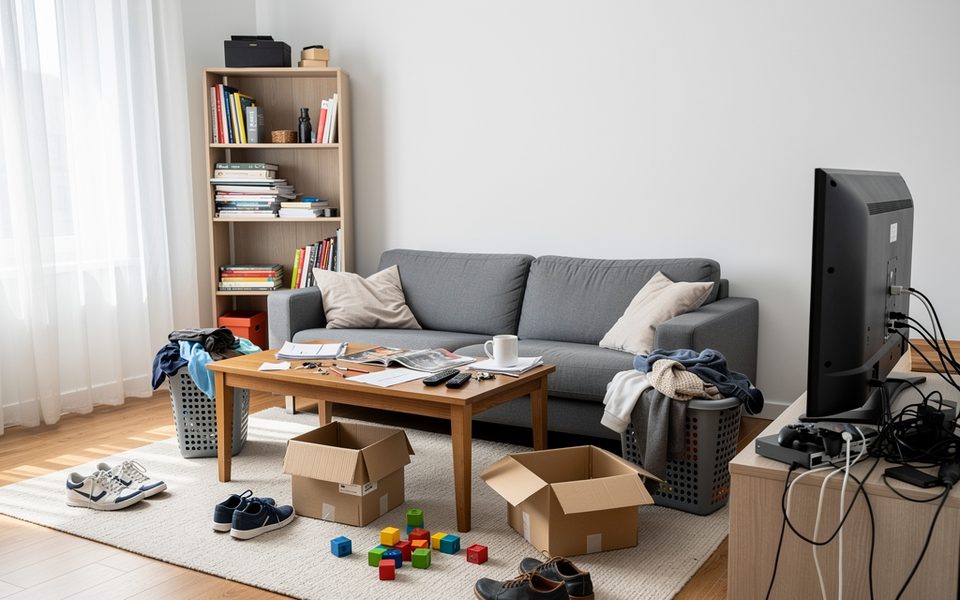
Upload a photo of a cluttered room, and Cleanup removes the loose clutter, such as boxes, clothes, toys and cables, while the furniture stays where it is. The walls, floor and camera angle stay the same, so the result reads as the same photo, only tidier. Choose how much to clear, from a quick tidy to a listing-ready room.
Free to try, no credit card needed.
How it works in 3 steps
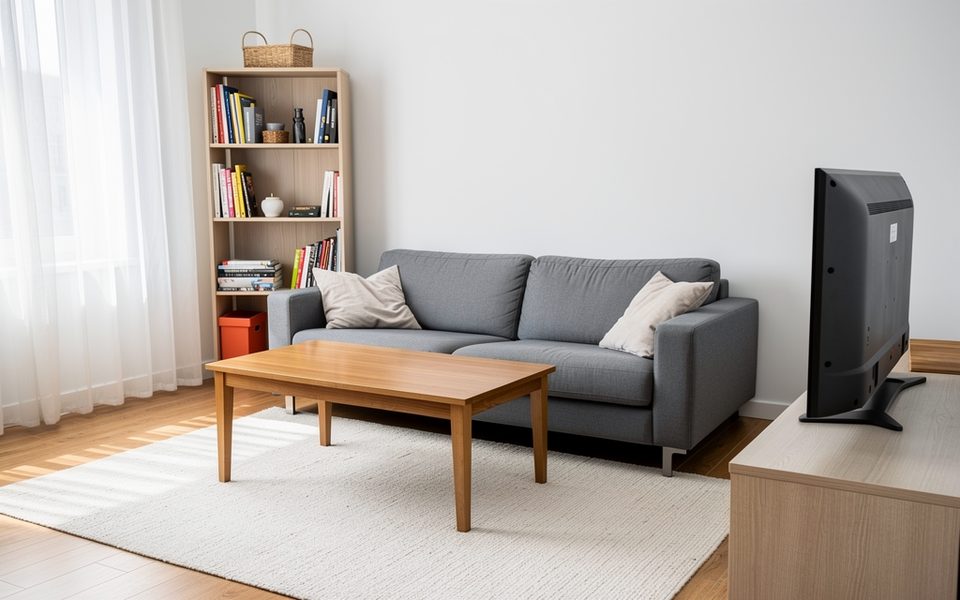
Upload the photo
A photo of the cluttered room, just as it is.
Choose what goes
Pick a cleanup level, and select anything else that must go.
Compare
See the tidy room next to the original and check the details.
What to upload
A photo of a cluttered space
Who it's for
Homeowners
Tidy a photo before you share it or list a room for rent. Or see how much calmer a room looks without the extra things before you start sorting.
Real-estate agents
Make cluttered rooms photo-ready with Listing Ready, or clear a dated room with Empty Room before you stage it.
Hotels and businesses
Clear bags, boxes and cables from photos of guest rooms, offices, shops or cafés before they go on your website.
Designers and architects
Clean up a client's site photo before you present design options on it, so the talk is about the space, not the mess.
Remove clutter from a photo, keep the room
Cleanup edits your own photo. It keeps the walls, windows, doors, floor, ceiling, light fittings and built-ins, the main furniture, the materials and the camera angle. It also keeps the room's style and colors. What goes is the clutter that makes a photo look busy.
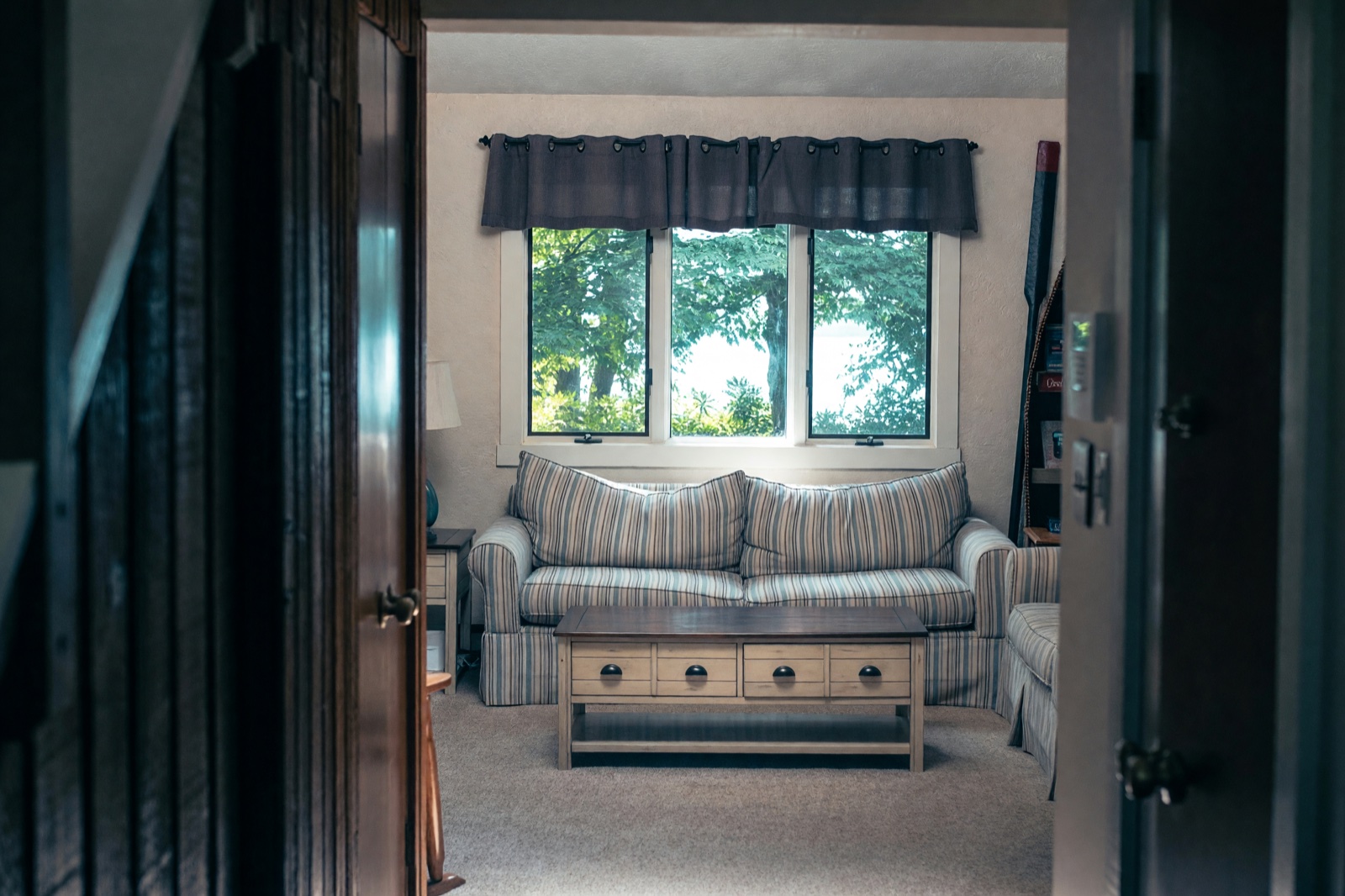
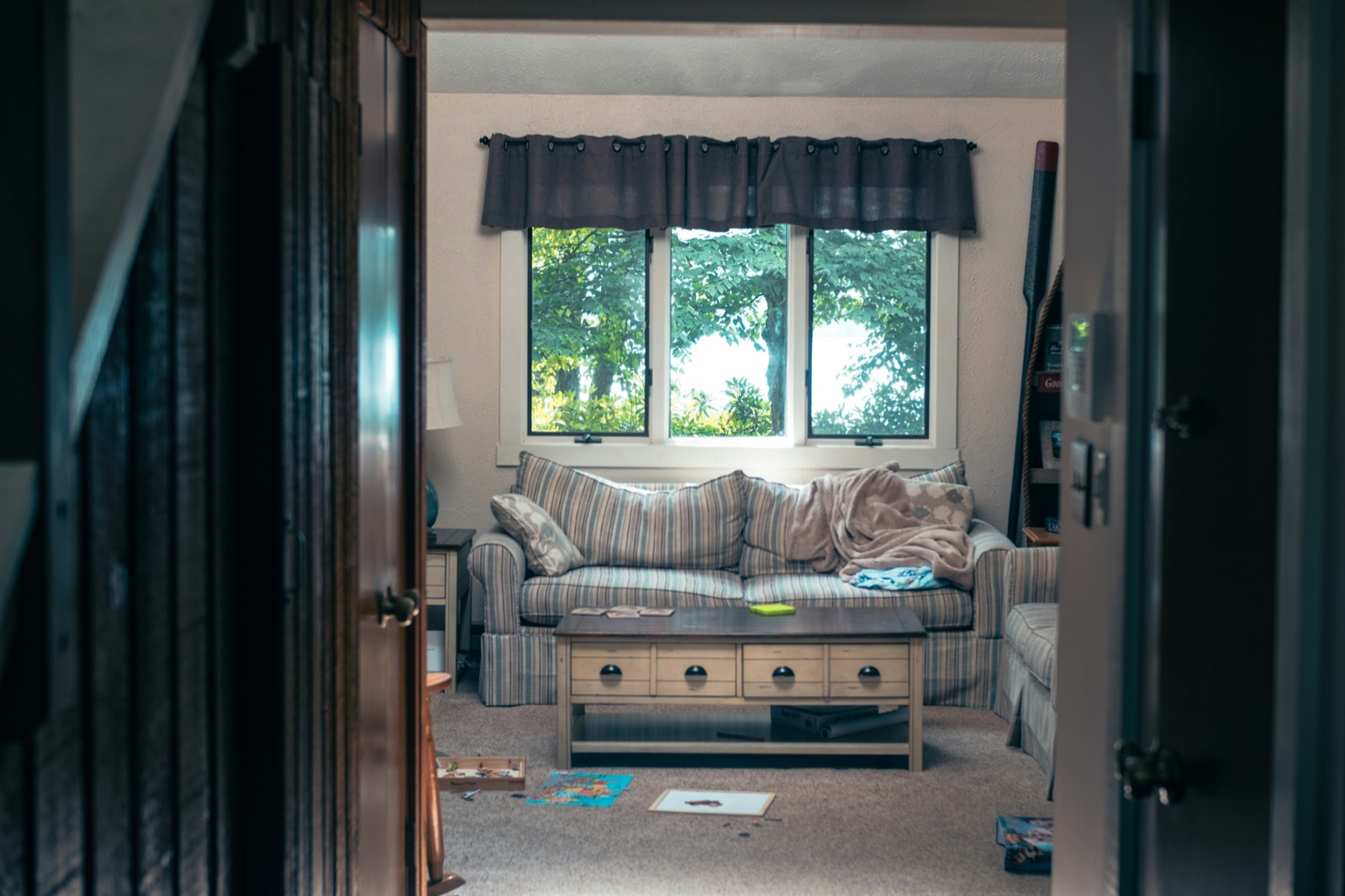
Four cleanup levels
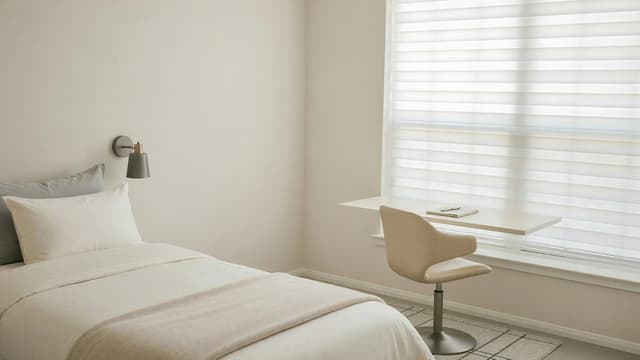
- Tidy Up removes loose clutter, such as boxes, clothes, toys and cables, and tidies what stays. It is the default.
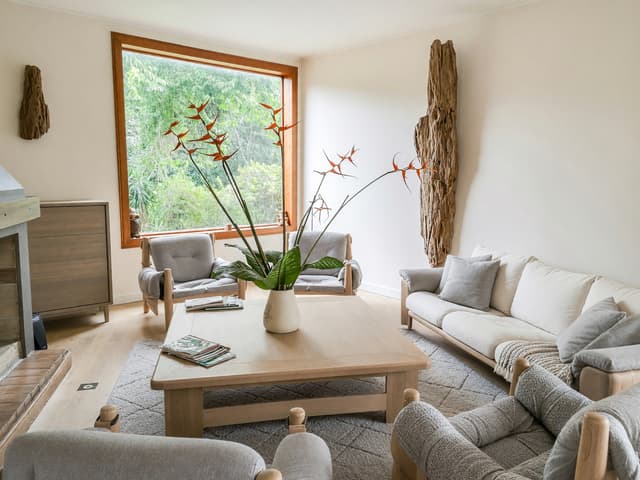
- Declutter also clears surplus decor and crowded shelves and leaves calm, clear surfaces. The furniture stays where it is.
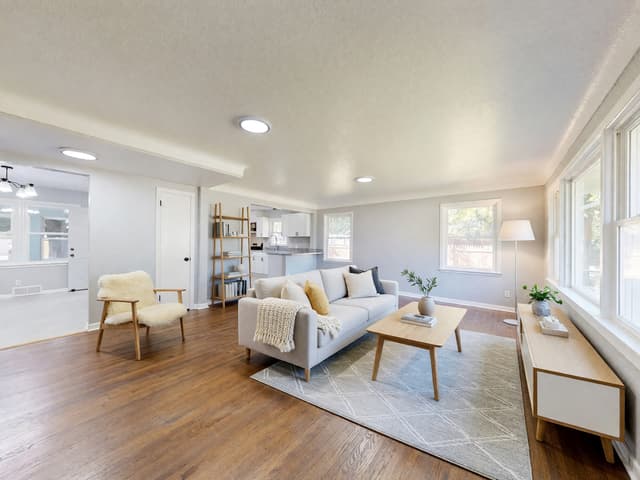
- Listing Ready gets the room ready for a property photo: it clears personal things, straightens cushions and throws, makes the bed and opens the curtains.
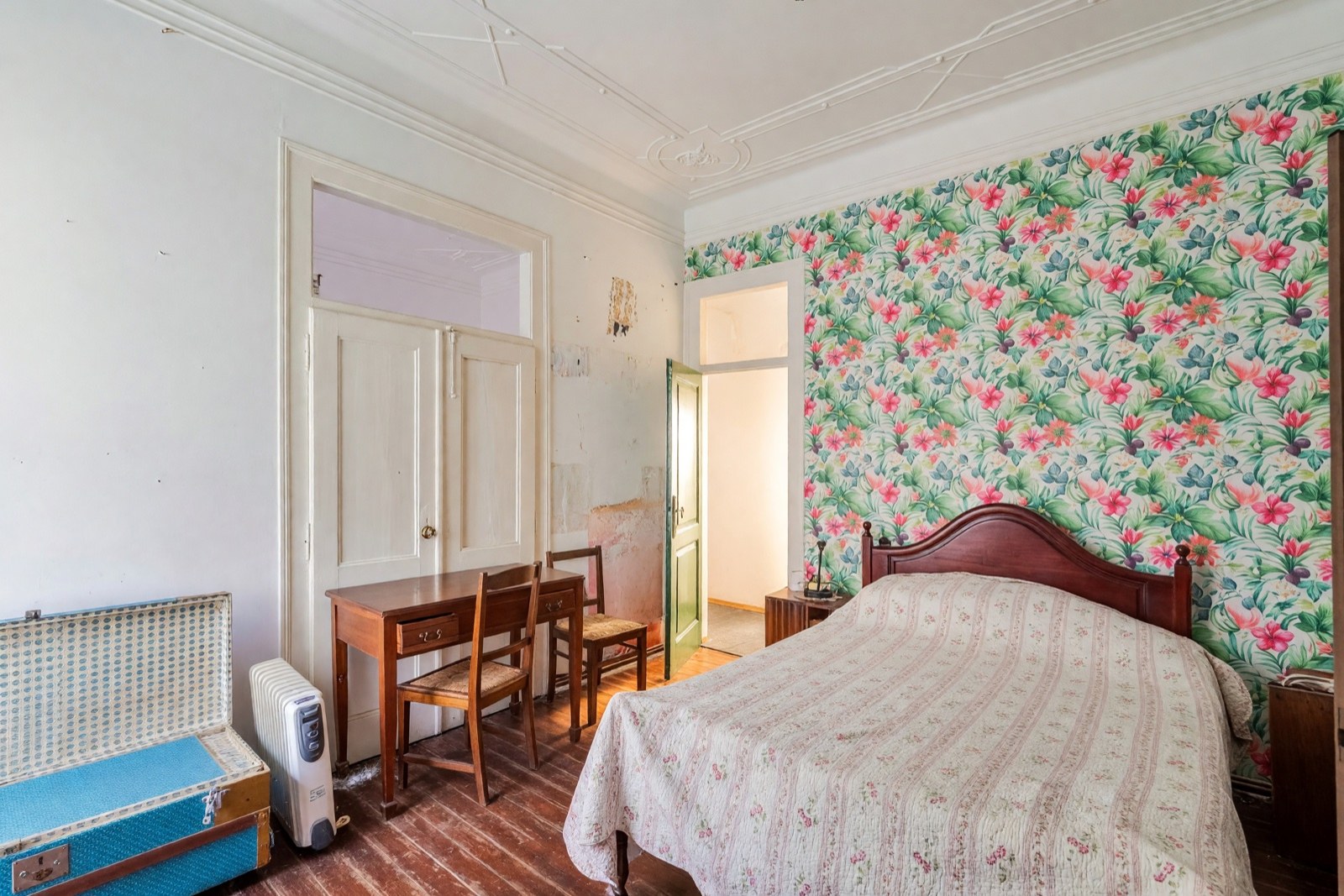
- Empty Room takes out all the furniture, rugs, art and belongings and leaves the bare room, ready for new furniture.
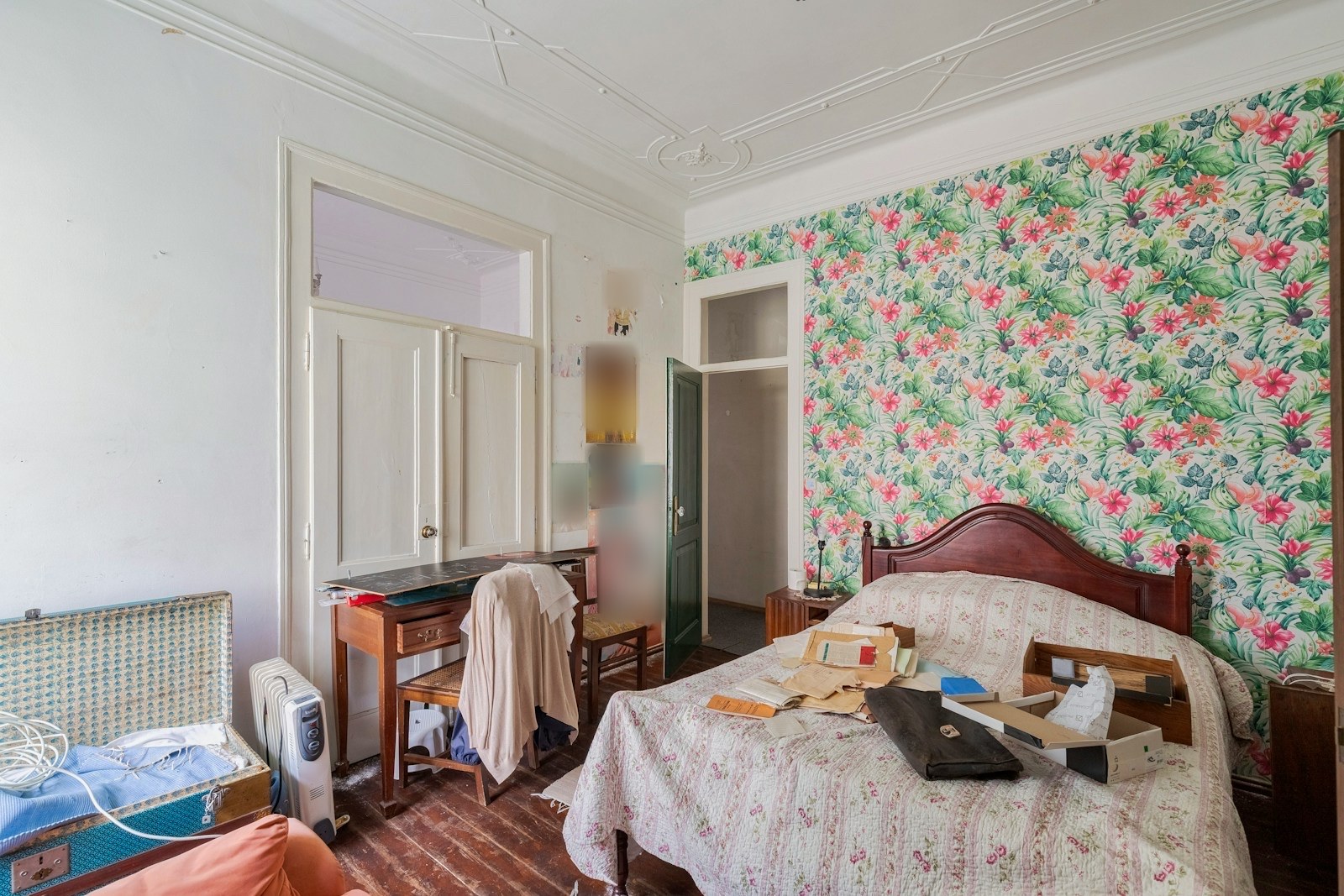
Choose what else goes
Select extra things to remove: Cables, Toys, Laundry, Boxes & bags, Rubbish, or Personal photos & papers. You can also type anything else, for example "the ironing board and the drying rack".
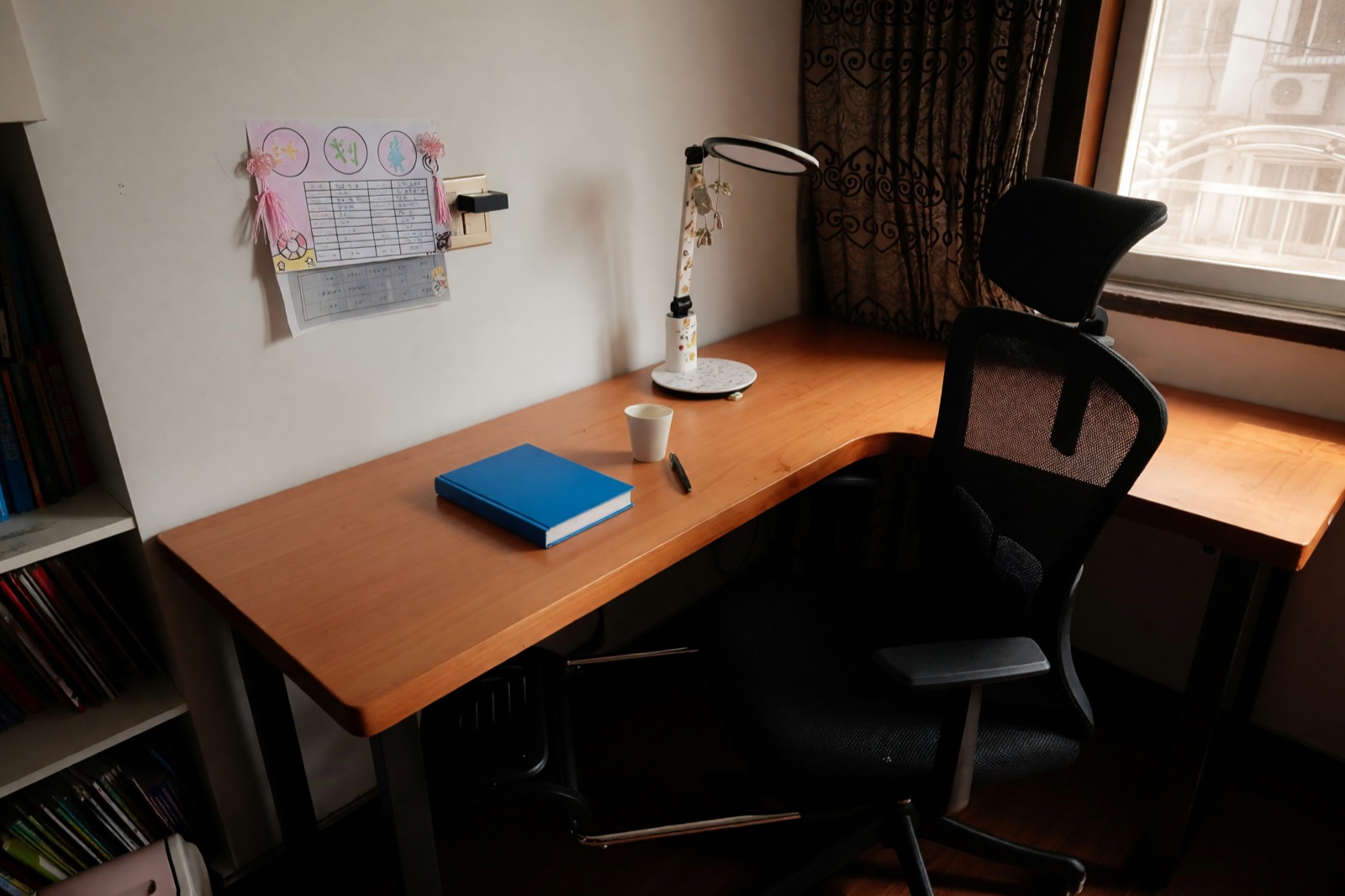
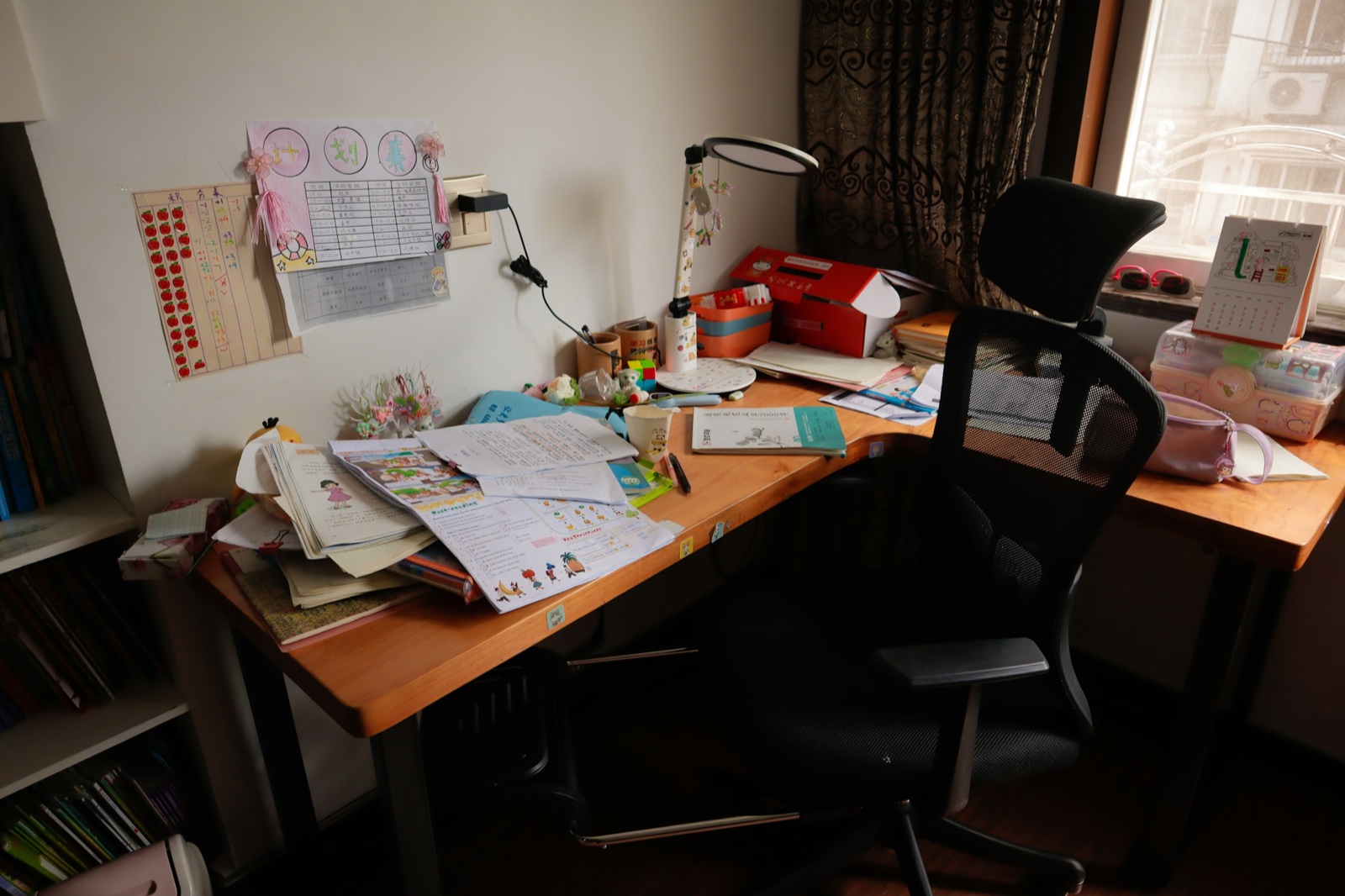
Tips for a clean result
- Use a sharp, well-lit photo that shows the whole room.
- Cleanup removes loose things. It does not repair walls, floors or fittings.
- Check the result. AI can sometimes remove a small thing you wanted to keep, or leave one behind.
- To furnish a room you emptied, use that design as your photo in Virtual Staging.
Preparing a home for sale? Our virtual staging guide explains how to present empty rooms.
Frequently asked questions
Will Cleanup move or remove my furniture?
Not in Tidy Up, Declutter or Listing Ready: the furniture stays where it is. Only Empty Room takes the furniture out.
Which rooms can I clean up?
Any photo of a space with loose things in it: living rooms, bedrooms, kitchens, home offices, kids' rooms, offices or shops. Sharp, evenly lit photos give the most reliable results.
Can I use a cleaned-up photo in a property listing?
Designs made on a paid plan have no watermark and can be used commercially, for example in property listings. Designs made on the free plan carry a watermark and are for personal, non-commercial use. Only remove things that will really be gone, and do not use it to hide the condition of the property.
What if something I want to keep disappears?
Try a lighter level: Tidy Up removes the least. AI can make small mistakes like this, so always compare the result with your original.