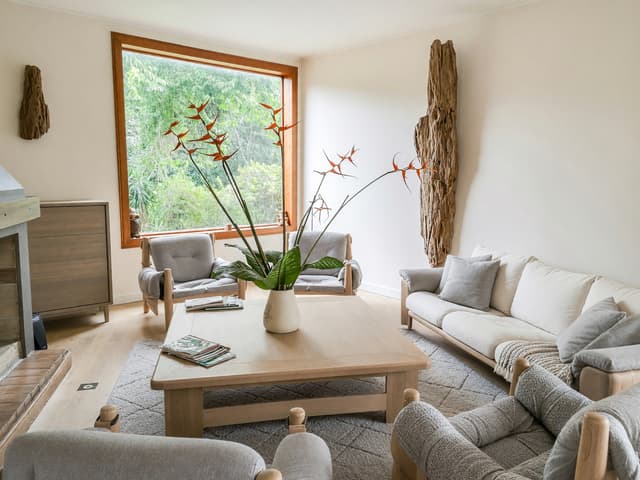
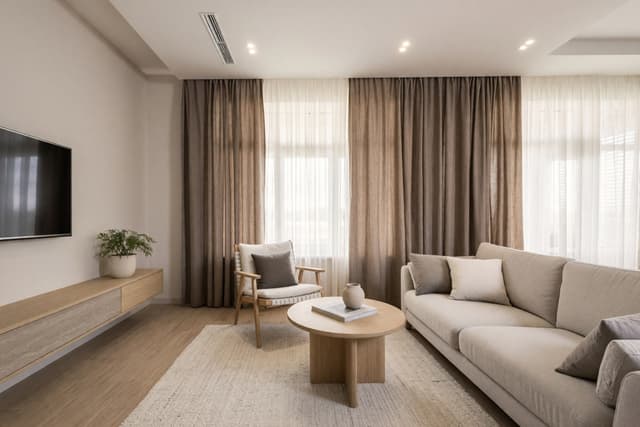
Virtual staging for real estate listings: a practical guide
Virtual staging adds furniture and decor to a photo of an empty room, so buyers can see how the space could be used. It works well for vacant rooms that look bare in photos, as long as each staged photo is labeled and nothing about the property is hidden or changed. This guide covers when to stage, how to do it with HomeCompose and the disclosure rules to check before you publish.
What is virtual staging?
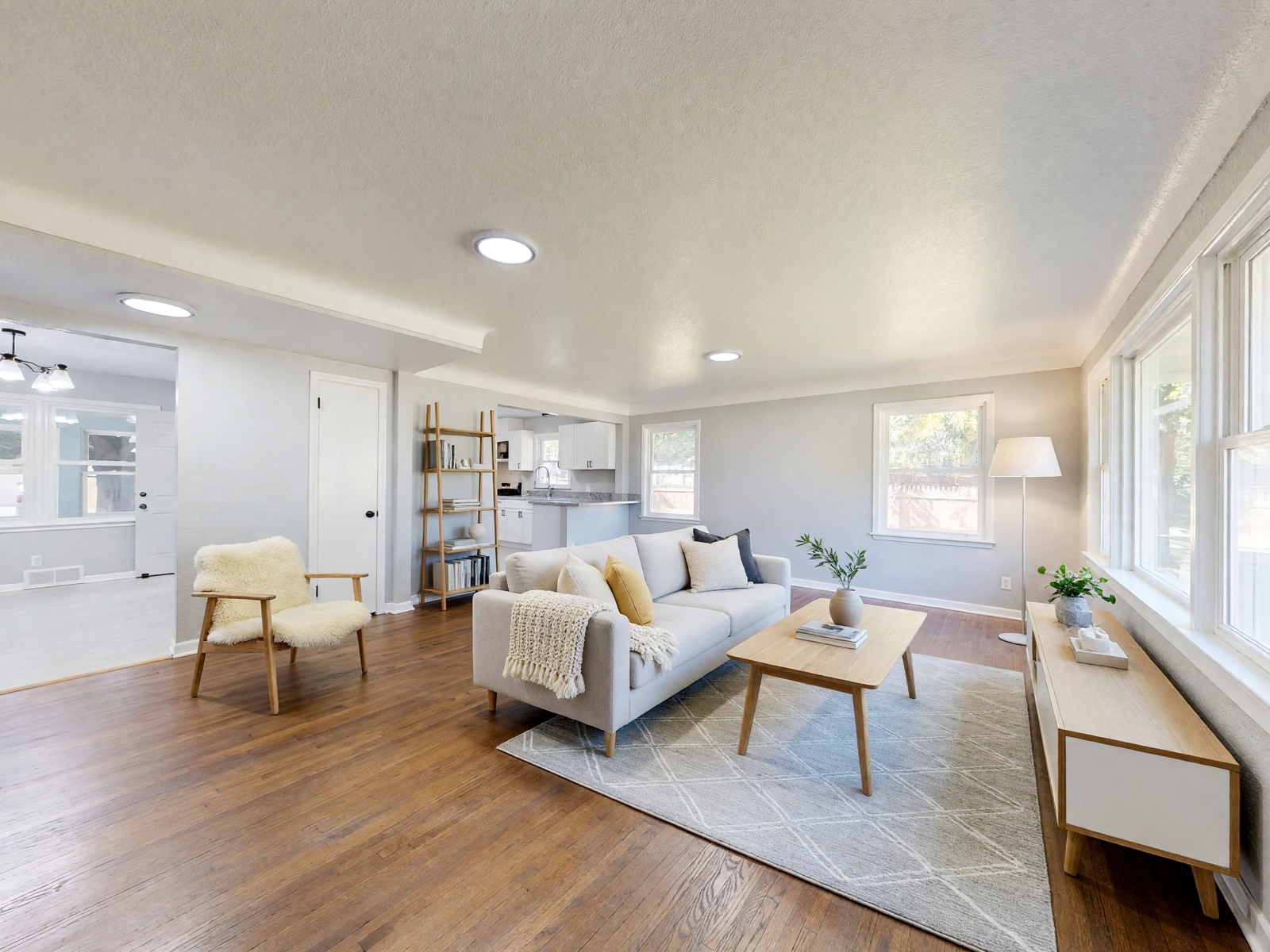
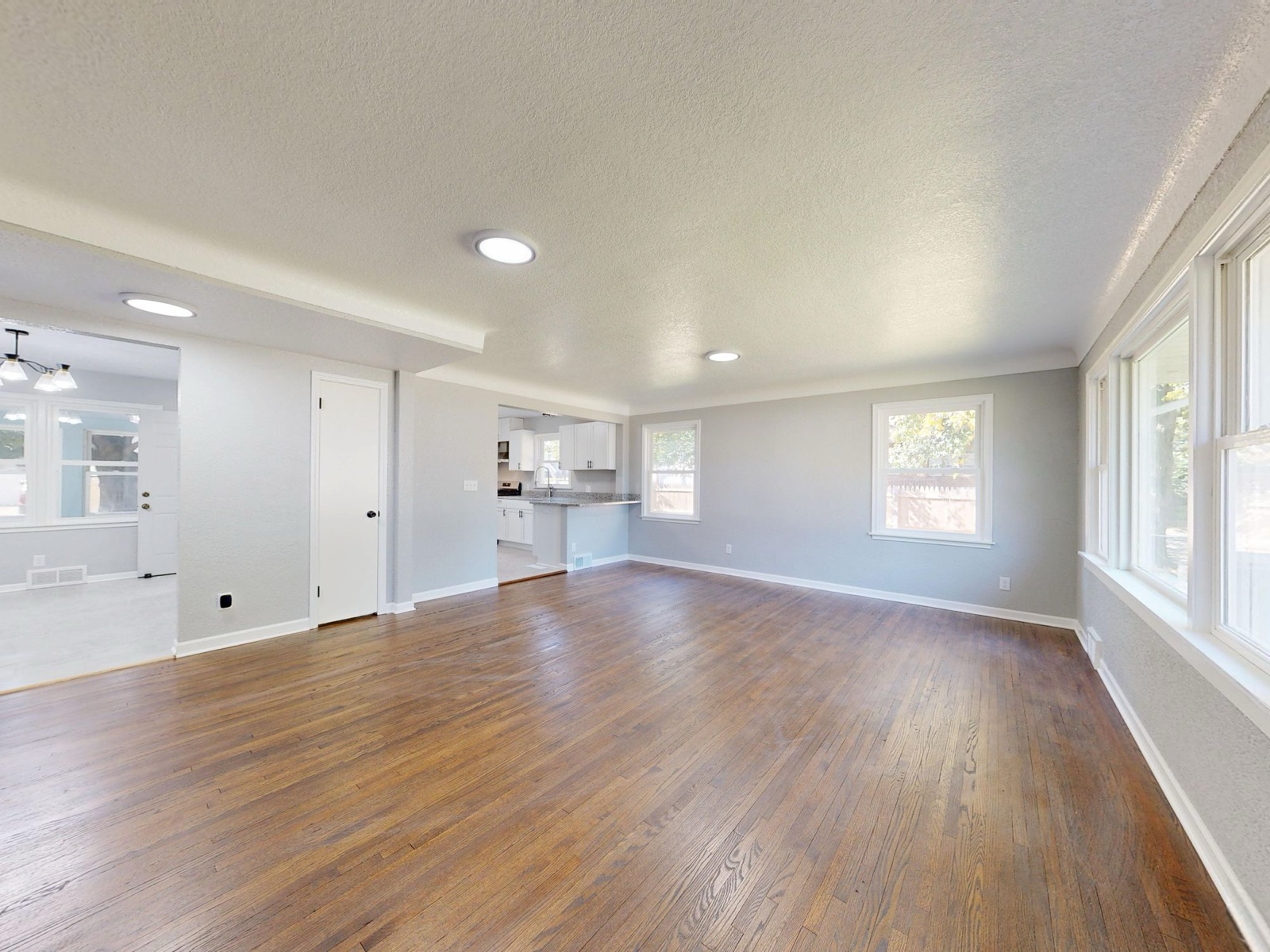
Virtual staging is the digital version of bringing in a sofa, a rug and a few plants for the listing photos. The room stays as it is: the walls, windows, floor and view are real, and only movable furniture and decor are added. That is the difference from a renovation image, which shows new floors, paint or a kitchen the property does not have, and listing rules treat the two very differently.
When virtual staging helps, and when it doesn't
- Vacant homes, new builds and empty rentals. Empty rooms can look smaller and colder in photos, and it is hard to judge whether a bed or a dining table fits.
- Rooms with an unclear purpose. A small spare room shown as a home office or a nursery gives buyers one clear idea.
- Commercial spaces. An empty office, shop or café is easier to picture with desks, shelving or seating.
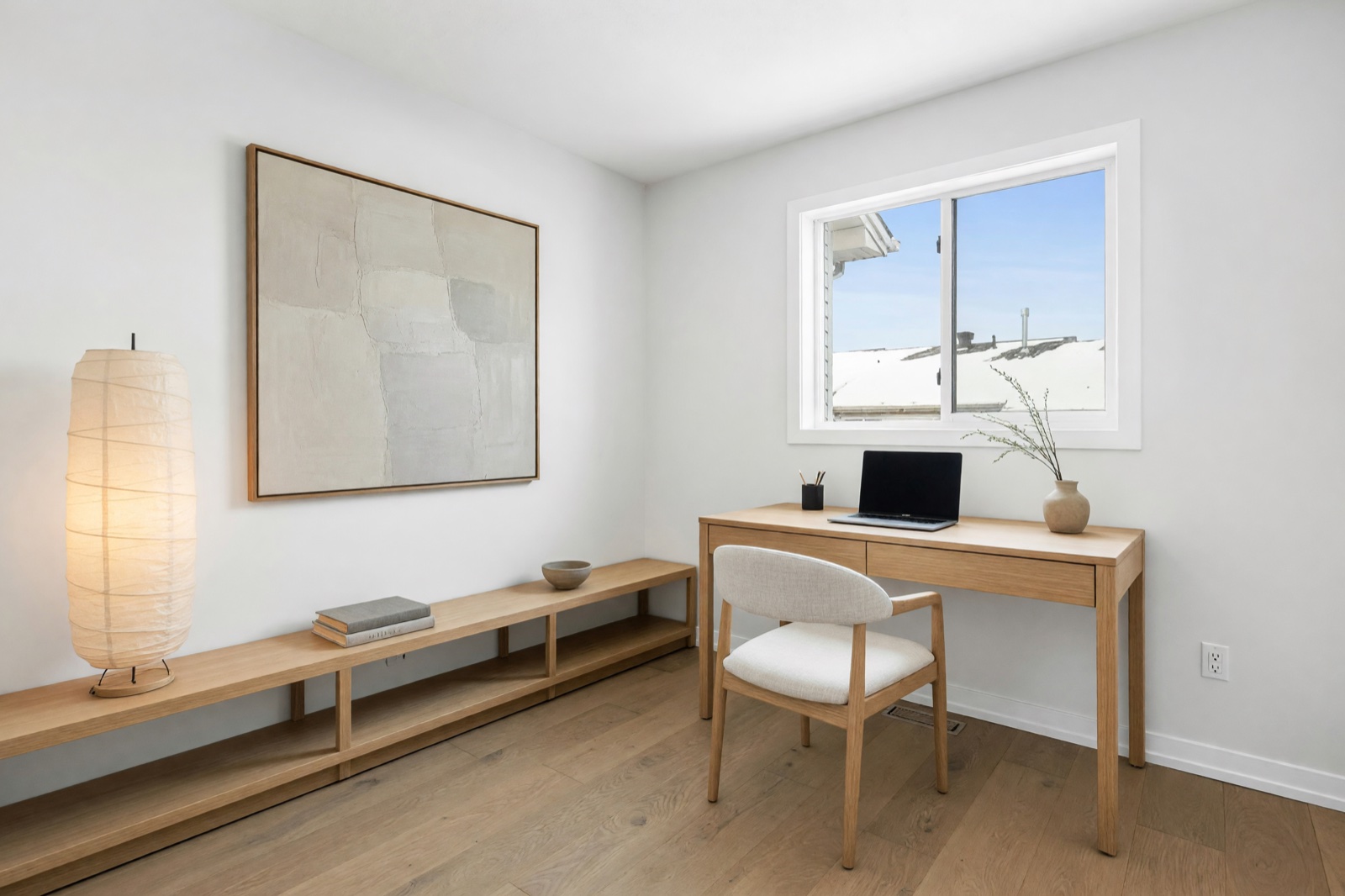
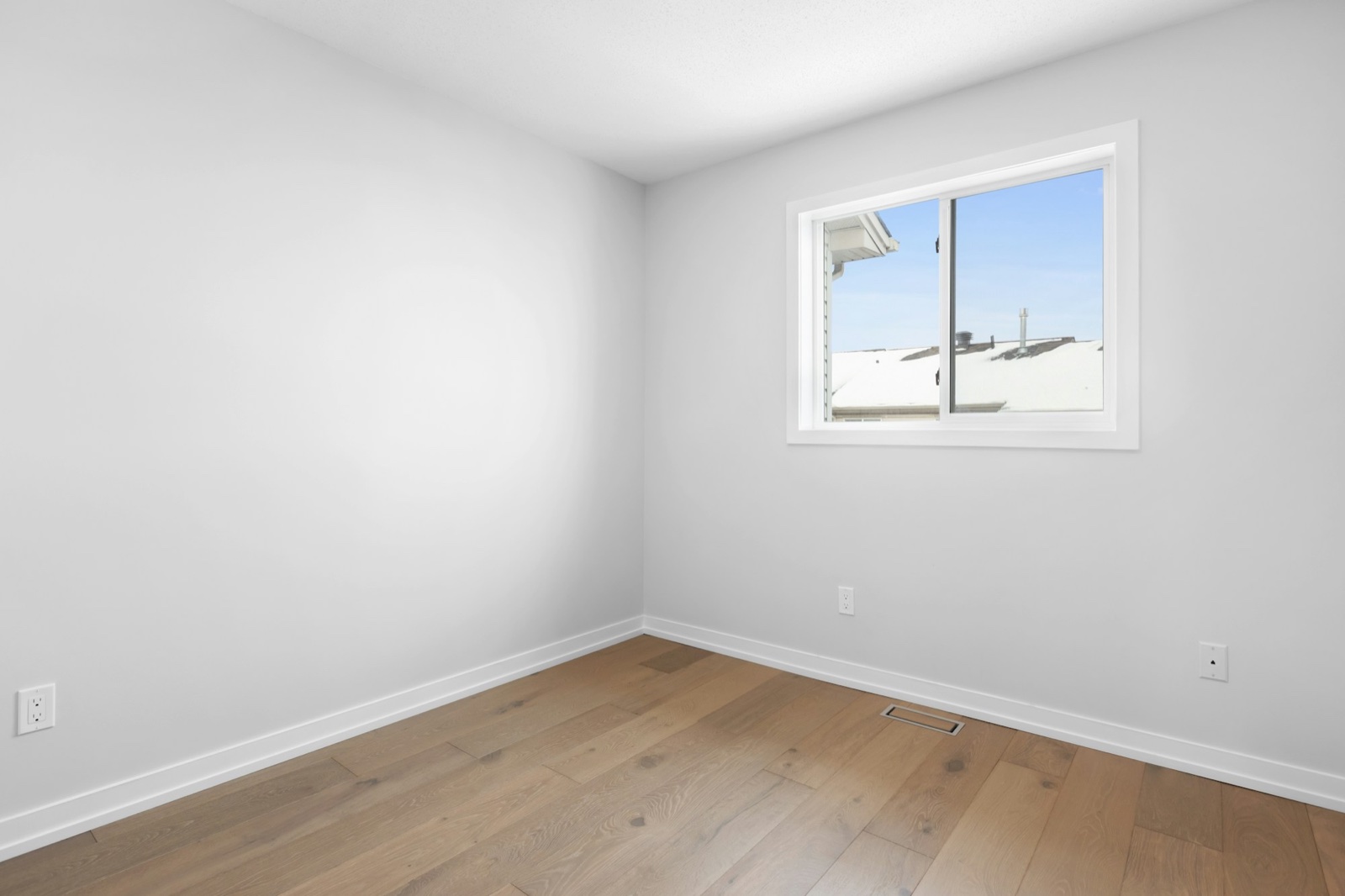
Staging does not help when the photo is poor or the room has problems. Reshoot dark or blurry photos, fix damage or show it honestly, and never use furniture to cover something a buyer would want to know.
How to virtually stage a room with HomeCompose
Virtual Staging is a Pro plan tool. It furnishes an empty room, office or shop in the style you choose and is built to keep the walls, windows, doors, floor and ceiling as they are.
1. Photograph the empty room
Shoot in daylight with the room's lights on. Stand in a corner or doorway, hold the camera level at chest height and show as much of the room as you can. Clear out boxes, tools and leftovers first: the tool works best on empty or nearly empty spaces.
2. Choose what the space will be
Pick the room or business the space should become: a living room, bedroom, dining room or home office, or a hotel room, office, shop or café. The room type decides which furniture is added, so choose the use most buyers will expect.
3. Pick a style buyers can picture themselves in
Neutral, current styles suit many listings, such as Scandinavian, Transitional, Modern or Japandi, with light woods and soft colors. Use the same style in every room of one listing so the photos feel like one home.
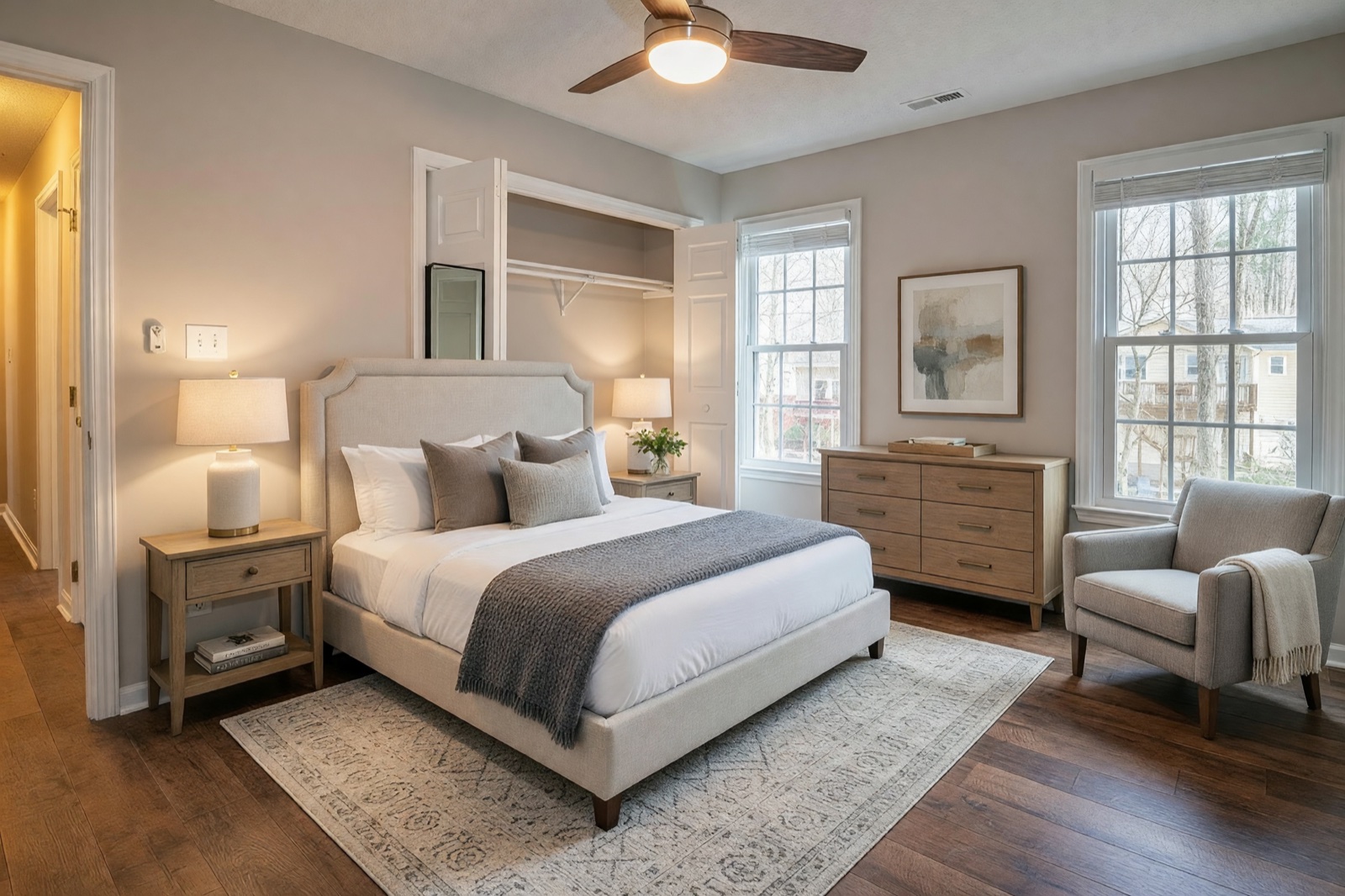
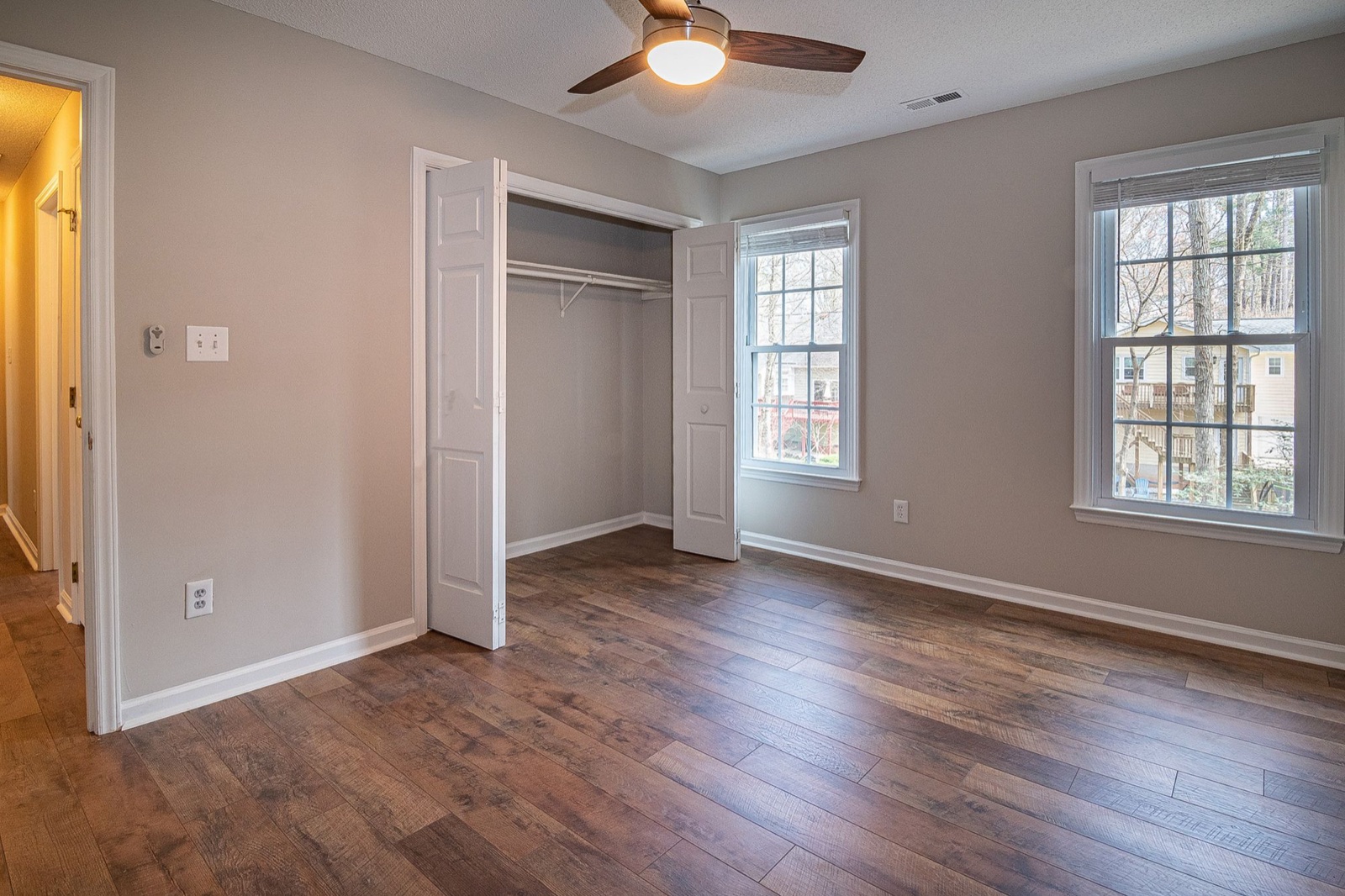
4. Choose how much to add
Fully furnished adds furniture, lighting, textiles and decor. Essentials only adds just the key pieces with very little decor, which keeps the focus on the room itself and suits smaller spaces.
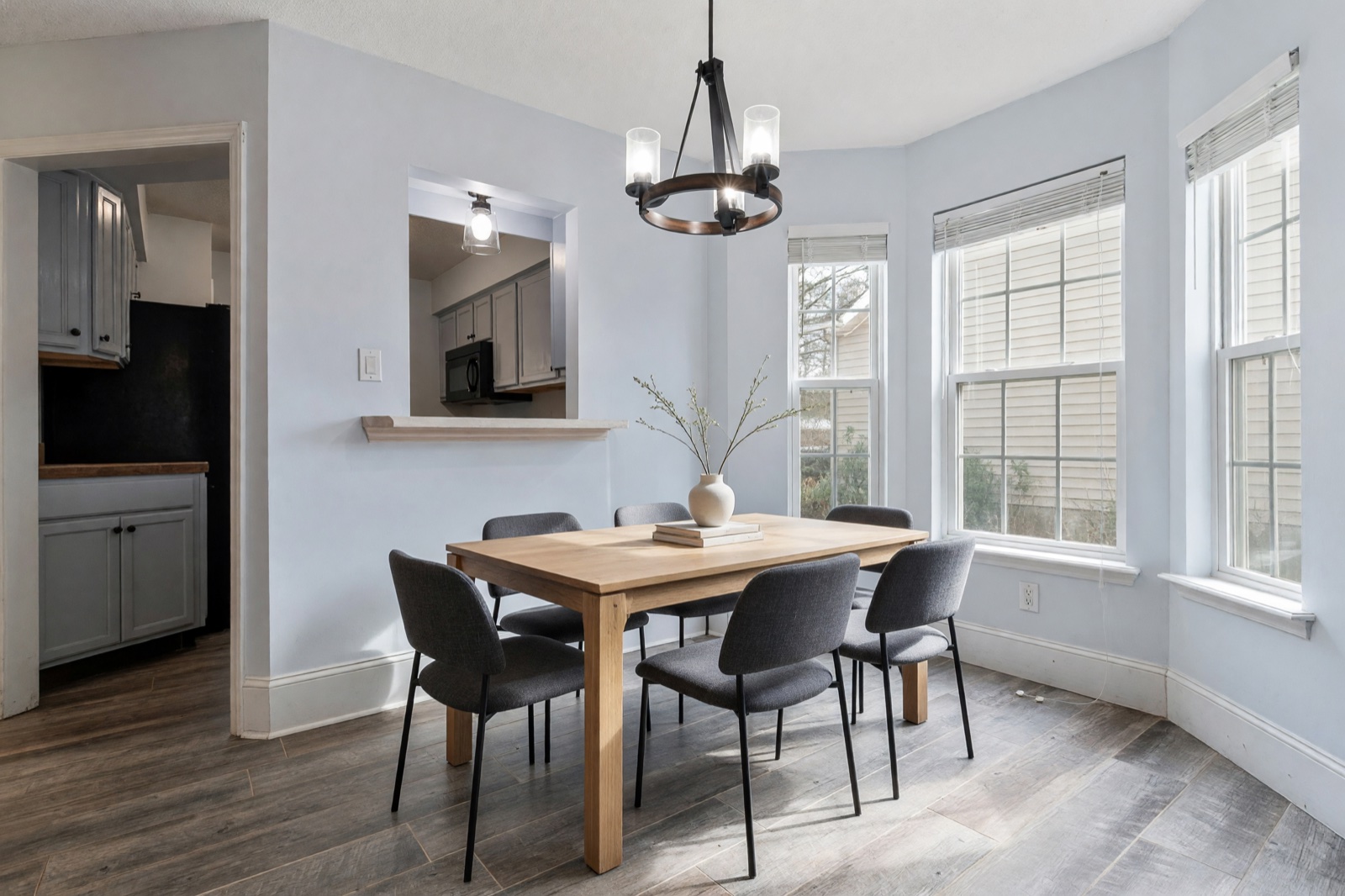
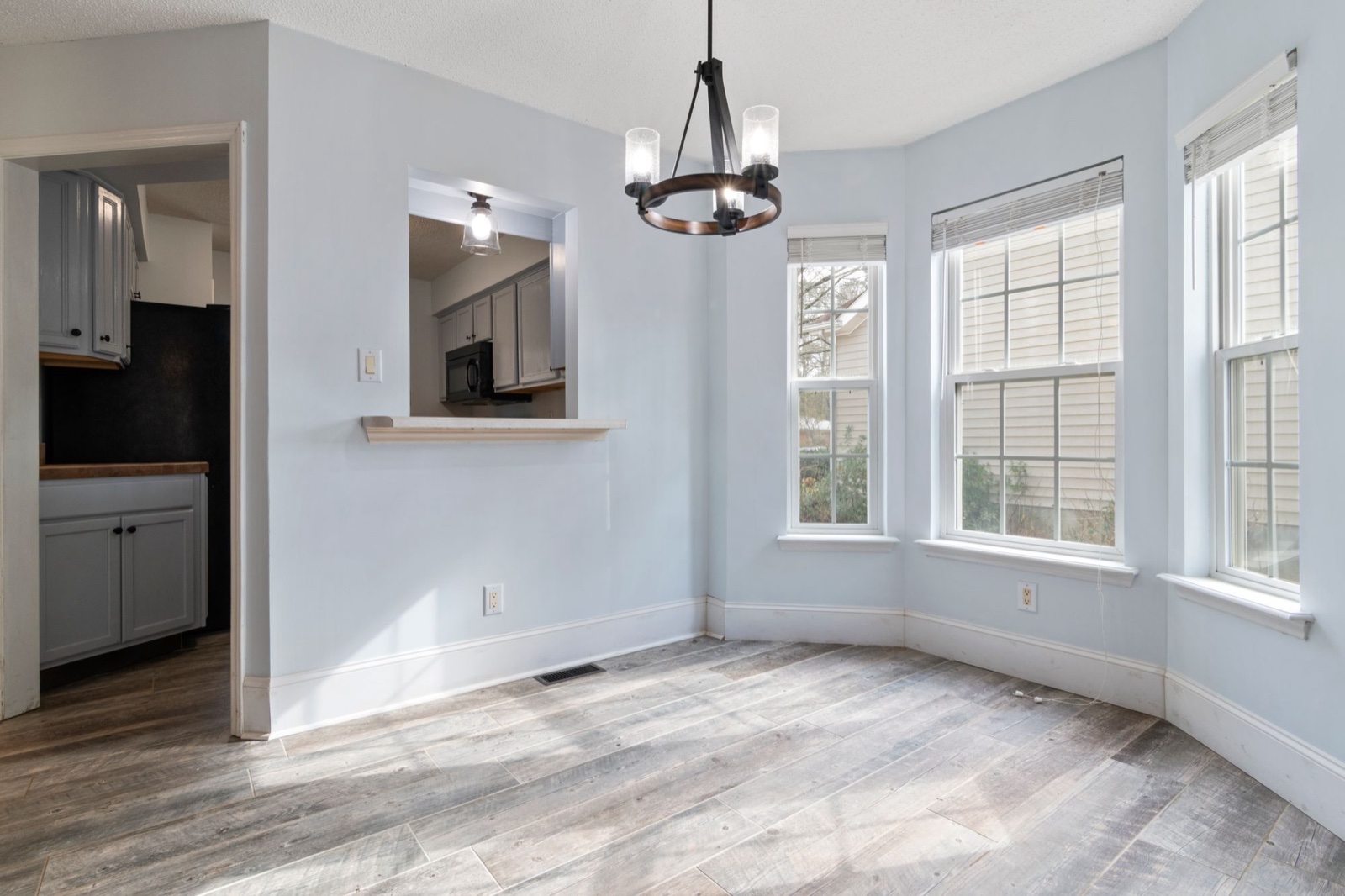
5. Check the result against the original
Put the staged image next to the original and compare them closely. AI can still change details by mistake, such as the shape of a window, a radiator or the view outside. Furniture should match the room's real scale, because a bed that is too small makes a bedroom look bigger than it is. If anything about the property itself has changed, generate a new version instead of publishing it.
6. Label it and publish it next to the original
Download the image, label it as virtually staged and keep the original photo beside it in the listing, even where the law does not require it.
Virtual staging disclosure rules
Rules depend on where you sell and which listing service you use, and they are changing. As of October 2026:
- California. Since January 1, 2026, Business and Professions Code section 10140.8, added by Assembly Bill 723, has required agents who use digitally altered images in advertising to disclose the change and make the original, unaltered image available. The California Department of Real Estate says this covers changes made or enhanced with AI, and that not reviewing AI images can lead to a violation even when a change was unintentional.
- MLS rules. Listing services apply the law in their own ways. CRMLS Rule 11.5.2 requires a label such as "Virtually Staged" in the altered photo's description and the unaltered photo directly before or after it. It also bars photos that change real parts of the property, such as flooring, walls, paint color or landscaping, unless the property will be improved to match by closing, and photos that change the view. San Diego MLS asks agents to place the original next to the altered photo and add the original's web address to the label.
- NAR. Article 12 of the National Association of REALTORS® Code of Ethics asks members to present a true picture in their advertising, and Standard of Practice 12-10 applies this to images and bans manipulating listing content in a misleading way. NAR's news service reports that MLSs such as NorthstarMLS ask for staged images to be labeled and paired with an unaltered photo.
- Outside the US. In the European Union, the AI Act's transparency rules have applied since August 2, 2026. Professionals who use AI to create or alter realistic images of real places must disclose it, and a staged photo of a real home may count. Other countries and property portals set their own advertising rules.
Check your own MLS, your broker and local rules before you publish. This guide is general information, not legal advice.
How to stage honestly
- Never hide defects. Do not put a rug over a stained floor or a plant in front of a damp patch. Fix the problem or show it.
- Do not change the property. New flooring, wall colors, windows, landscaping or a better view are renovation ideas, not staging. To show what a room could become, present it separately and call it a design idea.
- Say it in the description too, for example: "Some photos are virtually staged. Furniture is not included."
- Take care when removing furniture. If a room still has old furniture, Cleanup with its Empty Room level can clear it in the photo before you stage. AI then guesses what the wall and floor behind it look like, so check the real room and disclose the edit.
Staging offices, shops and hotel rooms

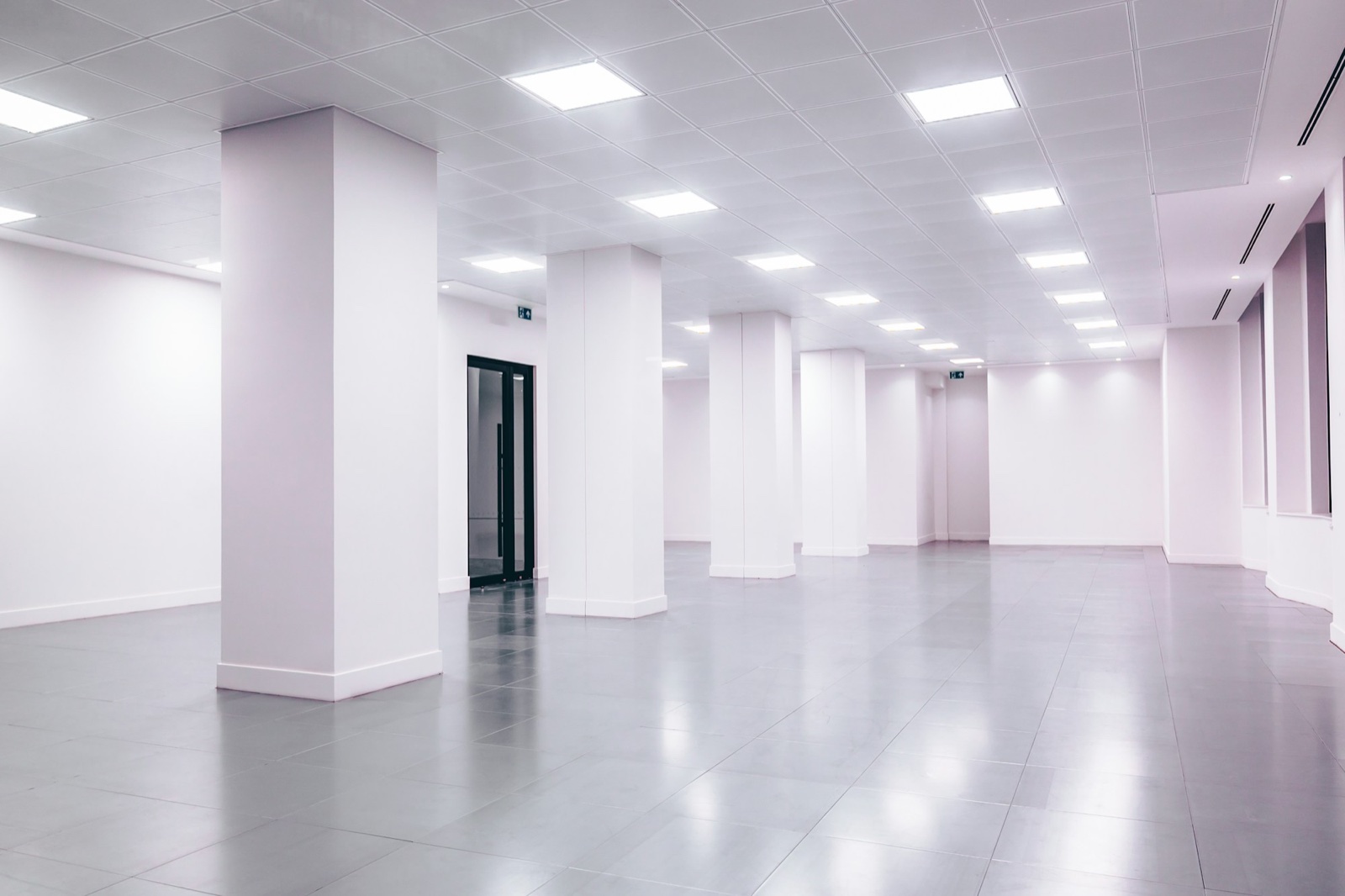
The same steps work for commercial listings. An empty office staged with desks and a meeting table, or a vacant shop shown with shelving and a counter, helps a tenant judge the space. For rooms that are already furnished, such as a dated hotel room, Interior Design redesigns what is there instead.
A staged photo shows possibilities, not a promise about the property. Clearly labeled, it helps buyers picture a home without misleading them. To redesign a furnished room, read how to redesign a room from a photo. For calm, neutral styling that suits many listings, see Japandi living room ideas. The HomeCompose guides page has more how-tos.
Frequently asked questions
Is virtual staging legal?
Yes, in general, as long as it is labeled and does not mislead buyers. Some places set specific rules: California has required a disclosure and access to the original photo since January 2026, and many MLSs have their own labeling rules. Check your MLS and local rules before you publish.
Do I need to show the original, unstaged photo?
In California, yes, and MLSs such as CRMLS want it directly before or after the staged photo. Where it is not required, showing it is still good practice and builds trust with buyers.
Can I change the floors or wall color in a listing photo?
Not as part of staging. Changing real features of the property is a different kind of edit, and CRMLS, for example, does not allow it unless the property will be improved to match by closing. Show renovation ideas separately and label them as ideas.
Can I use the staged images in my listing?
Yes. On the Pro plan, designs have no watermark and come with a commercial license. Add the labels and original photos your MLS and local law require.
Sources
- California Department of Real Estate: advisory on AI in real estate, March 17, 2026
- CRMLS: Digitally Altered Images (Rule 11.5.2) FAQs, updated February 13, 2026
- San Diego MLS: AB 723 Digitally Altered Images FAQ
- National Association of REALTORS®: 2026 Code of Ethics and Standards of Practice
- NAR REALTOR® News: When Does Enhancing Listing Photos Go Too Far?
- European Commission AI Act Service Desk: Article 50, transparency obligations
- European Commission AI Act Service Desk: Article 113, dates of application