Garden Design
AI landscape design and garden ideas
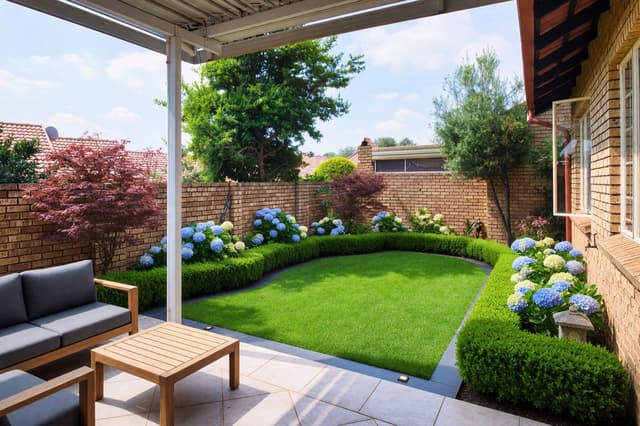
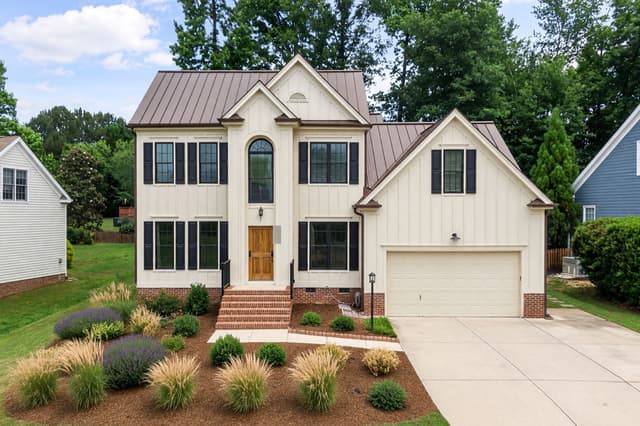
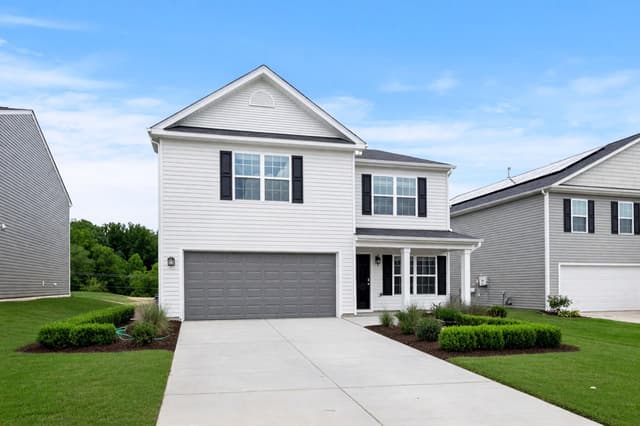
Upload a photo of your garden, patio, terrace or balcony, choose a style and the plants you like, and HomeCompose, an online garden design app, redesigns the outdoor space on that same photo. The house, the boundaries and the camera angle are meant to stay as they are. Choose a few new accents or a complete new landscape.
Free to try.
How it works in 3 steps
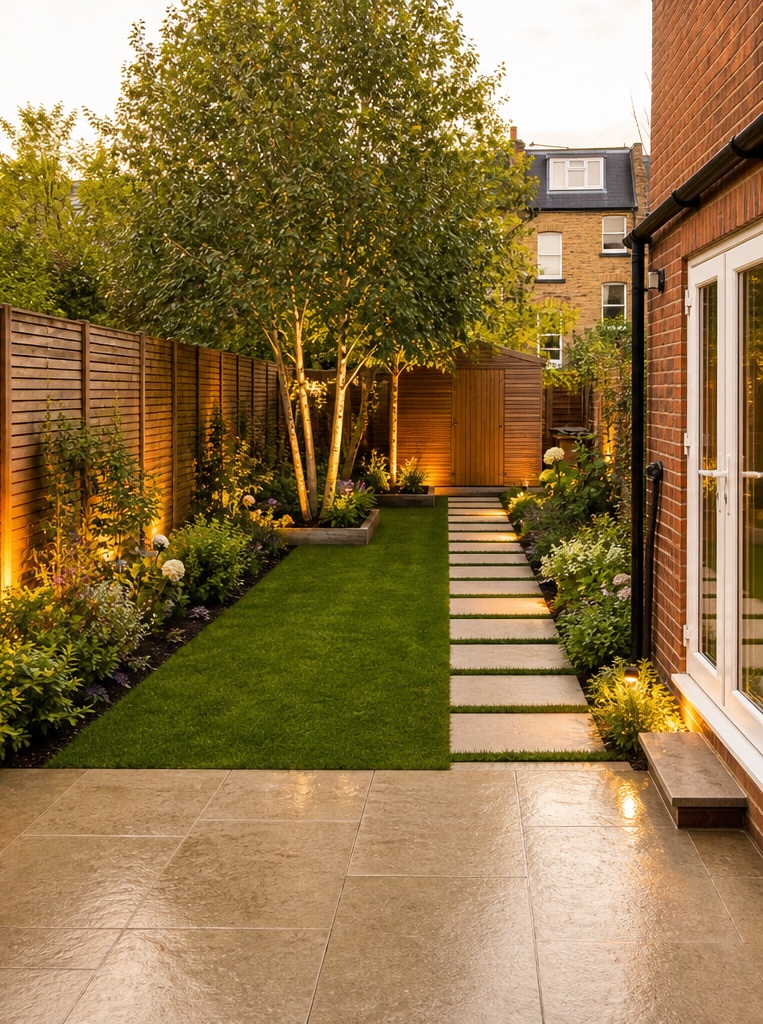
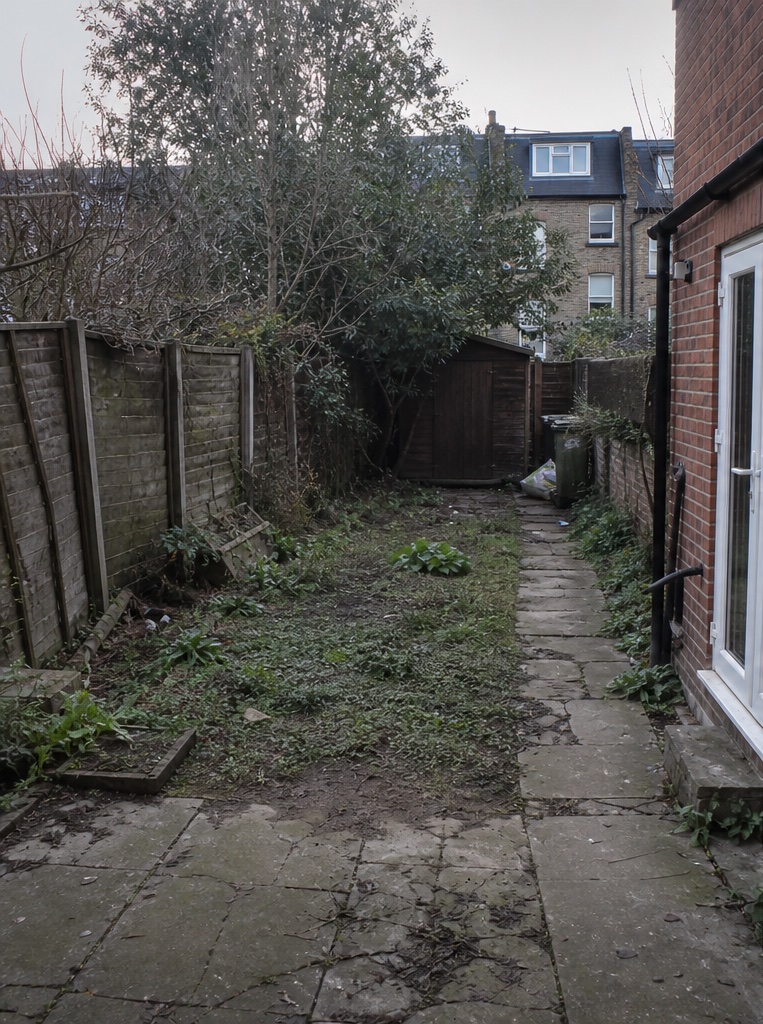
Upload a garden photo
A garden, patio, terrace or balcony, shot from where you usually stand.
Choose the look
Pick a style, how much should change, and one or more plants.
Compare
See the new landscape next to your photo, then try another style or planting.
What to upload
A photo of a garden, terrace or balcony
Who it's for
Homeowners
See new planting beds, a gravel path or a seating area on a photo of your own garden before you buy plants or book a landscaper.
Real-estate agents
Show buyers what a bare yard or an empty terrace could become, next to the real photo.
Hotels and businesses
Preview a pool terrace, a courtyard or a café garden in a new style before you plan the work.
Designers and architects
Show clients a few planting and paving directions on a photo of their own site early in a project.
Garden design from a photo of your own yard
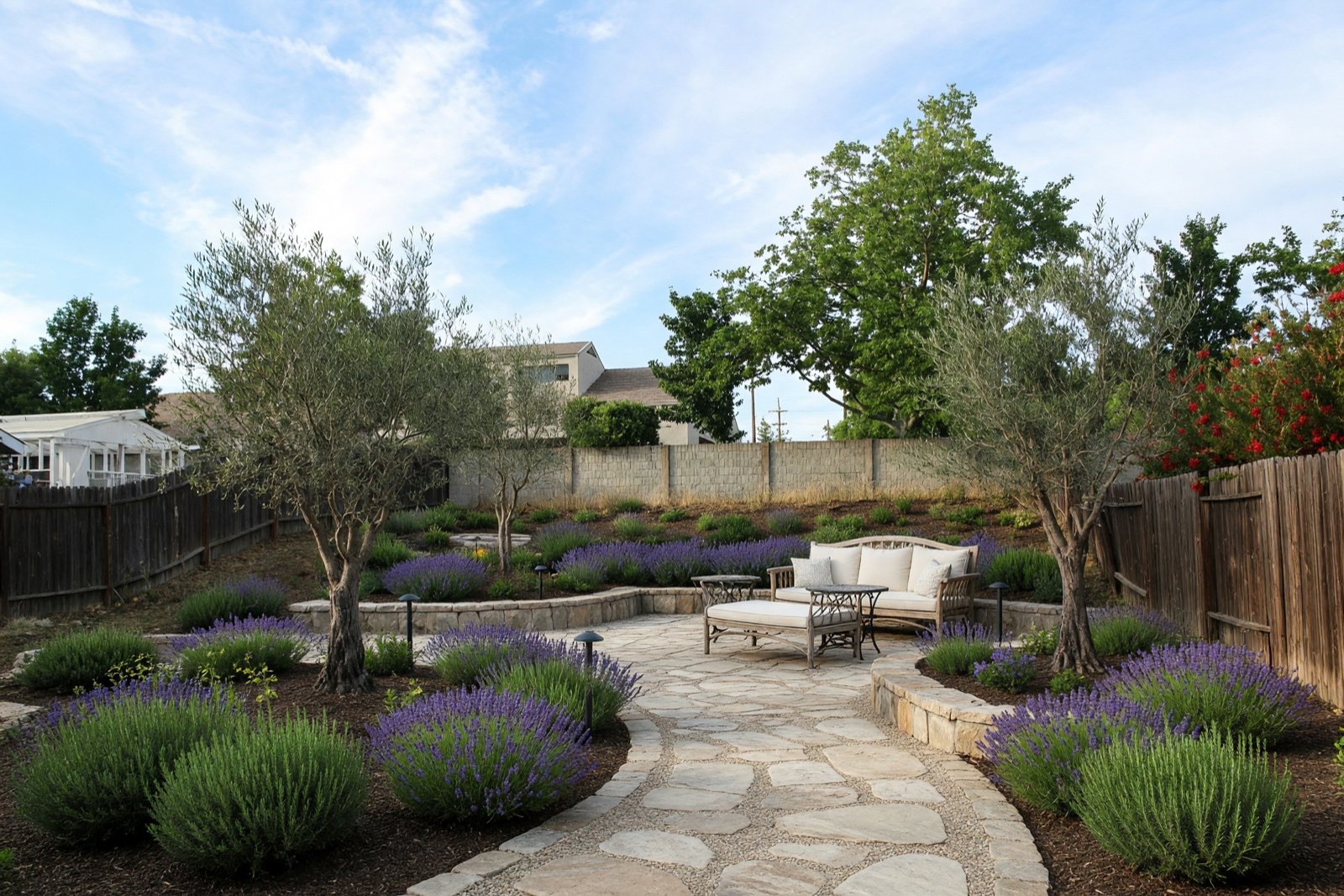
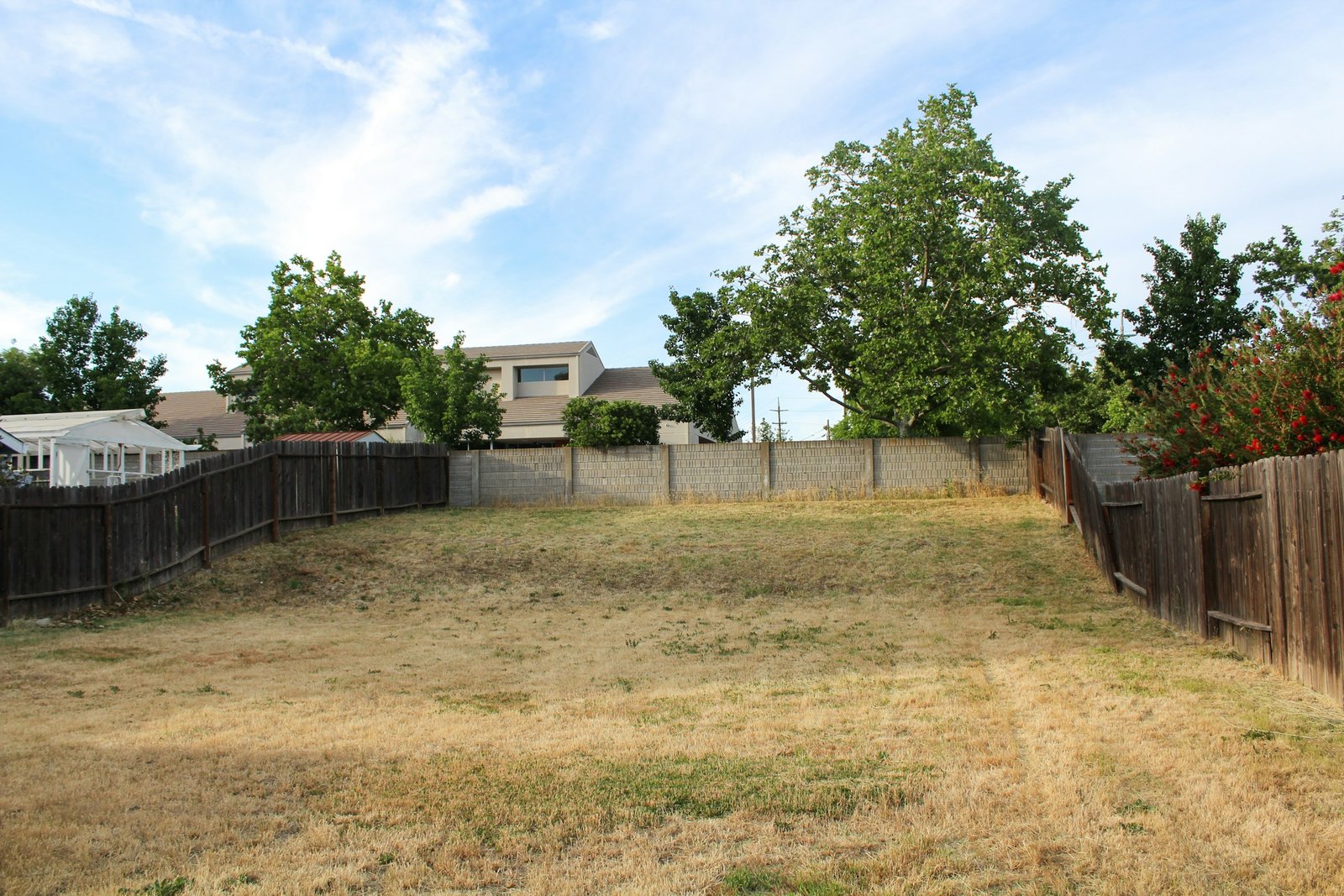
Garden Design changes the garden layer of your photo: planting, beds, lawn, paths and paving, outdoor furniture, garden lighting and decor, depending on the mode you pick. The house and facade, the property boundaries and the view are meant to stay as they are, so the before and after usually line up.
Four modes, from a few pots to a new garden
- Light Touch keeps everything as it is and adds a few accents in your style: potted plants, planters and garden lights.
- Preserve Structure keeps the layout, walls, paths and mature trees, and refreshes the planting, furniture, lighting and surfaces.
- Bold Design keeps permanent features such as walls, the pool and mature trees, and reworks the planting beds, paving, furniture and lighting.
- Full Makeover keeps the house, boundaries, pool and large trees, and redesigns the rest: lawn, beds, paths, paving, terrace surfaces, pergolas, furniture and lighting.
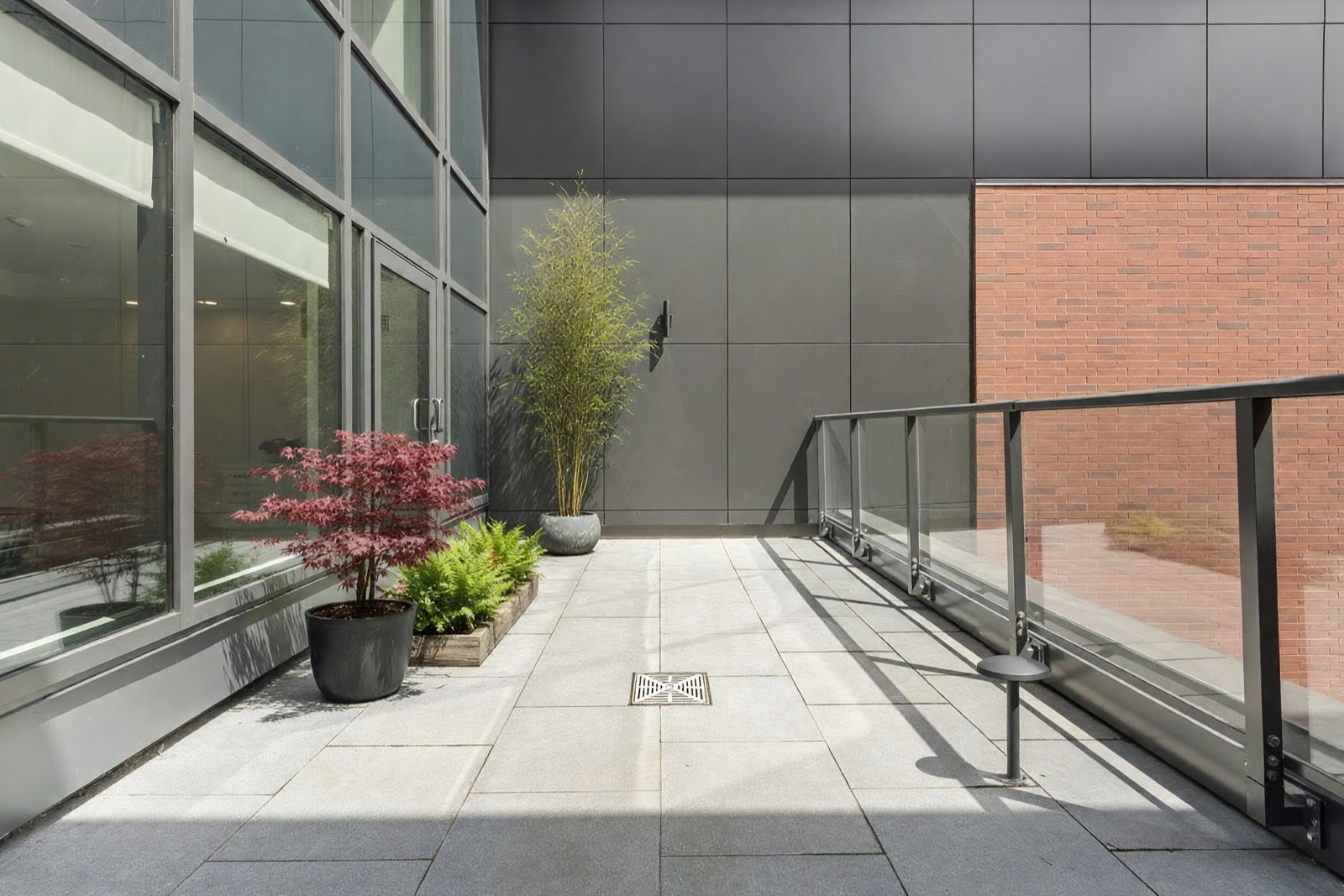
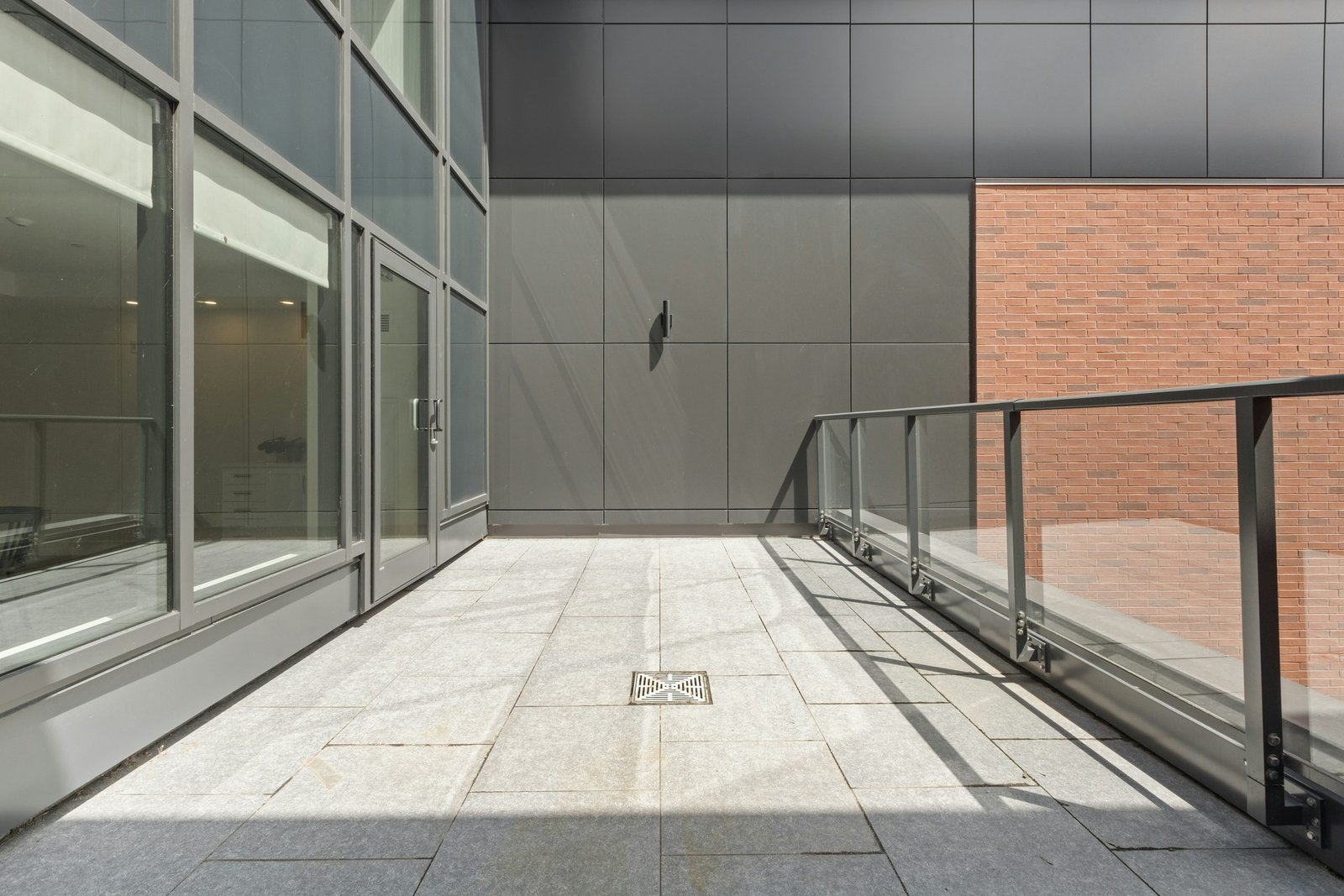
Small spaces count too. On a balcony or roof terrace, Light Touch adds pots, planters and lights and leaves everything that is already there in place.
Choose the plants and the landscape style
Pick one or more plants for the new planting. The list runs from olive trees, lavender, rosemary and boxwood to hydrangeas, roses, Japanese maples, ornamental grasses, palms and agaves, plus flowers, fruit trees, herbs and vegetables.
Styles that suit outdoor spaces include Mediterranean, Japandi, tropical, Bali, zen, cottagecore, rustic and modern, or you can describe your own. Hotels, restaurants and cafés can use the same steps for a courtyard, a pool terrace or an outdoor seating area.
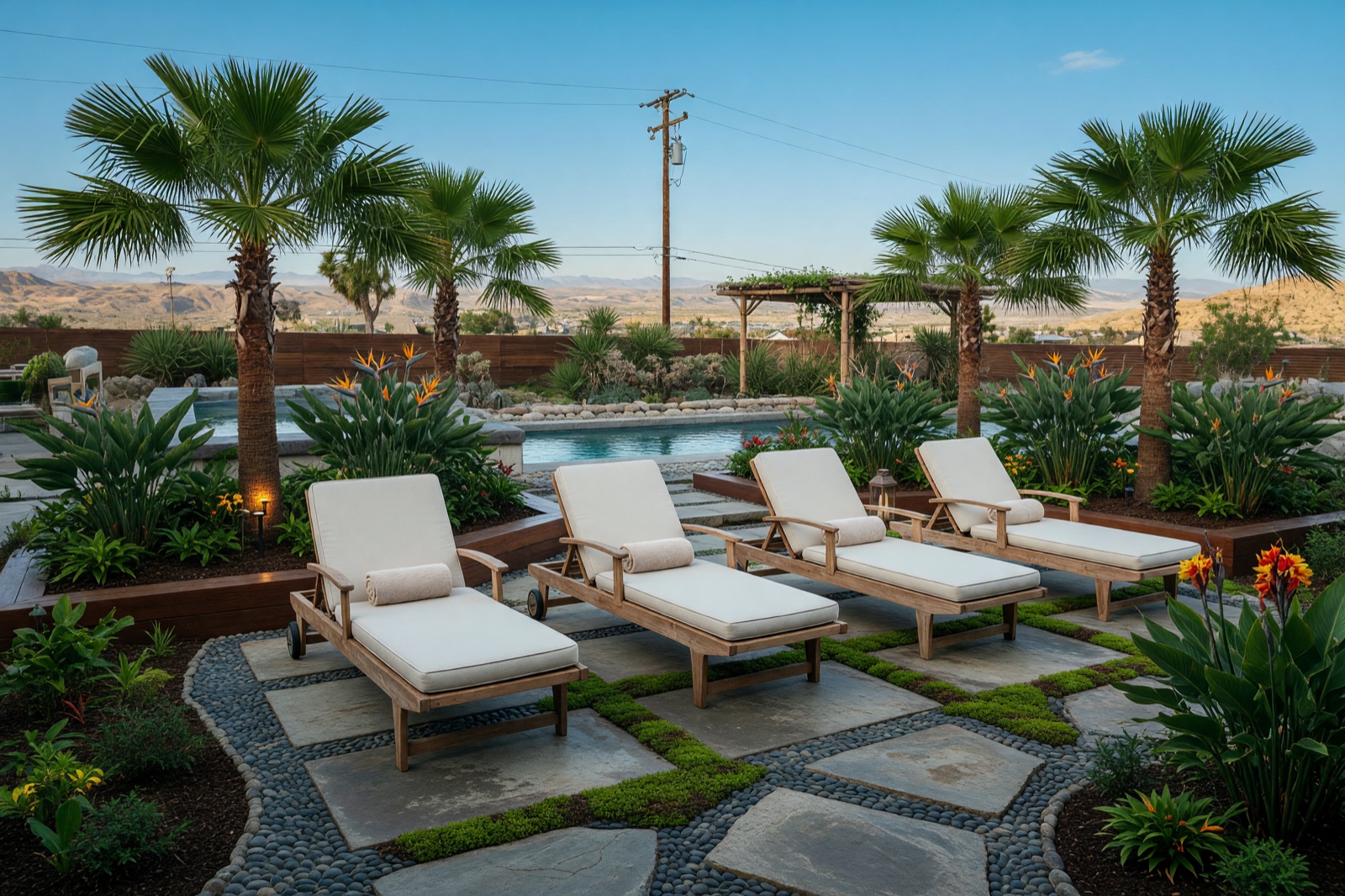
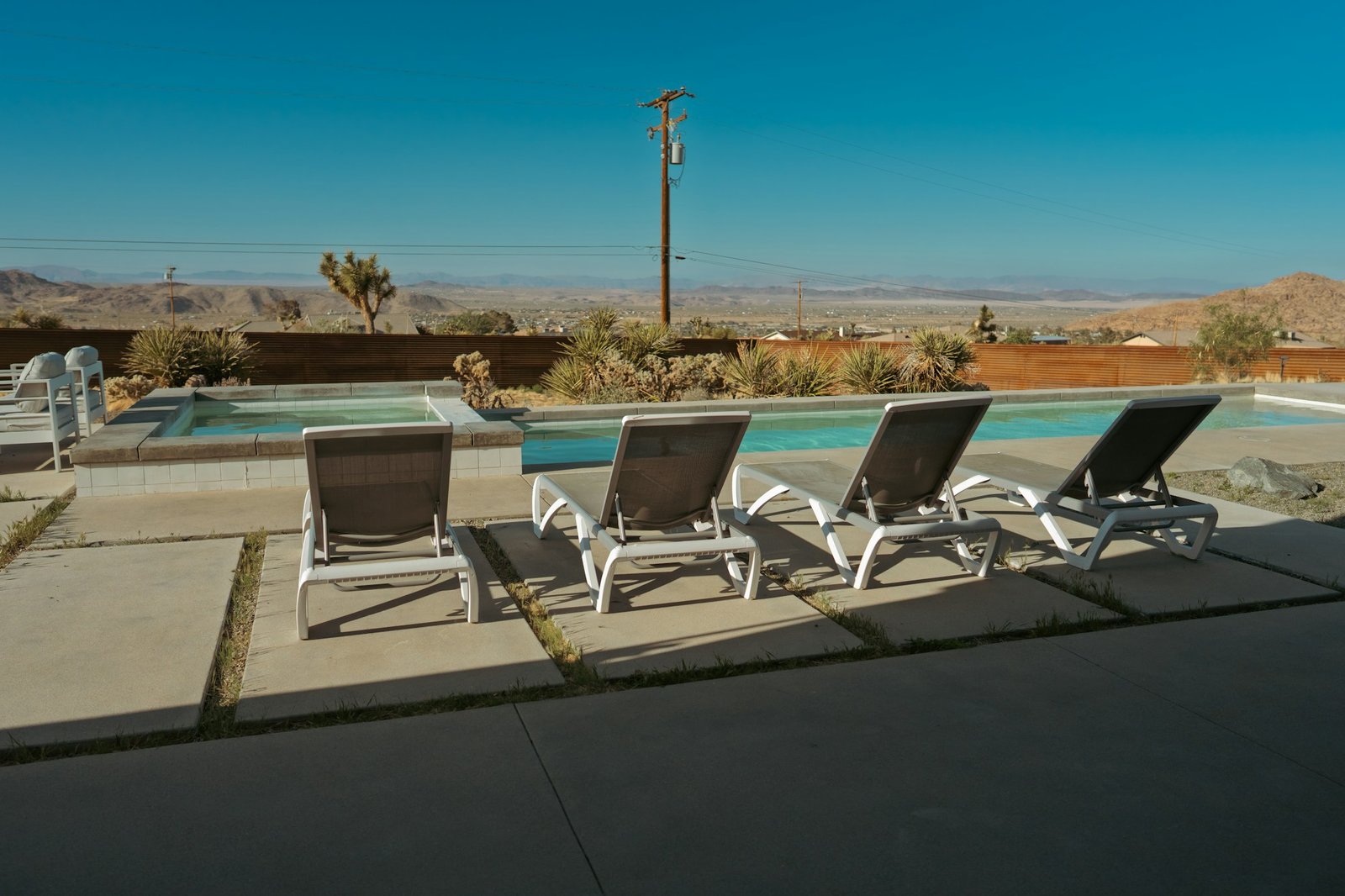
Garden design app: what it does with your photo
HomeCompose works from one photo and gives back a new version of that same photo. Here is what stays and what changes.
- Meant to stay: the house and facade, the property boundaries, the pool, mature trees and the camera angle. In Light Touch and Preserve Structure the existing layout, walls and paths are meant to stay too.
- Changes: depending on the mode, the lawn, planting beds, paths and paving, the terrace or seating area, pergolas, outdoor furniture, garden lighting and decor.
- You choose: the style, one or more plants and the mode. Run another style or planting on the same photo and compare the results.
Because it starts from your own photo, the result shows your garden's size, light and surroundings, not a generic template. Look closely at details such as steps, fence lines and plant sizes, because the AI can change small things.
3D garden plan vs. a garden design from a photo
A 3D garden plan is built from measurements: beds, paths and plants are placed to scale and you can turn the model around. A design from a photo works the other way round. You start from a picture of the real place and see how it could look with new planting, paving and furniture.
So the result here is a picture idea, not a measured plan. It gives no dimensions, plant counts, drainage or irrigation layout. Use it to settle on a direction and a mood, then take it to a landscaper or planner for a scaled drawing. If you have a floor plan of a house and want a furnished 3D view of its rooms, 3D Floor Plan (Pro plan) does that for indoor layouts. It is not made for gardens.
Plants and seasons: what the picture cannot tell you
The plants you pick are drawn by the AI, not grown. The picture knows nothing about your climate zone, frost, soil, sun or shade, so a palm or an olive tree can look right on screen and still not survive your winters. Check the hardiness zone or local planting advice before you buy anything.
New plants in the picture can also look more grown-in than a young plant will for the first few seasons.
Can an AI chatbot do landscape design?
Partly: a chat assistant can help you plan. It can suggest plants, divide the space into seating, beds and a path, and help you write a brief for a landscaper. If it draws a new garden from a description alone, the picture shows a different yard, so it is hard to judge what would fit your own fence lines, slope and light. To see ideas on your own space, start from a photo of it, as above.
Free landscape design apps and generators from a photo
Free landscape design apps and photo generators often come with limits, so the right one for you depends on which limits suit your project. Before you choose, check these points:
- How many designs the free use includes.
- Whether results carry a watermark or come in a low resolution.
- Whether free results may be used commercially or only for personal use.
- Whether it starts from your own photo or from a stock template, and whether you can choose the style, the plants and how much changes.
Whatever you use, try two or three versions on the same photo before you decide.
Landscape design software or a photo tool?
This is a photo tool, not landscape design software in the CAD sense. Drawing software produces a measured plan; Garden Design shows how new planting, paving and furniture could look in your own picture. It gives no scale, no plant list with quantities and no check of sun, soil or climate. For a measured layout, use a planner or drawing software, and use the picture first to settle the look.
Can you use it without signing up?
No. You need an account to create a design. Sign up, upload a photo of your garden, patio or balcony, choose a style, plants and mode, and the new design appears next to your photo.
Tips for a good garden photo
- Take the photo from the house or the terrace at eye level, with the whole garden in view.
- Sharp photos in even daylight give the most reliable results.
- HomeCompose shows the plants; it does not check your climate, soil or sun. Ask a local garden center what will grow where you live.
- To redesign the house itself, use Exterior Design.
For more ideas for a small plot, see small backyard garden ideas.
Garden ideas to browse first
If you would rather see examples before you upload a photo, browse front yard landscaping ideas. The page shows before and after makeovers.
Frequently asked questions
Can AI design my garden from a photo?
Yes, as a design idea. Upload a photo, pick a style, plants and a mode, and compare the results. HomeCompose is meant to keep the house and boundaries and changes the garden around them. It is a picture to plan from, not a measured 3D plan, so confirm sizes, plants and costs with a landscaper.
Will it keep my house, fence and trees?
Yes, that is the aim in every mode: the house, the facade and the property boundaries are meant to stay. Mature trees and the pool should stay too, while Full Makeover redesigns the lawn, paths and paving around them. The AI can still change things you wanted kept, such as the material of a fence or how much of a pool is visible, so look at the result closely.
Does it work on a balcony or terrace?
Yes. Upload a photo of a garden, terrace or balcony. For a small space, Light Touch is a good place to start.
Will the plants grow in my garden?
The image shows how the plants could look, not whether they suit your climate, soil or light. Check with a local garden center or landscaper before you buy.
Is the result a landscape plan?
No. It is a design idea and a visual presentation. Plant sizes and spacing are approximate, so check the details with a landscape professional before you dig or build.