Exterior Design
AI exterior design and house exterior visualizer
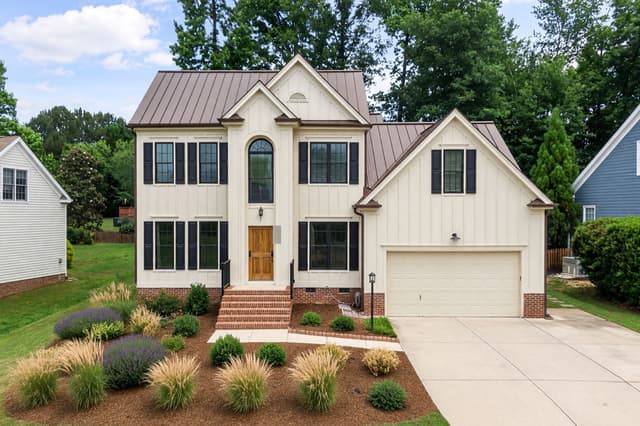
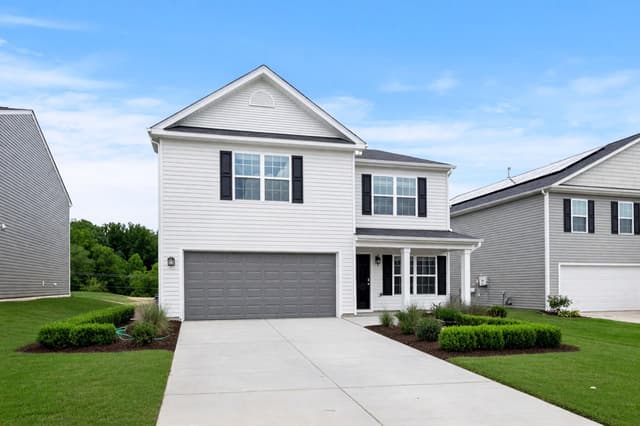
Upload a photo of your house or building from outside, choose an architectural style, and HomeCompose redesigns the facade on that same photo. The roof shape, windows and doors stay where they are, so before and after line up. Choose anything from a light refresh to a full makeover. Use it to try siding and wall colors, trim, the front door and, in the bolder modes, the roof on your own house before you talk to a painter or builder.
Free to try.
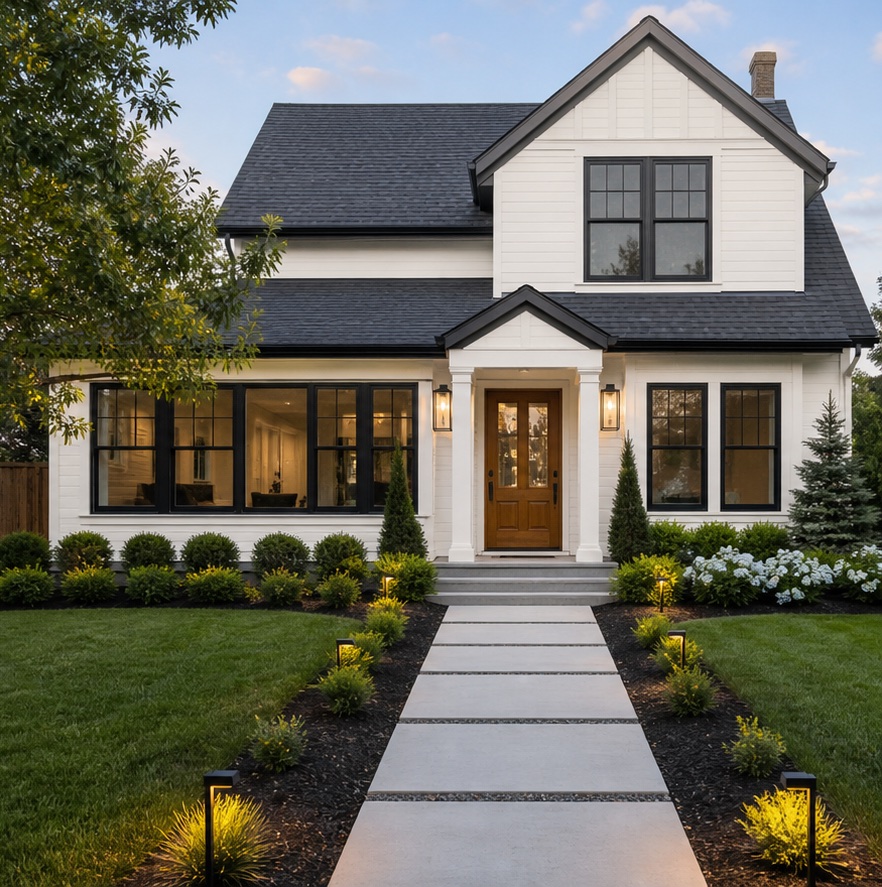
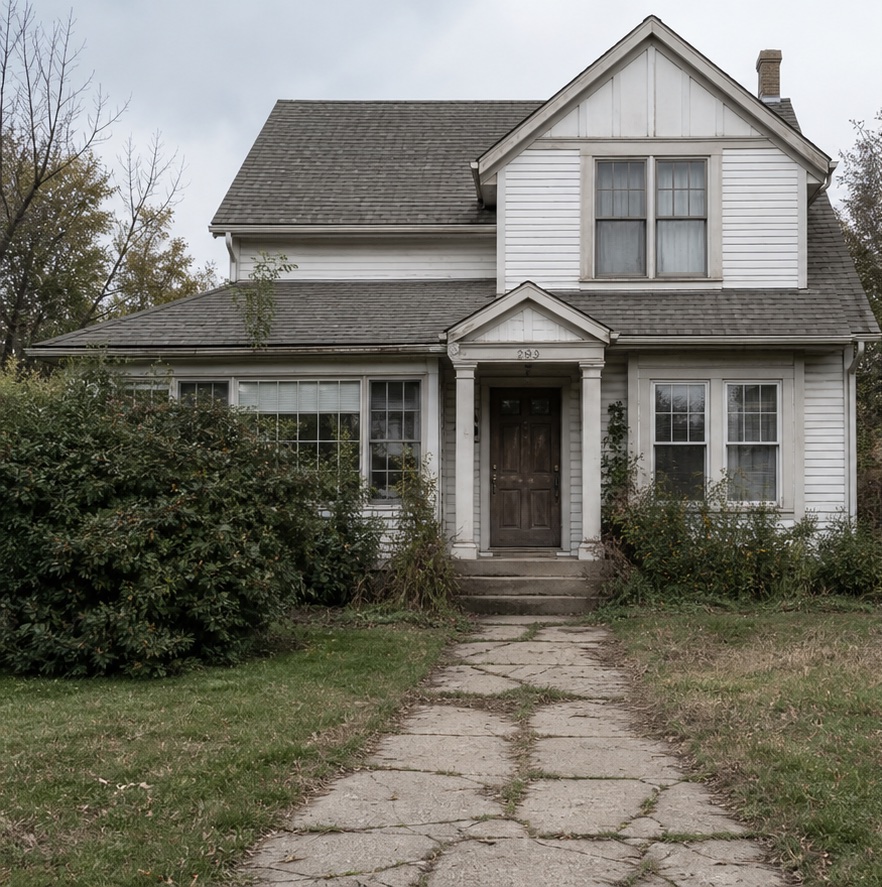
How it works in 3 steps
Upload the front
A photo of the house or building from outside, with the whole facade in view.
Choose the look
Pick the building type, a facade style, a color palette and how much should change.
Compare
See the new exterior next to your photo, then try another style or palette.
What to upload
A photo of the house or building from outside
Who it's for
Homeowners
Try new siding, a new front door color or a different porch look on a photo of your own house before you call a painter or builder.
Real-estate agents
Show buyers how a tired front could look after a refresh, next to the real listing photos.
Hotels and businesses
Preview a new shop front, office entrance or hotel facade from a photo, and compare options before you brief a contractor.
Designers and architects
Show clients two or three facade directions on their own building early, before you start detailed drawings.
Redesign your house exterior from a photo
Exterior Design keeps the building's footprint, the roofline, every window and door opening, balconies, porches, the garage and the driveway. It changes the outer layer: cladding, colors, the entrance door, window frame finishes, lighting, paving and planting. How much of that changes depends on the mode you pick.
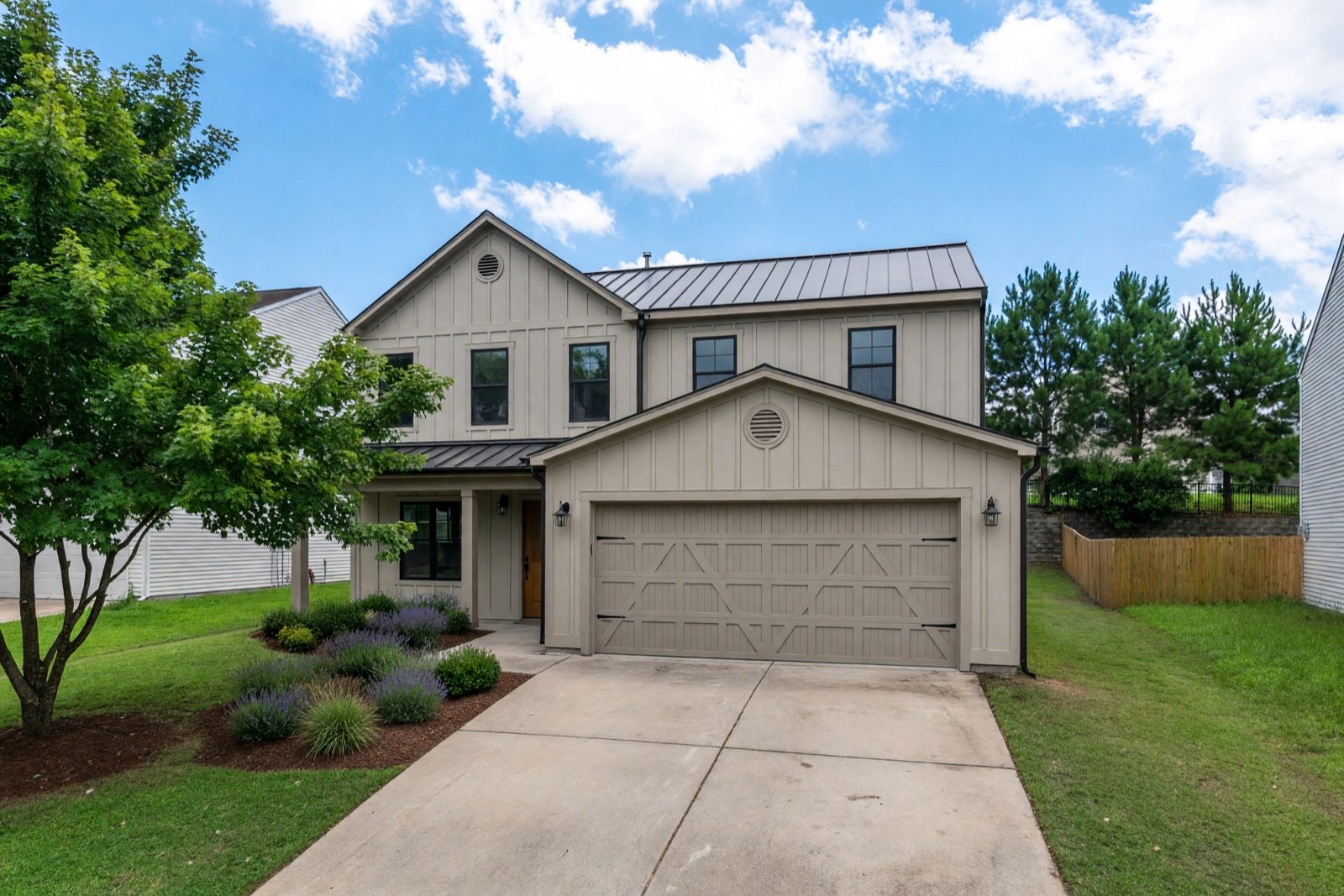
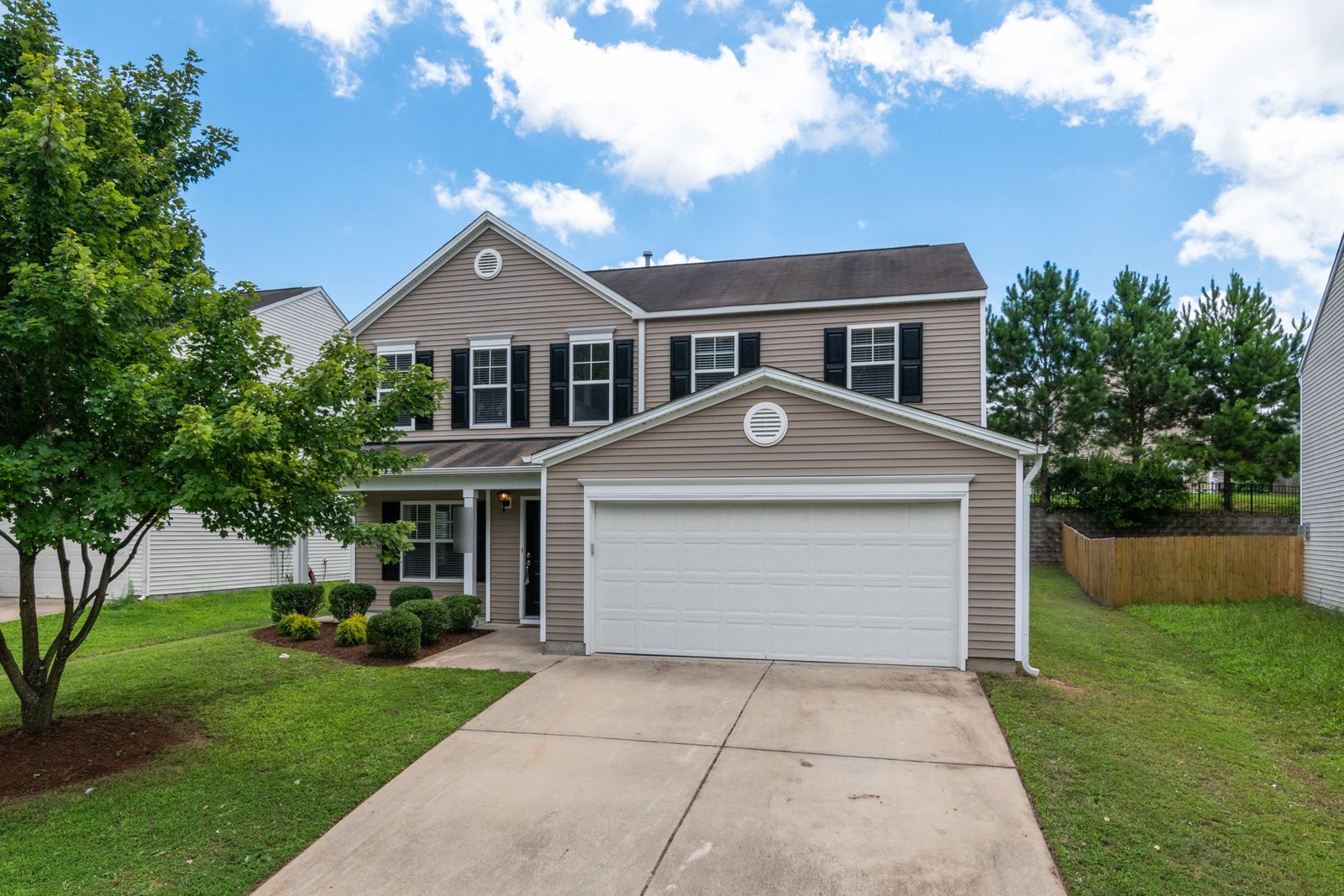
Four modes: choose how much changes
- Light Touch keeps the building and its colors as they are and adds small touches in your style, such as planters, wall lights and window boxes.
- Preserve Structure keeps every material and changes the colors and finishes of the walls, trim, entrance door and window frames, plus the lighting and planting. It is the default.
- Bold Exterior reworks the cladding, the entrance, the roof color and material, the lighting and the landscaping into one new look, without changing the building's shape.
- Full Makeover redesigns everything around the structure: cladding, colors, roof covering, window frames, doors, railings, details such as shutters or a pergola, paving, fencing and the front garden.
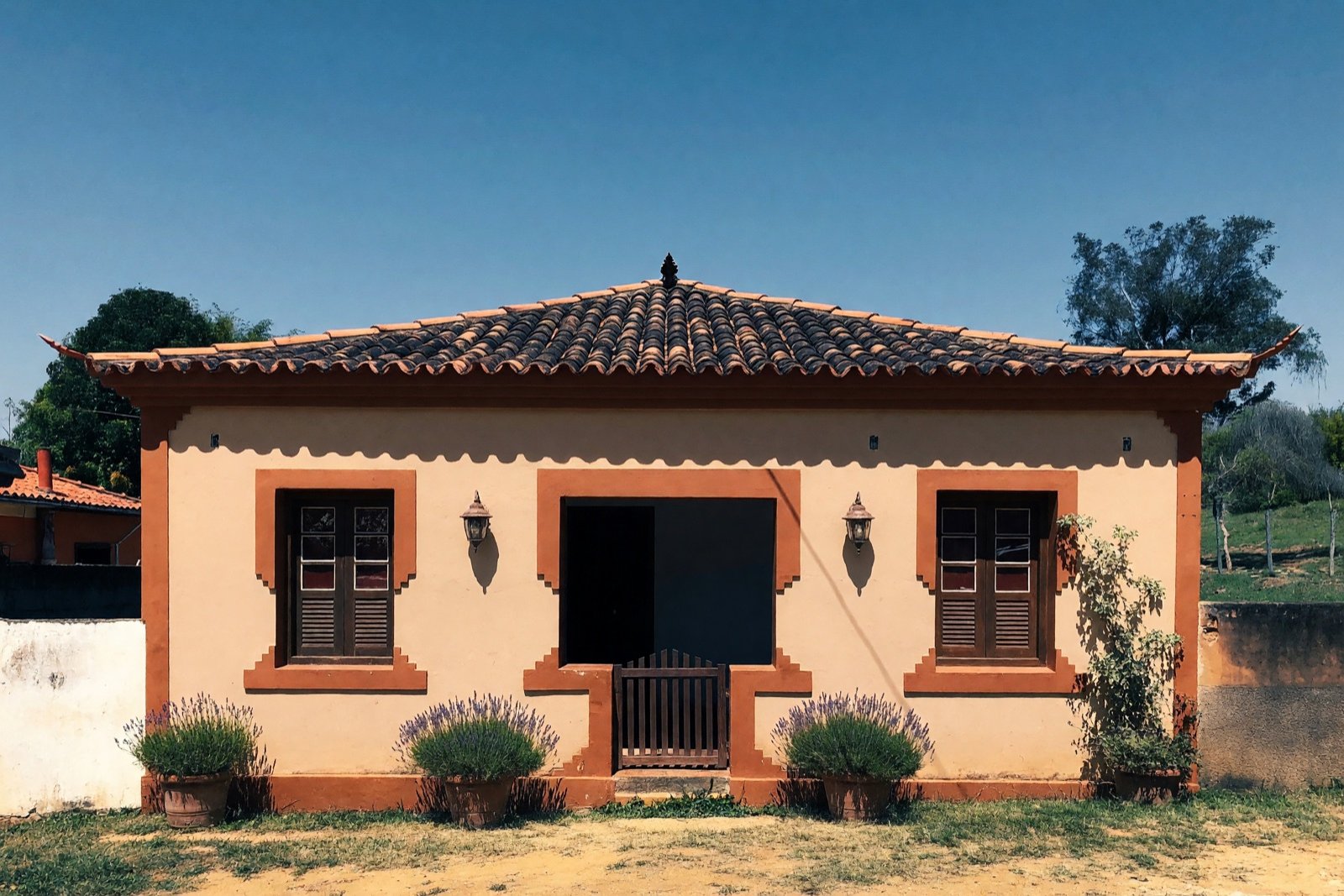
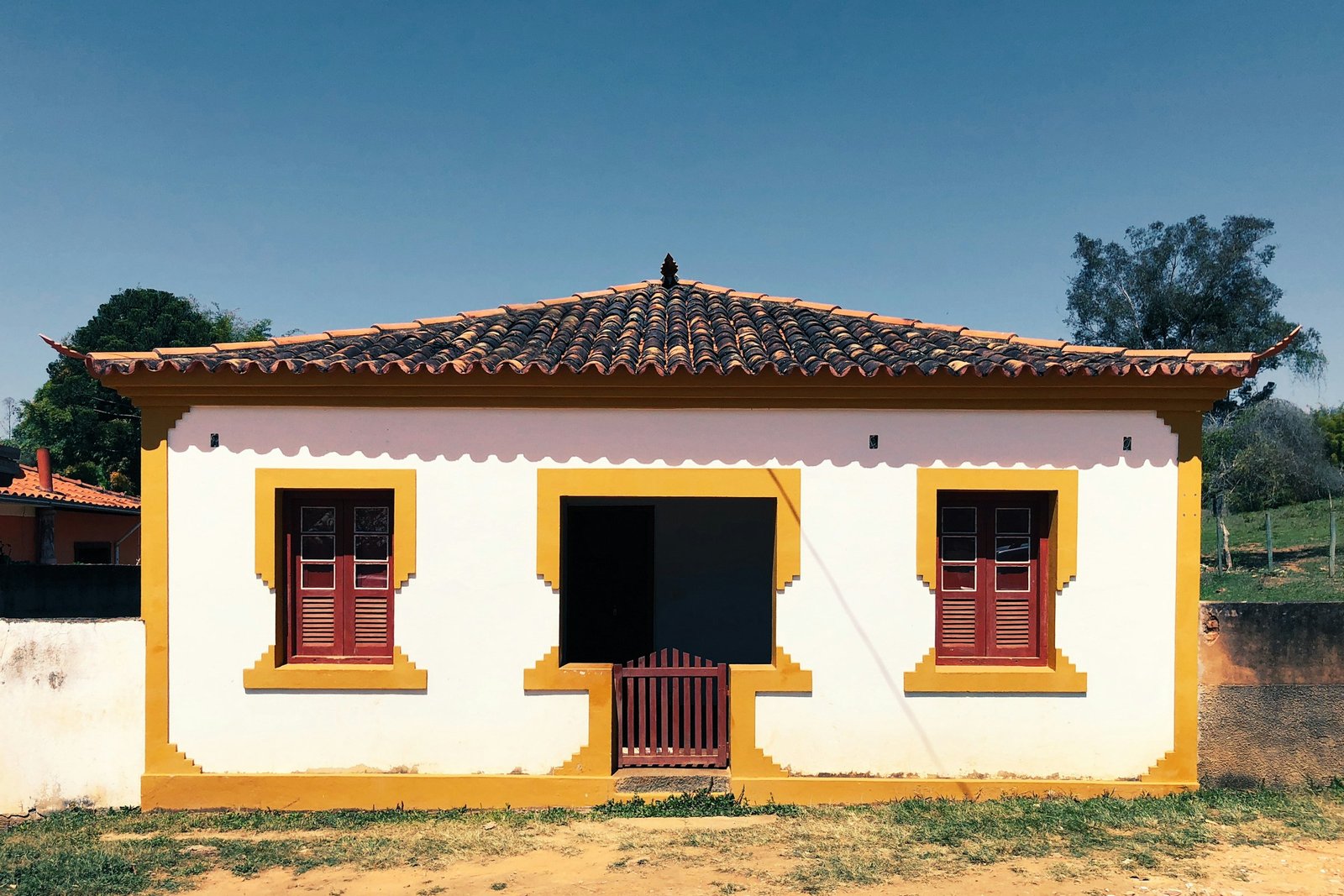
Preserve Structure suits a house you like as it is. Render, brick or siding keeps its material and pattern, and only its colors and finishes change. The AI can still redraw materials, so check the roof and the walls in the result.
Facade styles and building types
Choose a facade style such as modern, farmhouse, Mediterranean, Spanish, French, Japanese, cottage, mid-century, minimalist or Art Deco, or describe your own. Then pick a color palette, or let Surprise Me choose one.
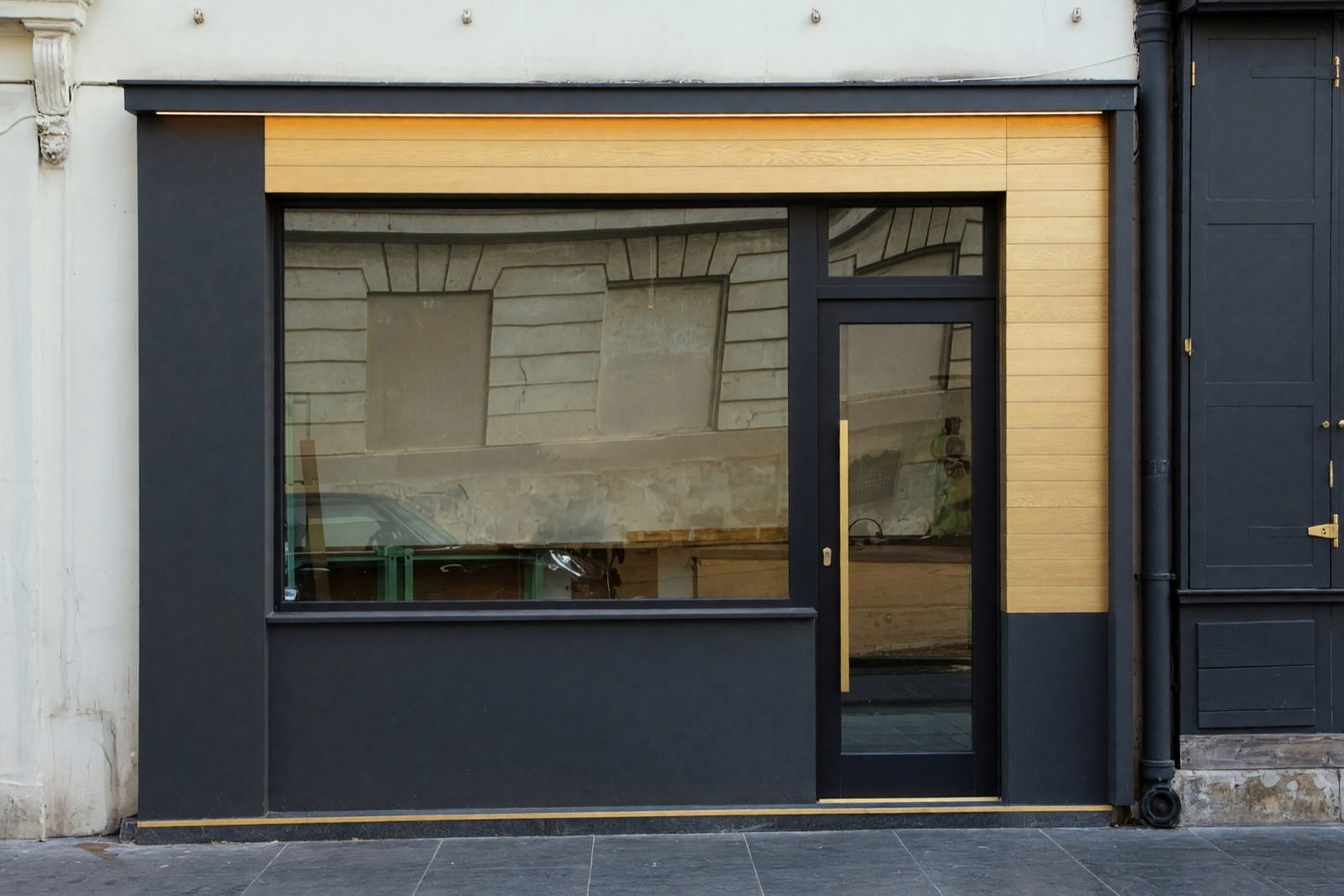
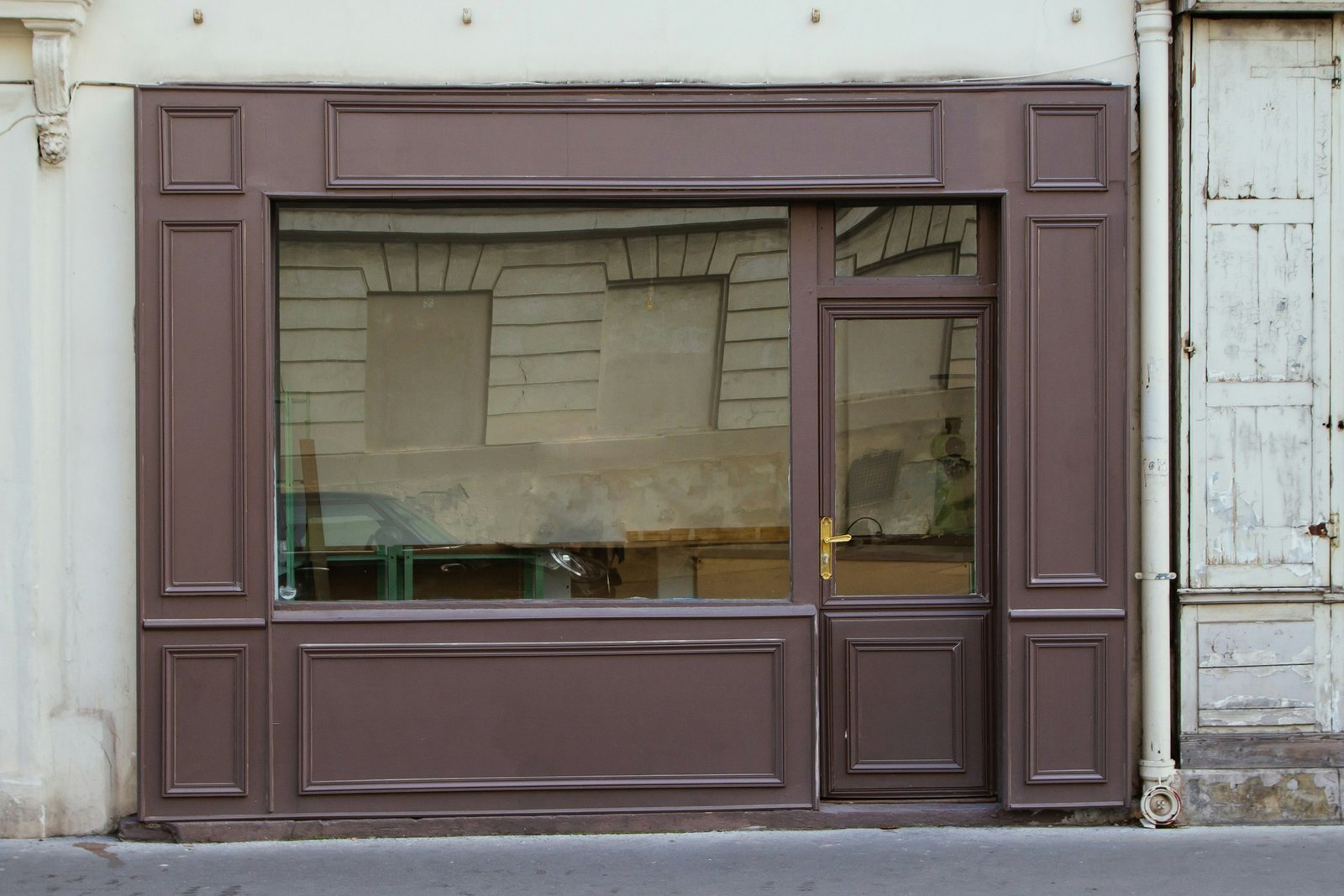
Building types include house, villa, apartment building, residential building, office building and retail storefront, so the same tool works for shop fronts and offices as well as homes.
What changes and what stays on your house
A new exterior on your photo moves some parts and leaves others alone. This is how it works for the parts people ask about most.
- Siding and wall colors: Preserve Structure repaints and refinishes the walls but keeps the cladding and its pattern. Bold Exterior and Full Makeover can change the cladding itself, for example from vinyl siding to board-and-batten.
- Roof: the shape and pitch stay in every mode. Preserve Structure keeps the roof covering, while Bold Exterior and Full Makeover can change its color and covering.
- Trim, front door and window frames: Preserve Structure recolors the trim and refinishes the existing door and frames. The two bolder modes can change how they look more.
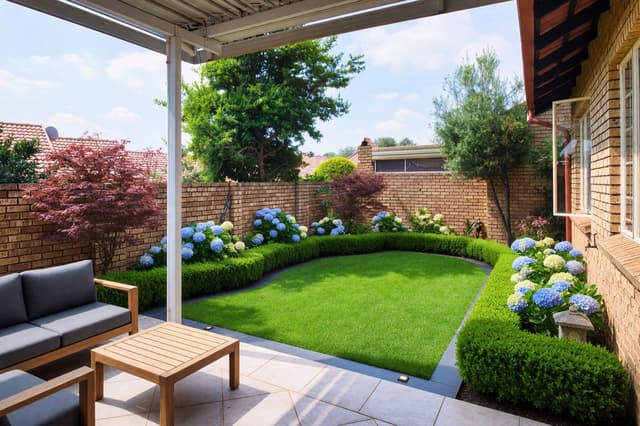
- Shutters and details: existing shutters can change color, as in the Mediterranean example above. Full Makeover can add details such as shutters, a canopy or a pergola.
- What does not move: the footprint, the roofline, every window and door opening, balconies, porches, the garage and the driveway.
Lighting and planting change too, so look for extras you did not ask for.
Paint colors next to your roof and brick
Wall color never stands alone. The roof and any brick or stone mostly stay, and under Preserve Structure the siding can stay too; in the fuller modes garage doors and other parts can change. What stays sets the limits for the color you pick, so check its undertone first: red-brown brick or a terracotta roof sits best next to warm colors such as cream, sand or a soft earth tone, while a gray or black roof leaves more room, from white and greige to sage or charcoal.
Use Preserve Structure to see a repaint with your real roof and materials in place. To test one wall color and nothing else, Paint set to Exterior repaints the facade walls and leaves the roof, trim, doors and shutters as they are. Try two or three colors on the same photo and compare them with the roof in view. Screens and daylight shift colors, so put a sample on the real wall before you buy paint.
For palettes to start from, see Mediterranean house exterior ideas for sunny climates and luxury house exterior ideas for dark, high-end looks.
AI house design from your own photo, step by step
- Upload the front of the house and choose the building type, such as house or villa.
- Pick a facade style or describe your own, then a color palette.
- Choose how much changes: Preserve Structure for a repaint, Bold Exterior or Full Makeover for new cladding and a new roof color.
- Compare with your photo, then try another style or palette. Zoom in on the windows, the roof edge and the door.
Some house design apps start from a blank plan or a 3D model. Exterior Design starts from a photo of your own house, so you see that house with a new look rather than a model built from measurements. It is an AI picture: it can redraw small things such as window proportions, railings and trim lines.
Exterior design generator: upload a photo of your house
This is an online exterior design generator that works from a photo you upload, not from a blank plan. It restyles what the camera sees: the walls, trim, front door, window frames, lighting and planting, plus the roof color and paving in the bolder modes. It does not change the shape of the building, and it does not produce construction drawings or measurements, so it is not drafting or CAD software. For an extension, moved windows or any structural change, local rules apply and an architect has to draw it. To compare wall colors first, see house exterior color ideas.
Which AI is best for exterior design?
There is no single best AI, because it depends on what you want to see. These are the questions we would ask of any exterior design tool:
- Does it keep your real house? Some tools draw a new building from scratch. Check that the roofline, windows and doors in the result line up with your photo.
- How much control do you get? Look for a choice between a repaint and a full rebuild of the look, plus a style and a palette you can set, rather than one prompt and luck.
- What are the image size and the terms? Check the picture size, whether the result carries a watermark, and whether you may use it in a listing or for a client.
- What happens to your photo? A house photo can show your street and your neighbors. Look for a plain statement on how uploads are stored and used.
- Does it state its limits? A good tool says it gives ideas, not plans, costs or permits.
Exterior Design is built around the first two points: it works on your photo and keeps the footprint, roofline and openings. Test any tool on one photo of your own house and compare the result with the original.
Can I redesign the exterior of my home for free?
Often you can try a preview for free, but free tools usually limit something: how many designs you get, the picture quality, or a watermark on the result. Before you rely on one, read the terms for personal versus commercial use and for how your photo is handled. Then run a first test on your own house and check one thing: are the roof, windows and door still in the same place? A free picture only shows ideas. The real work still needs a quote from a painter or builder.
Can ChatGPT design a house?
A chat assistant can help you plan a house, but it does not replace an architect. It can help you write a brief, compare styles and materials, and list questions for a builder. If it draws a picture, that is usually a new building, not your house, and it is an illustration, not a plan with dimensions, structure and code checks. To see a style on your own house, start from your photo with a tool that keeps the roofline and openings, then take the picture and your brief to an architect.
Check with a contractor before you build or buy
The picture is a design idea. It does not know your local rules, how your walls are built, whether the roof structure can carry a new covering, or what the work will cost. Use it to decide what you like and to brief a painter, roofer or builder, then ask them to confirm what is possible, what it costs and whether you need a permit. For big changes such as new cladding or a new roof, ask for a quote and look at a physical sample first.
Tips for a good exterior photo
- Get the whole front in the frame, shot straight on in even daylight.
- Avoid parked cars or trees that hide large parts of the facade.
- For the yard, use Garden Design. For a brighter sky, use Swap the Sky & Weather (Essential and Pro plans).
Looking for a direction first? See house exterior color ideas and modern farmhouse exterior ideas.
Frequently asked questions
Will it change my roof or windows?
The roof shape, the window and door openings and the footprint stay the same in every mode. Bold Exterior and Full Makeover can change the roof's color and covering and the window frames. AI can still shift small details, such as window proportions, so compare the two images closely.
Can I try new paint colors only?
Yes. Choose Preserve Structure. It keeps every material and changes the colors and finishes of the walls, trim, door and window frames, along with the lighting and planting. To change only the wall color and leave the rest of the picture alone, use Paint. Either way, check the new color against your roof and any brick or stone, which mostly stay.
Does it work for apartment buildings, offices and shops?
Yes. Pick apartment, residential, office building or retail storefront as the building type.
Can I use the result for building work or a permit?
No. It is a design idea and a visual presentation, not a construction drawing or a permit document. Check details with an architect or builder before you build, and ask a contractor to confirm what is possible, the cost and any permit before you order materials or paint.
Can I use the designs in listings or client presentations?
Designs without a watermark, which come with a paid plan, can be used commercially, for example in property listings or client presentations. Watermarked designs are for personal, non-commercial use.