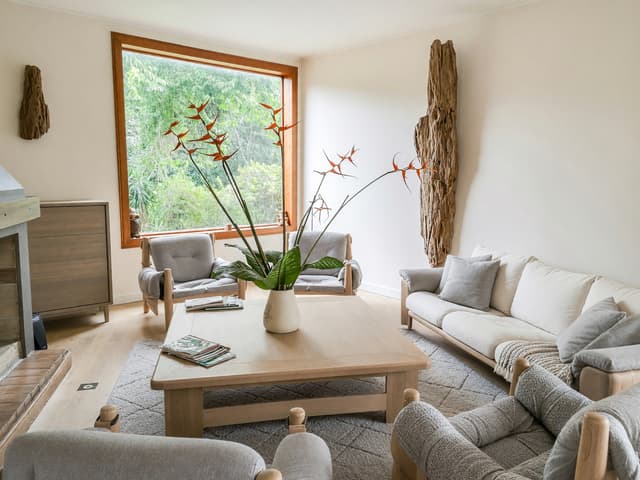
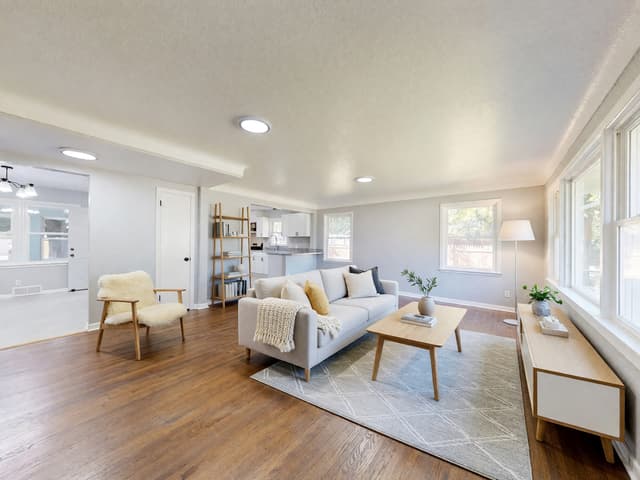
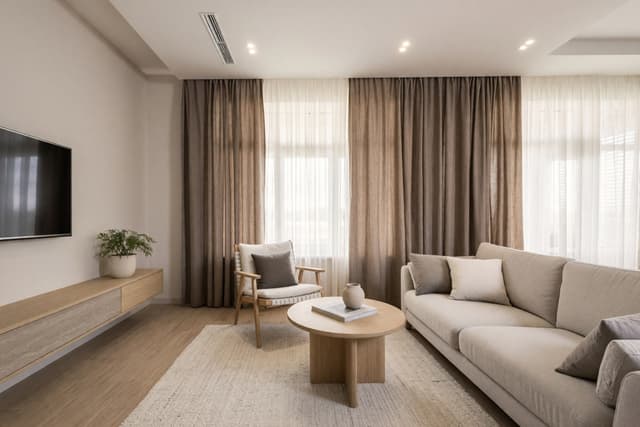
ChatGPT interior design: what it can and can't do for your room
ChatGPT and similar chat AI can help you plan a room: they are good at talking through goals, style words, layouts and a brief for a designer. A picture a chat assistant draws from a description is a new picture, though, not your room, so it is hard to compare with the real one. This guide covers what to ask a chat assistant, what to check in any room picture and how to see ideas on your own photo, with three real before and after results.
Can ChatGPT do interior design?
Yes, as a thinking partner. A chat assistant can help you decide what you want from a room, explain style terms, work through a layout in words and turn all of it into a short brief. It cannot measure your room, and it only knows what you tell it or show it. What it can do with pictures differs between products and changes often, so check what your version offers before you plan around it.
What a chat assistant is good at for interior design
- Talking through goals. Who uses the room, what bothers you about it now and what must stay. Good answers here save money later.
- Style vocabulary. If all you know is that you want the room "calm and warm", it can name styles that fit, such as Japandi or Scandinavian, and explain what makes each one recognizable.
- Layout reasoning. Describe the room and ask where the sofa, desk or bed could go, and what each choice does to walking space and daylight.
- Color ideas. It can suggest palettes for walls, floor and textiles and explain why a color reads cool or warm next to what you already have.
- Checklists. The order of work, what to measure and what to ask a contractor.
- Shopping criteria. What to look for in a sofa, rug or lamp, such as size, fabric and how easy it is to clean. Check any product name or link it gives you yourself.
- Writing a brief. One clear page for a designer or contractor, built from everything you discussed.
- Describing a photo's problems. If your assistant accepts photos, ask what makes the room feel dark, crowded or flat.
What to tell it
- Room and size. Your own measurements and the ceiling height.
- Light. Which way the windows face and when you use the room.
- Who uses it. Children, pets, guests, or someone working from home.
- Budget. A rough range, or simply what you will replace and what you will keep.
- What stays. The floor, a sofa you love, built-in shelves, a wall you may not repaint.
- Taste. Two or three looks you like and one you do not.
- Limits. Rental rules, noise, allergies, a door that must stay clear.
Questions worth asking
- "Here is my room and who uses it. Ask me ten questions you need answered before you suggest anything."
- "Suggest three layouts and tell me what each one gives up in walking space and light."
- "Which two or three styles fit my taste and this light, and what makes each one recognizable?"
- "Give me a palette for walls, floor and textiles, and say what each color does in a room that faces north."
- "What color temperature of bulb suits each part of the room?" Warm living-room light is around 2700 K.
- "Write a one-page brief for a contractor from everything above, with a list of what stays."
- "What did I forget to measure or ask?"
What to check when a chat AI draws your room
Asking for ideas is one thing. Asking a chat assistant for a picture of a room is another. A picture made from a description is a new picture, not a photo of your room. Your windows, walls, layout and camera angle can all come out different, so you cannot lay it over the real room to see what would actually change. It is a mood image: useful for taste, not a preview of your home.
Some chat assistants can also take your photo and return a restyled version. Features differ and keep changing, so try yours. Whatever tool made the picture, put it next to your original and check these points:
- Windows and doors. Same number, same place, same size?
- Walls and ceiling. Corners, beams, niches and the ceiling height should match your photo.
- Camera angle. If the view has moved, the two images cannot be compared directly.
- Fixed things. Radiators, sockets, a fireplace or built-in shelves are easy to lose or invent.
- Scale. Furniture in a picture is not measured. Check it against a tape measure.
- Invented details. Book spines, art and small objects are decoration, not a plan.
What HomeCompose Interior Design does differently
Interior Design starts from your own photo. You upload a picture of the room, choose the room type, a style, a color palette and a mode, and it redesigns what is inside. By design, the walls, windows and camera angle stay where they are, so the result lines up with your original and you can compare the two. The step-by-step guide to redesigning a room from a photo covers taking a photo that works.
You also choose how much changes. These are the four modes:
- Light Touch keeps your room exactly as it is and adds a few small accents in your style, such as plants, cushions, a throw and art.
- Structural Preservation, the default, keeps your walls, windows and floor plan and refreshes the furniture, textiles, lighting and finishes.
- Bold Interior keeps the architecture and layout but reimagines everything inside it: furniture, flooring, wall finishes and lighting.
- Full Makeover keeps every wall, column, window and doorway where it is and redesigns everything else, including the ceiling, doors and wall colors.
The three examples on this page use licensed stock photos, and small brand marks on appliances and a TV are blurred in the before images. The first one uses Structural Preservation.
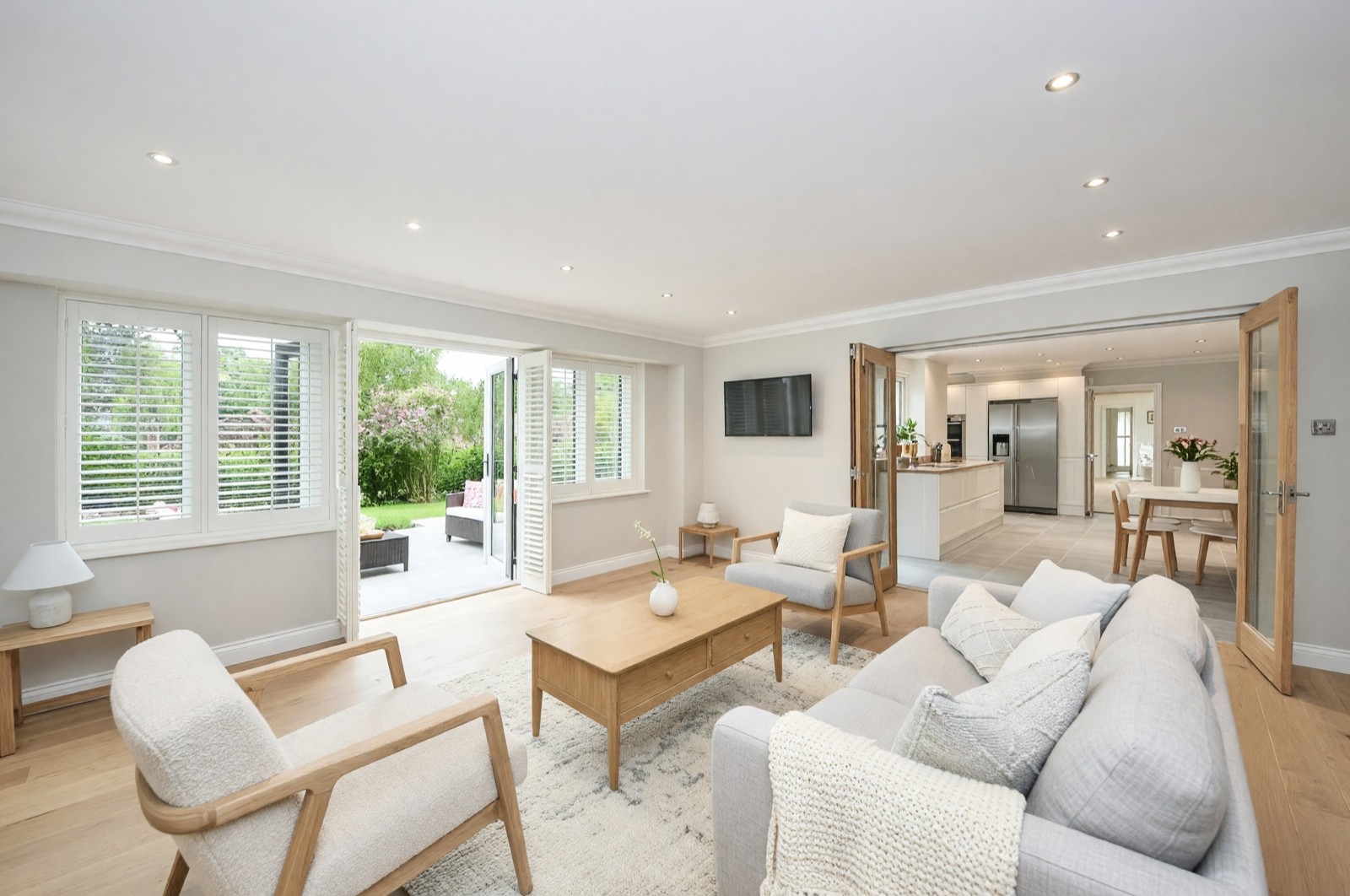
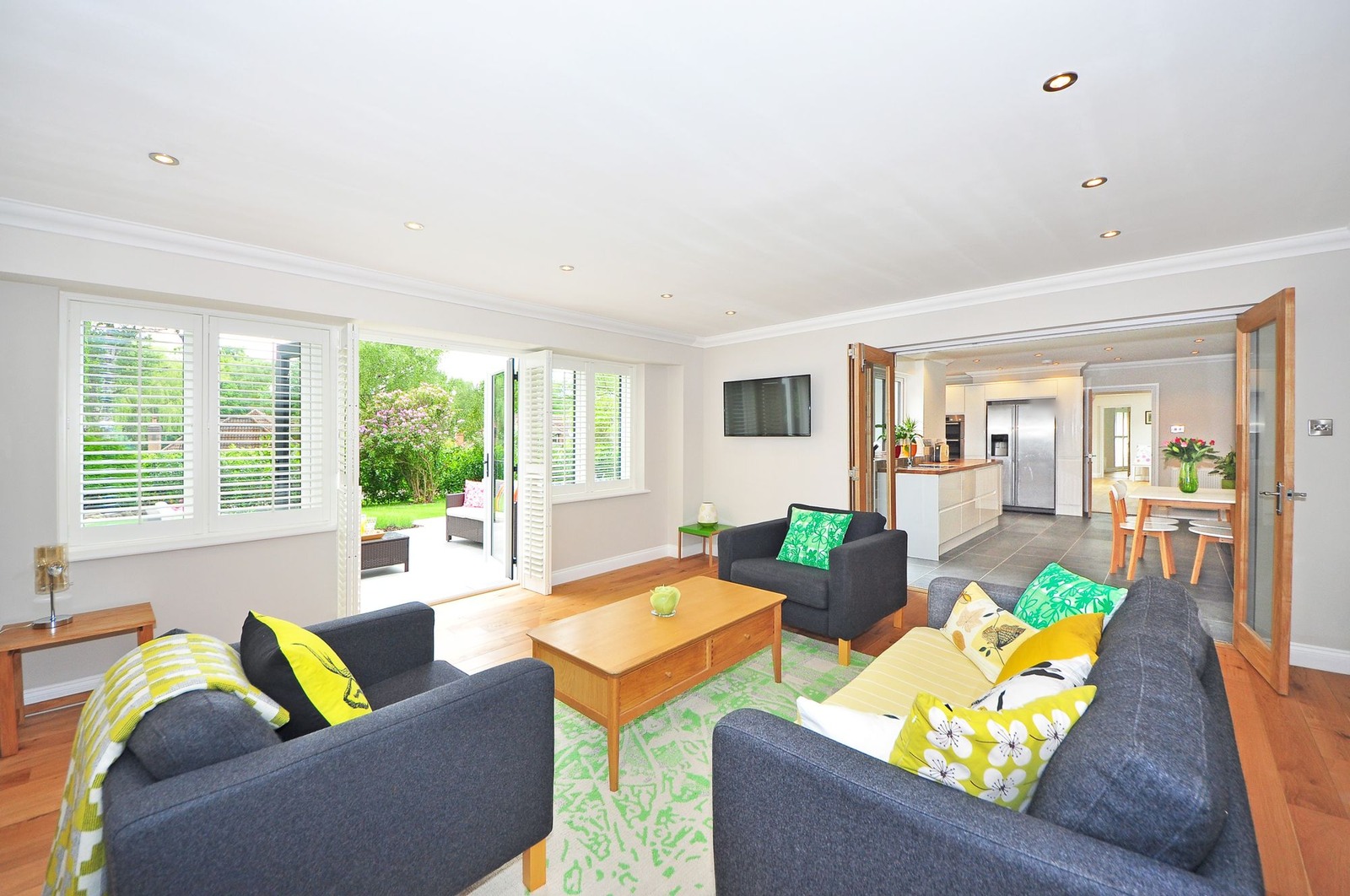
A bedroom and a kitchen: two more amounts of change
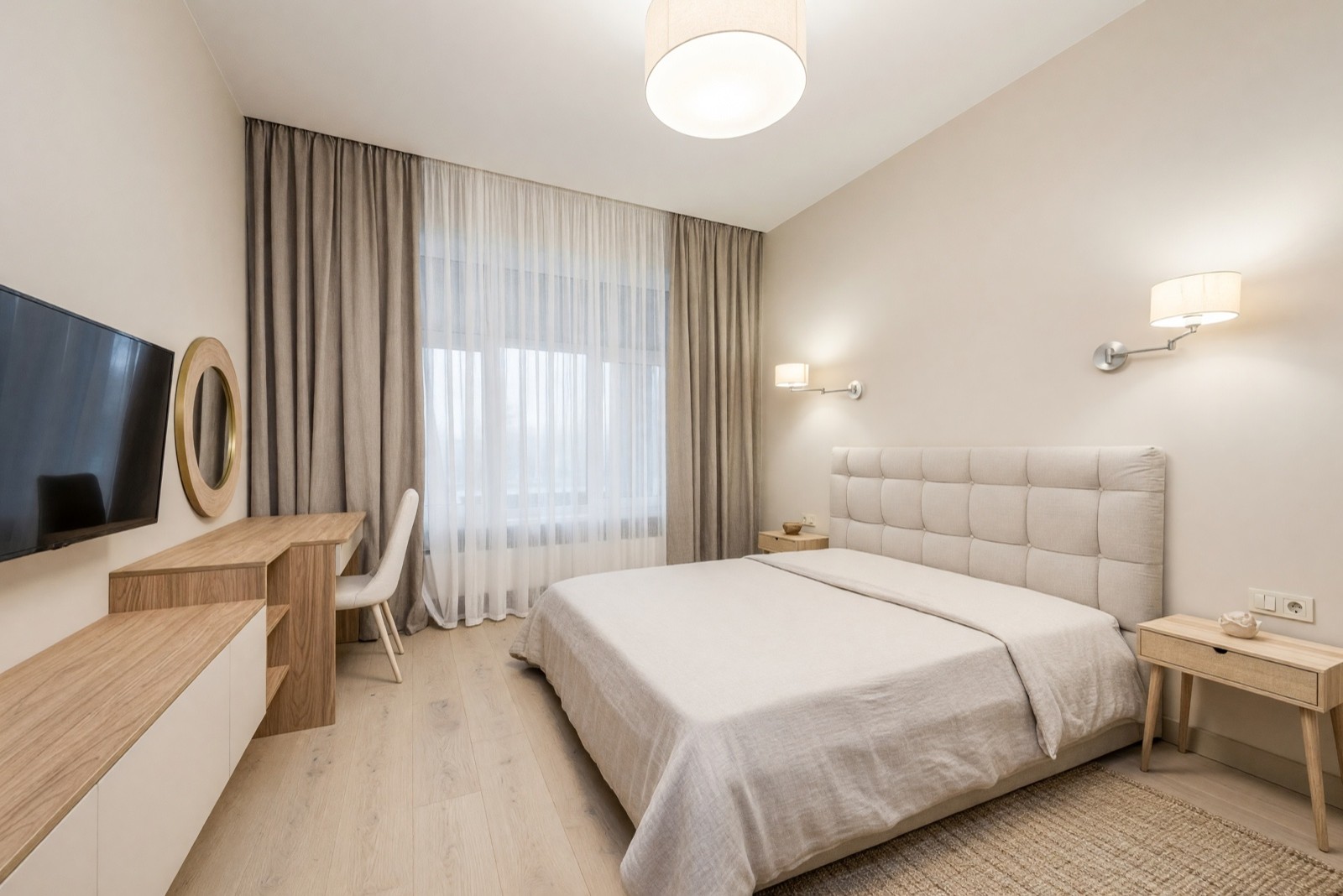
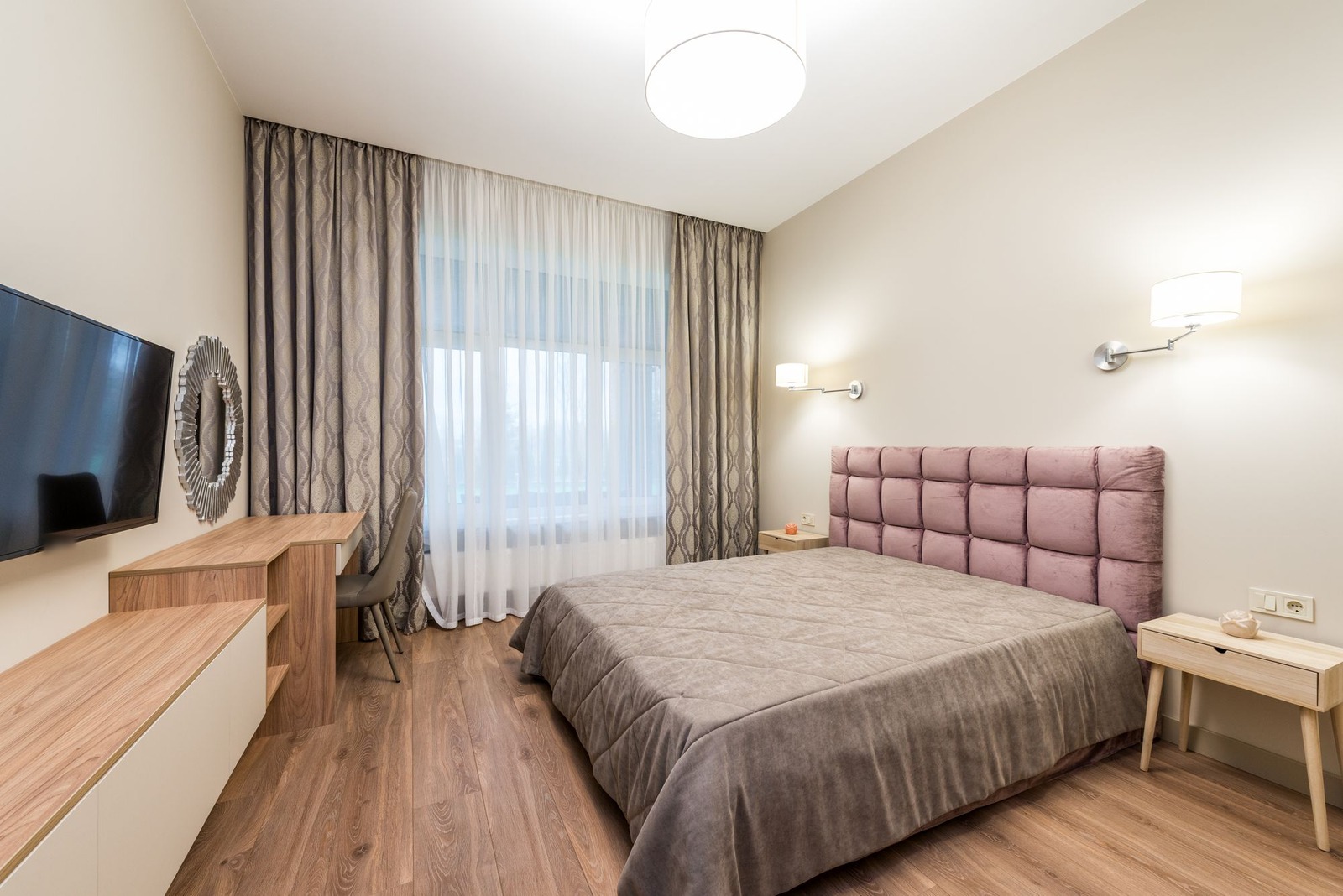
Japandi in a bedroom
Japandi mixes pale wood, linen and calm shapes, and it shows well on a bedroom. For the same style in a living room, see our Japandi living room ideas. The result below keeps the room's layout, so you can see what a new headboard, bedding, curtains and floor would do before you buy any of them.
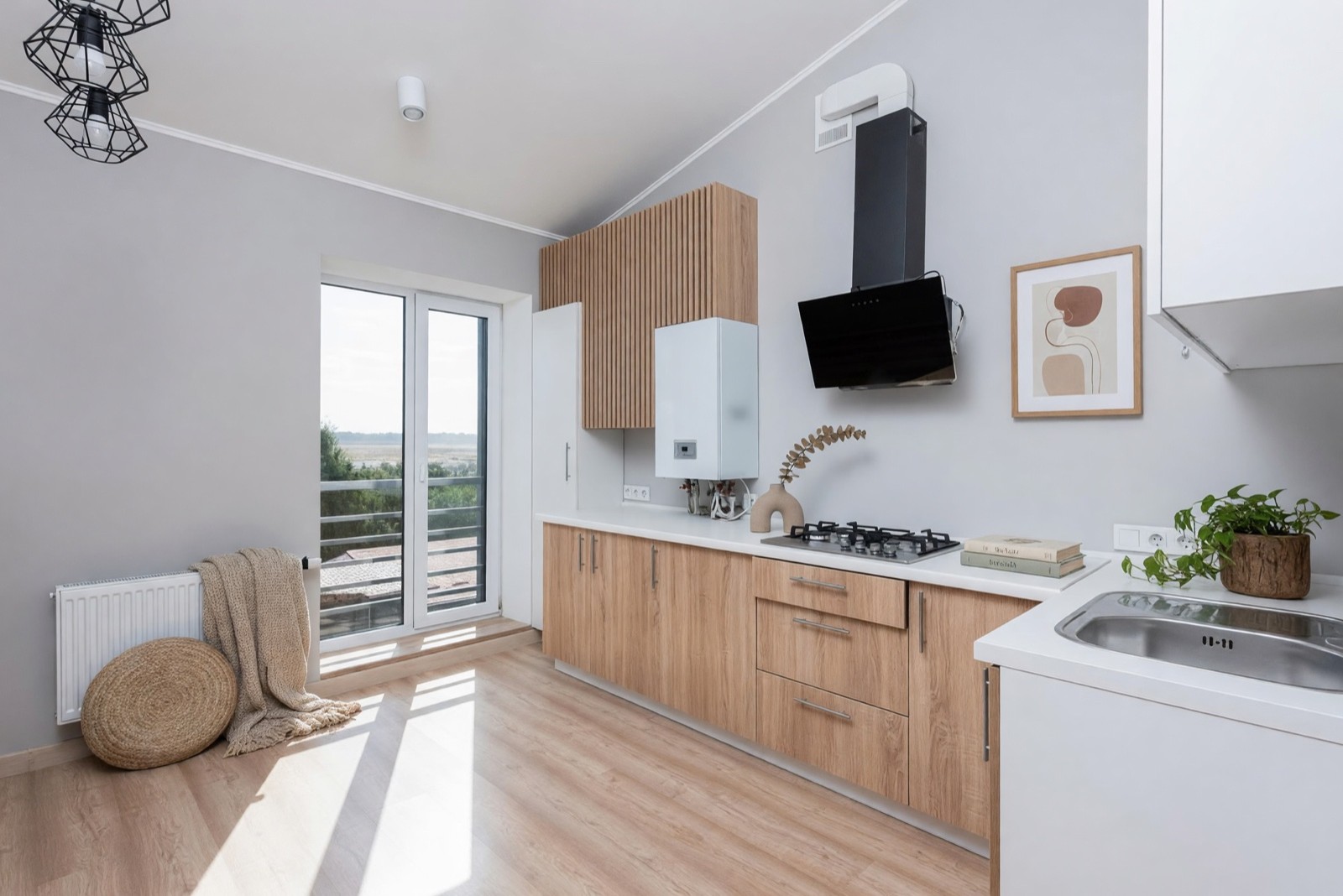
Light Touch in a kitchen
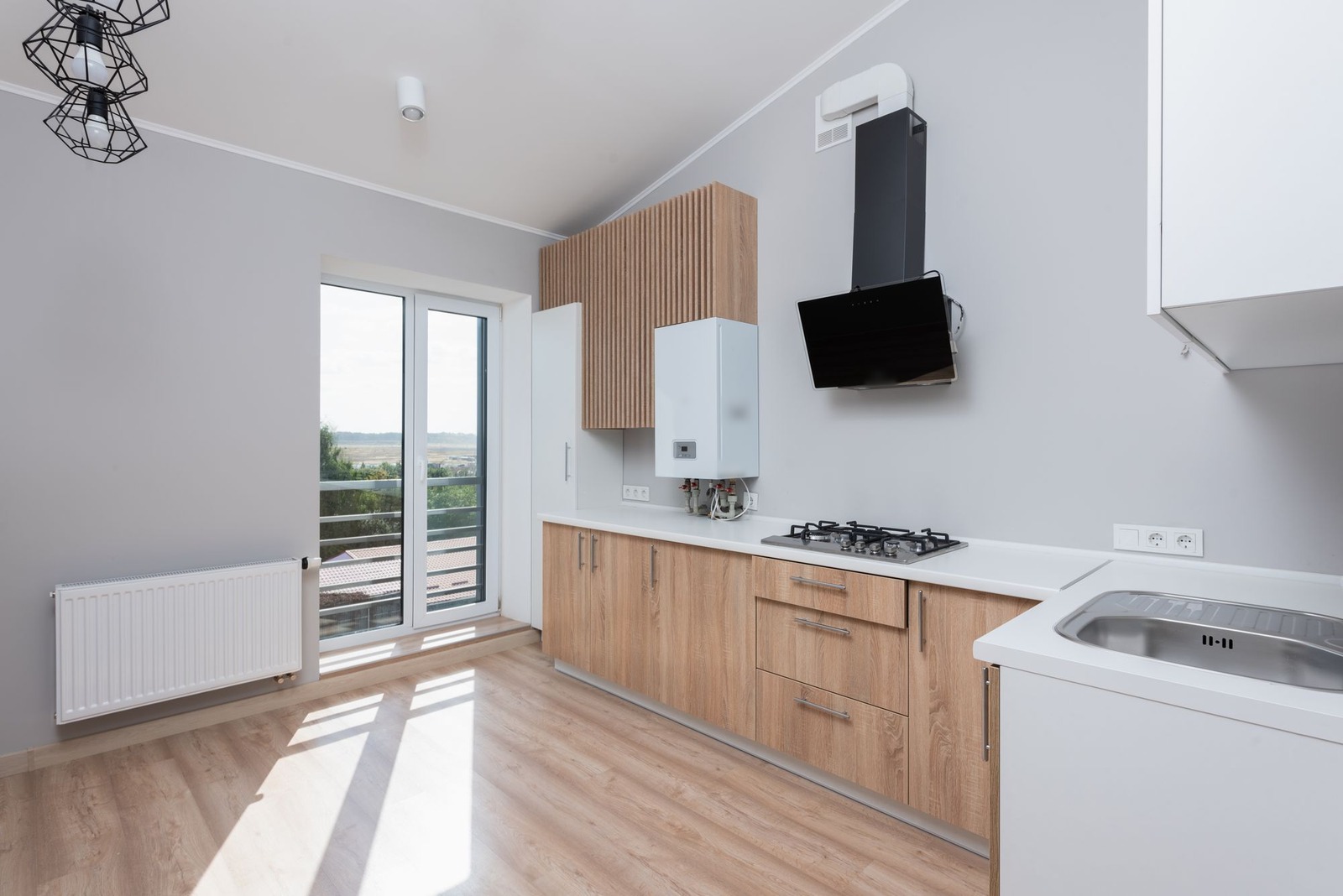
When you like a room and only want to see what a few accents would add, Light Touch is the gentlest mode. We made this kitchen twice and kept the second version. In the first, a cushion stood alone on the floor against the cabinets and looked wrong. That is a normal use of Regenerate: when an added object looks out of place, run it again.
Honest limits of a photo-based tool
A redesign of your photo is still an AI image. It can redraw small things you did not ask about, as every caption above says. In the bolder modes more of the room is repainted, so check windows, doors and fixed features again. Furniture in the result is invented: it is not a product you can order or a measured fit. Treat the picture as an idea for a conversation with your family, a designer or a contractor, not as a plan. Check measurements and details with a professional before you build or buy.
Chat assistant or photo tool: which one for what?
| What you need | A chat assistant | A photo-based tool such as Interior Design |
|---|---|---|
| Talk through goals, who uses the room and what stays | A good fit: it asks and answers in words | Not what it is for |
| Style words, palettes and a shopping checklist | A good fit | Style, palette and room are chosen from lists in the studio |
| See a style on your own room | Depends on the assistant's features; check that windows, doors and angle still match your photo | Built for it: edits your photo and keeps the walls, windows and camera angle |
| Compare before and after | Easy only when both images line up, so check each time | Both images share the same angle, so you can compare them |
| Measurements, fit and buildability | Needs your own measurements | Not a measured plan either: measure before you buy |
| A written brief for a contractor | A good fit | Use the picture as a visual aid next to the written list |
Which AI is best for interior design?
There is no single best one, because it depends on the job. A chat assistant suits planning and a written brief, and a photo-based tool suits seeing an idea on your own room. Whichever you try, four questions sort the options:
- Does it keep your real room? Windows, walls and camera angle should match your photo.
- How much control do you get? Can you say what stays, and change one thing at a time?
- What do you get back, and on what terms? Check the image size, whether free results are marked and what you may do with the picture.
- What happens to your photo? Look at who can see it and how long it is kept.
Is one chat assistant better than another for interior design?
Not in a way that lasts, because what each one can do with photos and pictures keeps changing. Give two of them the same short brief about the same room and compare the answers. The better one is the one whose advice you can check against your measurements, and whose pictures still match your windows, doors and angle.
Is there a free AI interior design tool?
Yes, but free usually comes with limits, such as a small number of designs, marked images or a feature that stays locked. Read what the free version includes before you upload a photo. Interior Design is on every plan, including the free plan, with a limited number of designs, and free designs carry a watermark. Try it on your own photo and see whether the result is useful before you decide anything else.
What about reviews of AI interior design tools?
This page has no reviews or ratings, and we do not rank tools. Someone else's review describes someone else's room. A better test is your own photo: use the same room and the same brief in each tool, then check windows, doors, angle and fixed features side by side.
How to use a chat assistant and a photo tool together
- 1. Start in chat. Describe the room, what stays and who uses it. Ask it to question you, then to suggest two or three style directions.
- 2. Choose one direction and write it in plain words, for example "warm oak, cream linen, soft morning light".
- 3. Put it on your photo. In Interior Design, pick the closest room type, style and palette. If no style matches your words exactly, pick the closest one, or choose your own colors for the palette. Start with Structural Preservation.
- 4. Compare with your original. Run through the checklist above, then change one setting and try again.
- 5. Take the result back to chat. Ask what to measure, what to buy first and what to leave out, and have it write the brief.
- 6. Measure and check with a professional before you build or order anything.
If the room is empty, Virtual Staging (Pro plan) adds furniture to it instead; for photos that go in a sale listing, read our virtual staging guide first. The HomeCompose guides page has more how-tos like this one.
How to ask a chat assistant to design a room with pictures
If your assistant accepts photos, attach yours and say what must not change before you say what should. Then ask for one change at a time and ask it to list every change it made. For example:
- "This is my living room. Keep the windows, doors, walls and camera angle as they are. Change only the sofa and the rug to a calm Scandinavian look, and list everything you changed."
Treat that list as a start, not a guarantee: an assistant can miss small changes, so run the side-by-side check above anyway. For a room-by-room walkthrough on a photo, see designing a living room with AI. If you are comparing tools, see how to choose an interior design app.
Common mistakes
- Treating a generated room picture as your room. A picture drawn from words shows a possible room, not yours.
- Skipping the side-by-side check. Compare windows, doors, angle and fixed features every time.
- Asking for everything at once. Change one thing at a time, so you see what each choice does.
- Giving vague instructions. "Make it nice" gives a generic room. Name the room, the style, what stays and the light.
- Trusting numbers and links without checking. Sizes, product names and links from any tool need your own check.
- Starting with the boldest mode. Begin gently and move up if the result stays too close to what you have.
- Sending a picture as the specification. Give a contractor measurements and a written list, with the picture as support.
Frequently asked questions
Can ChatGPT design my room?
It can help you plan one. A chat assistant is good at questions, style words, layout reasoning, color ideas, checklists and a written brief. It cannot measure your room, and a picture it draws from a description is a new picture, not your room. Use it to decide what you want, then check the details against your real room.
Can chat GPT redesign a photo of my room?
Some chat assistants can take a photo and return a restyled picture, and their features change, so check what yours offers. Whatever tool you use, put the result next to your original and check windows, doors, walls and camera angle. HomeCompose Interior Design is built for this: it edits your own photo and keeps the walls, windows and camera angle in place.
Should I use a chat AI or a photo tool?
Both, for different jobs. Use the chat assistant to work out goals, styles and a brief. Use a photo-based tool to see a direction on your own room, and go back to chat with what you saw.
Is the result a real plan?
No. A result from either kind of tool is a design idea, not a construction drawing or a measured plan. Furniture in it is invented, and the AI can redraw small details. Measure the room and check the details with a professional before you build or order anything.
Is it free to try?
Yes. You can start on the free plan, and it includes a limited number of designs.